SKU: IOWC-1114
📋 GST Invoice Available

Waveshare ESP32-S3 1.43-Inch AMOLED Display Dev Board w/ IMU

₹3,569.00 (Inclusive of all taxes)
Out of Stock

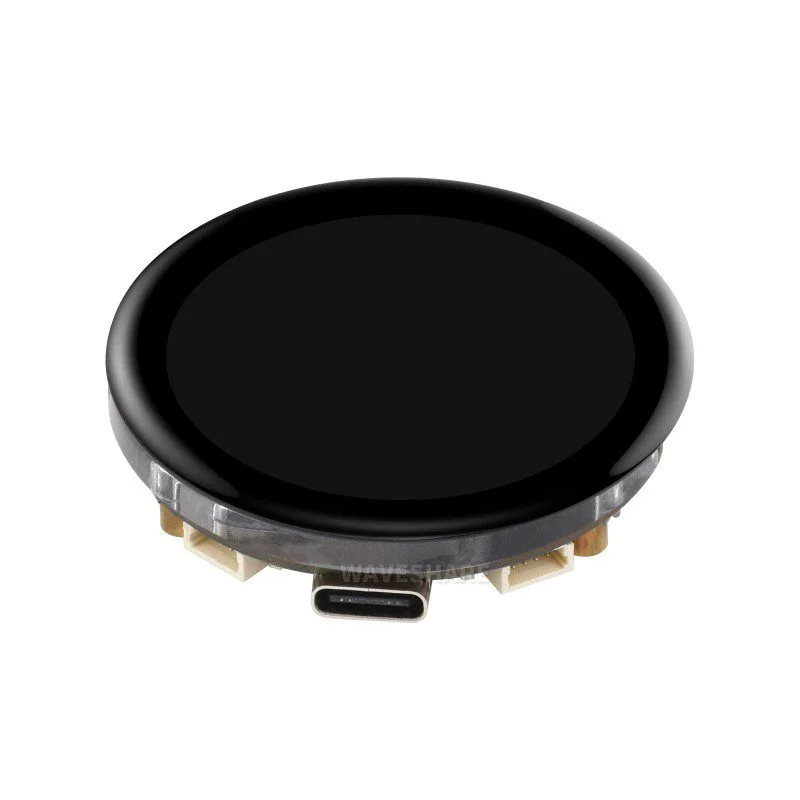
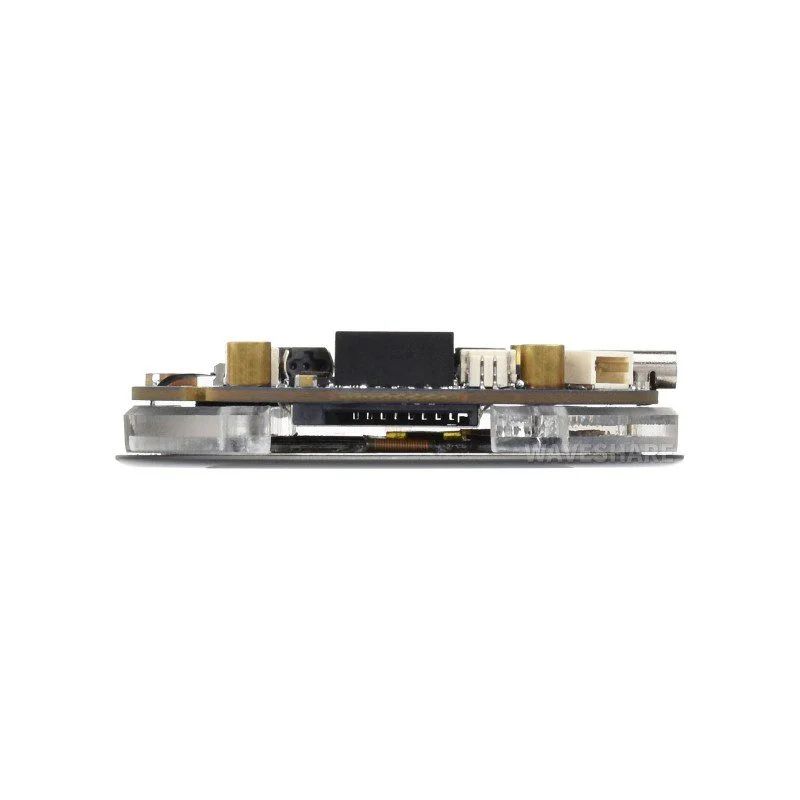
Waveshare ESP32-S3 AMOLED development board integrates a 1.43-inch round touch display, 6-axis IMU, and Wi-Fi/Bluetooth 5 for rich HMI and IoT applications. Programmable via Arduino IDE or ESP-IDF with USB-C for power, programming, and debugging.

Features

  • ESP32-S3R8 dual-core LX7 processor (up to 240MHz) with 16MB Flash & 8MB PSRAM for complex GUI and IoT logic.
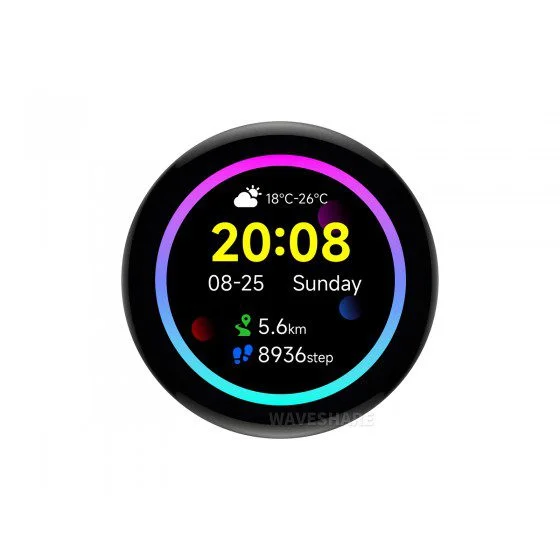
  • 1.43-inch AMOLED round display (466×466, 16.7M colors) with QSPI interface and I2C capacitive touch for smooth LVGL applications.
  • Integrated QMI8658 6-axis IMU (accelerometer & gyroscope) and PCF85063 RTC chip for motion sensing and timekeeping.
  • Dual wireless: 2.4GHz Wi-Fi (802.11 b/g/n) and Bluetooth 5 (LE) with switchable onboard/external antenna support.
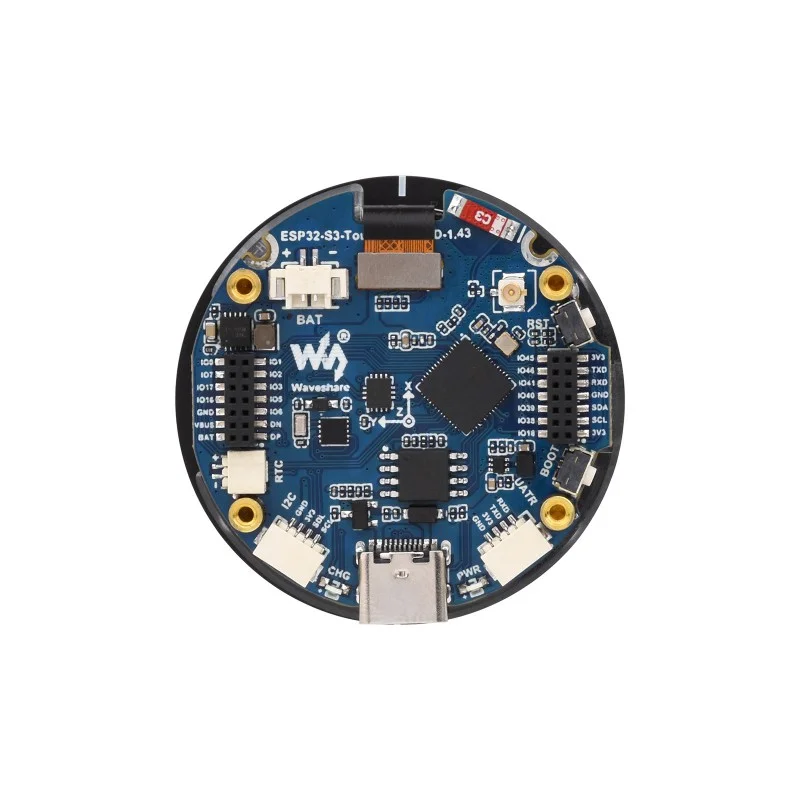
  • Expansion-ready with TF card slot, Li-Po battery header, UART/I2C connectors, and 2×14-pin GPIO headers for sensors and peripherals.

Out of stock

Description

The Waveshare ESP32-S3 AMOLED Development Board is a feature-rich platform built around the Espressif ESP32-S3R8 chip, designed for advanced Human-Machine Interface (HMI) and IoT projects requiring graphical output and sensor fusion. Its dual-core Xtensa LX7 CPU, clockable up to 240MHz, is paired with substantial 8MB PSRAM and 16MB Flash memory, enabling the smooth execution of graphics libraries like LVGL on the high-contrast, 350 cd/m² brightness AMOLED screen.

Beyond the display, the board incorporates a comprehensive sensor suite including a QMI8658 6-axis inertial measurement unit for gesture detection and a dedicated RTC with battery backup for time-critical applications. The integrated 2.4GHz Wi-Fi and Bluetooth 5 LE stack, with a configurable antenna path, provides robust wireless connectivity for data telemetry or device control. A USB Type-C port handles power delivery, firmware flashing, and serial debugging, while the extensive pin headers, TF card slot, and Li-Po battery management circuit offer full system integration capabilities for portable or remote deployments.

Key Features

  • High-performance ESP32-S3R8 SoC with dual-core LX7 processor and 240MHz clock speed for demanding applications.
  • Vibrant 1.43-inch round AMOLED display with QSPI interface and capacitive touch for responsive, colorful user interfaces.
  • Comprehensive motion sensing via onboard 6-axis IMU (accelerometer + gyroscope) for activity tracking and gesture control.
  • Flexible wireless connectivity with 2.4GHz Wi-Fi 802.11 b/g/n and Bluetooth 5 LE, featuring switchable antenna options.
  • Extended memory configuration with 16MB Flash and 8MB PSRAM supports large graphics assets and complex program logic.
  • Complete power management system includes a Li-Po battery charge/discharge circuit and RTC with backup battery support.
  • Rich expansion via TF card slot, UART/I2C SH1.0 connectors, and two rows of 1.27mm-pitch GPIO headers for peripheral attachment.
  • Streamlined development workflow with USB Type-C for programming/debugging and programmable BOOT/RST buttons.

Applications

  • Smart wearable devices and advanced fitness trackers with graphical displays.
  • Portable IoT data loggers and environmental monitors with touchscreen control.
  • Industrial HMI panels for machine control and status visualization.
  • Prototyping interactive smart home controllers and automation hubs.
  • Educational platforms for learning embedded graphics, sensor fusion, and wireless IoT.

Technical Specifications

Microcontroller / SoCEspressif ESP32-S3R8 (Dual-core Xtensa LX7, up to 240MHz)
Wireless ProtocolsWi-Fi 802.11 b/g/n (2.4GHz), Bluetooth 5 (LE)
Display1.43-inch AMOLED, 466x466 resolution, 16.7M colors
Display InterfaceQSPI
Touch InterfaceCapacitive, I2C
Onboard SensorsQMI8658 6-axis IMU (3-axis accelerometer, 3-axis gyroscope), PCF85063 RTC
Memory512KB SRAM, 384KB ROM, 16MB Flash, 8MB PSRAM
Supply Voltage5V via USB-C, 3.7V via Li-Po battery header
InterfacesUSB Type-C, UART, I2C, GPIO headers, TF card slot
Antenna ConnectorOnboard PCB antenna with resistor option for external antenna
DimensionsApprox. 11cm x 8cm x 2cm (board)

Frequently Asked Questions

How do I program this Waveshare ESP32-S3 AMOLED board?

You can program it using the Arduino IDE with the ESP32 board package or Espressif's official ESP-IDF framework. Connect the USB Type-C port to your computer, select the correct COM port, and choose 'ESP32S3 Dev Module' as the target. The board supports direct firmware upload over USB-C for both power and data transfer, simplifying the development workflow. Ensure you install necessary libraries for the AMOLED display and IMU sensor.

Can I use an external antenna with this board for better Wi-Fi range?

Yes, the board supports an external antenna. You must desolder the zero-ohm resistor connecting the RF path to the onboard PCB antenna and solder it to the pad for the external antenna connector. Then, you can attach a 2.4GHz Wi-Fi/Bluetooth antenna with an IPEX or SMA connector to the onboard u.FL socket, which typically provides improved range and signal strength in challenging RF environments.

How do I power the board for portable or battery-operated projects?

For portable use, connect a 3.7V Lithium polymer battery to the onboard MX1.25 battery header. The integrated charging circuit manages recharge via the USB-C port. The RTC chip can be backed up with a separate coin cell on its SH1.0 header for maintaining time during deep sleep. Monitor total current draw, as the AMOLED display and active wireless radios will be the primary power consumers during operation.

What libraries are needed to drive the AMOLED display and IMU sensor?

For the 1.43-inch AMOLED display using the QSPI interface, you will need a compatible graphics library like LVGL and its ESP32-S3 drivers. The capacitive touch is handled via I2C. For the QMI8658 6-axis IMU, search for a dedicated 'QMI8658' or 'IMU' library compatible with Arduino or ESP-IDF. Waveshare often provides example code and libraries on their wiki or GitHub repository to accelerate development with these onboard peripherals.

What is the purpose of the BOOT and RST buttons on the board?

The RST button performs a hardware reset of the ESP32-S3 microcontroller. The BOOT button, when held down during power-up or reset, forces the chip into download mode for firmware flashing. You can also reprogram the BOOT button's GPIO assignment in your code for custom user input, such as a menu selector or system wake-up trigger, providing flexibility for your application's control scheme.

Package Includes

  • 1 x ESP32-S3-Touch-AMOLED-1.43 Development Board
  • 2 x SH1.0 4PIN cable (~100mm length)

Additional Information

Weight 0.042 kg
Dimensions 8 × 11 × 2 cm