SKU: IOWC-0435
📋 GST Invoice Available

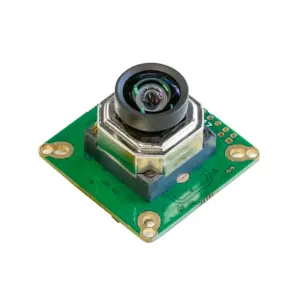
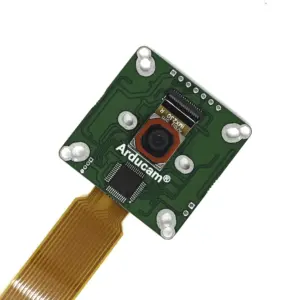
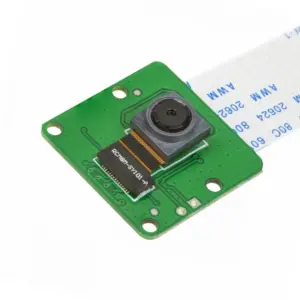
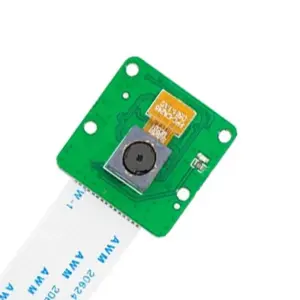
Arducam OV5647 5MP Mini Camera Module for Raspberry Pi

₹1,499.00 (Inclusive of all taxes)
Out of Stock

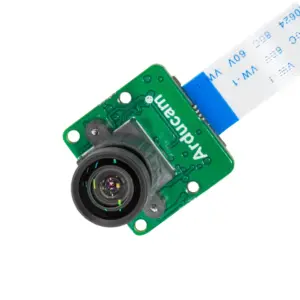
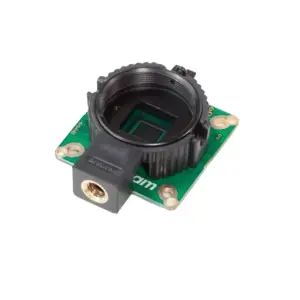
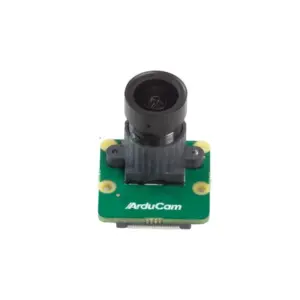
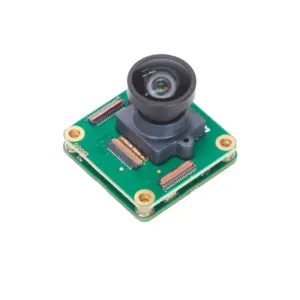
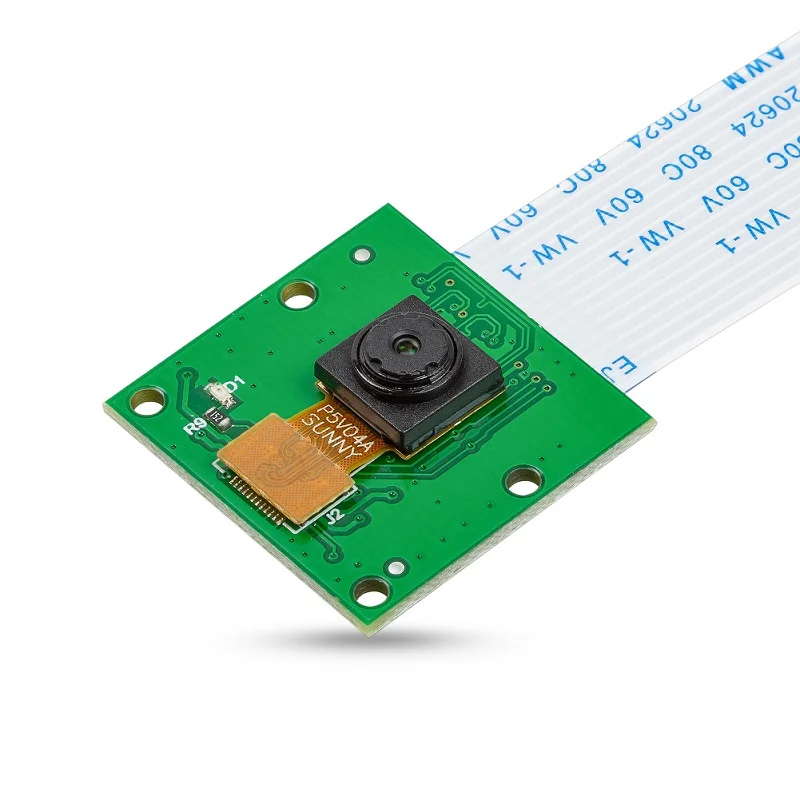
This Arducam OV5647 5MP mini camera module connects directly to Raspberry Pi boards via a 15-pin MIPI CSI-2 interface, providing a compact solution for embedded computer vision, video streaming, and IoT applications with 1080p30 video support.

Features

  • 5MP OV5647 sensor delivers 2592 x 1944 still images and 1080p30 video for clear visual data capture.
  • Compact 25mm x 24mm form factor with a 15cm ribbon cable enables easy integration into space-constrained Raspberry Pi projects.
  • Direct connection via the dedicated 15-pin MIPI CSI-2 interface ensures high-bandwidth, low-latency communication with the Pi’s processor.
  • Wide 54°×41° field of view with a fixed-focus lens (1m to infinity) is suitable for general-purpose monitoring and vision tasks.
  • Compatible with all official Raspberry Pi models, supporting standard camera software libraries and frameworks.

Out of stock

Description

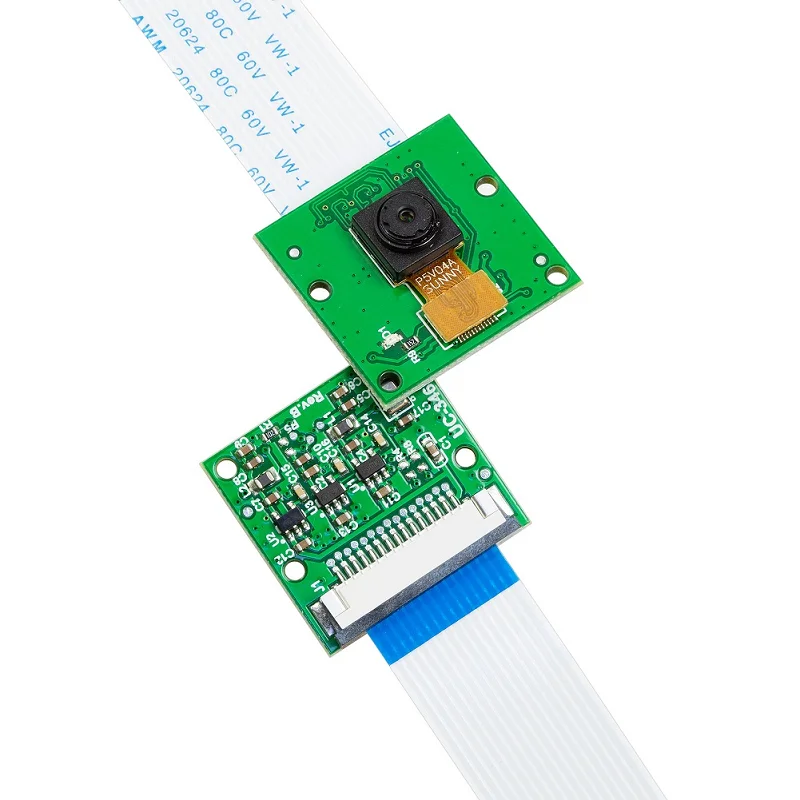
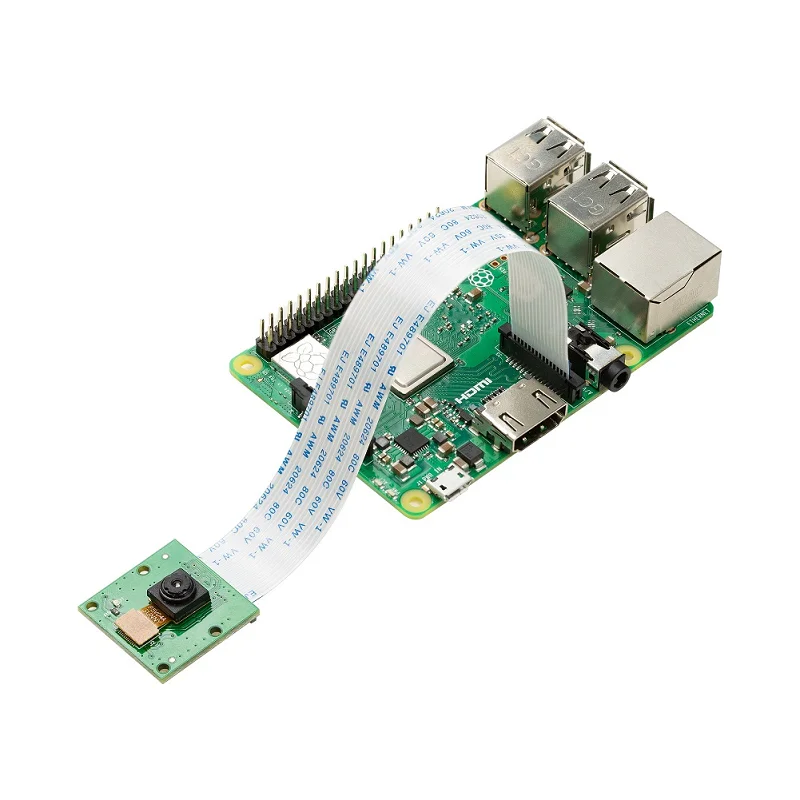
The Arducam OV5647 Mini Camera Module is a compact imaging solution designed for the Raspberry Pi ecosystem. It interfaces with the Pi’s BCM2835/BCM2836 SoC via the dedicated Camera Serial Interface (CSI-2) bus, a high-bandwidth connection optimized for transferring pixel data with minimal processor overhead. This direct link, facilitated by the included flat ribbon cable, ensures efficient video capture for embedded applications.

Based on the OmniVision OV5647 sensor, the module provides a native 5-megapixel resolution capable of still images up to 2592 x 1944 pixels and video streaming at 1080p30, 720p60, or 640x480p60/90. Its small footprint and low power operation make it ideal for mobile or portable IoT devices where size and image quality are critical. The fixed-focus lens offers a practical field of view for general monitoring, prototyping, and educational projects within the Raspberry Pi environment.

Key Features

  • High-resolution 5-megapixel OmniVision OV5647 image sensor for detailed stills and video.
  • Compact and lightweight design (25x24mm, 4g) perfect for mobile and embedded installations.
  • Standard 15-pin MIPI CSI-2 connector with a 15cm ribbon cable for direct Raspberry Pi attachment.
  • Supports multiple video modes including 1080p at 30fps for full HD streaming.
  • Wide 54° horizontal by 41° vertical field of view captures a broad scene.
  • Fixed-focus lens optimized for subjects from 1 meter to infinity.
  • Low operating voltage range (3.3V to 5V) compatible with Raspberry Pi GPIO power.
  • Seamless software integration using standard Raspberry Pi Camera Module libraries.

Applications

  • Raspberry Pi-based computer vision and machine learning prototyping.
  • DIY security monitoring, pet cameras, and baby monitors.
  • Embedded video streaming for drones, robotics, and portable devices.
  • Educational projects for learning image processing and IoT video applications.
  • Time-lapse photography and environmental monitoring stations.

Technical Specifications

Image SensorOmniVision OV5647
Resolution5 MP (2592 x 1944 pixels)
Video Support1080p30, 720p60, 640x480p60/90
Field of View (FOV)54° × 41°
Lens FocusFixed, 1m to Infinity
Interface15-pin MIPI Camera Serial Interface (CSI-2)
Cable15 cm Flat Ribbon Cable
Supply Voltage3.3V to 5V
Dimensions25 mm (L) x 24 mm (W)
Weight4 grams

Frequently Asked Questions

How do I connect this Arducam module to my Raspberry Pi?

Locate the MIPI CSI-2 camera port on your Raspberry Pi board, typically between the HDMI and Ethernet ports. Gently lift the plastic clip on the port, insert the ribbon cable from the camera with the contacts facing towards the HDMI port, then press the clip back down to secure the connection. Ensure the cable is fully seated for a reliable data link. Power the Pi and enable the camera interface via `raspi-config` or the Raspberry Pi OS settings menu.

What software is needed to use this camera with a Raspberry Pi?

Use the standard Raspberry Pi Camera software stack. Enable the camera interface via `sudo raspi-config` under 'Interface Options'. You can then use the `libcamera` suite (e.g., `libcamera-hello`, `libcamera-jpeg`) for modern Bullseye/Buster OS versions or the legacy `raspistill` and `raspivid` commands on older systems. Python libraries like Picamera2 provide a powerful API for capturing images, recording video, and applying real-time effects within your custom Python scripts for IoT applications.

What is the power requirement and how should I supply it?

The module operates on a voltage range from 3.3V to 5V and draws power directly from the Raspberry Pi's CSI connector, so no external power supply is needed. Ensure your Raspberry Pi's power adapter can provide sufficient current for the entire system, including the camera. The module's low power consumption makes it suitable for battery-powered portable projects. Avoid connecting or disconnecting the ribbon cable while the Pi is powered on to prevent potential damage to the interface.

Package Includes

  • 1 x Arducam OV5647 5MP Mini Camera Module
  • 1 x 15 cm MIPI CSI-2 Ribbon Cable

Additional Information

Weight 0.004 kg
Dimensions 2.5 × 2.4 cm