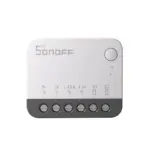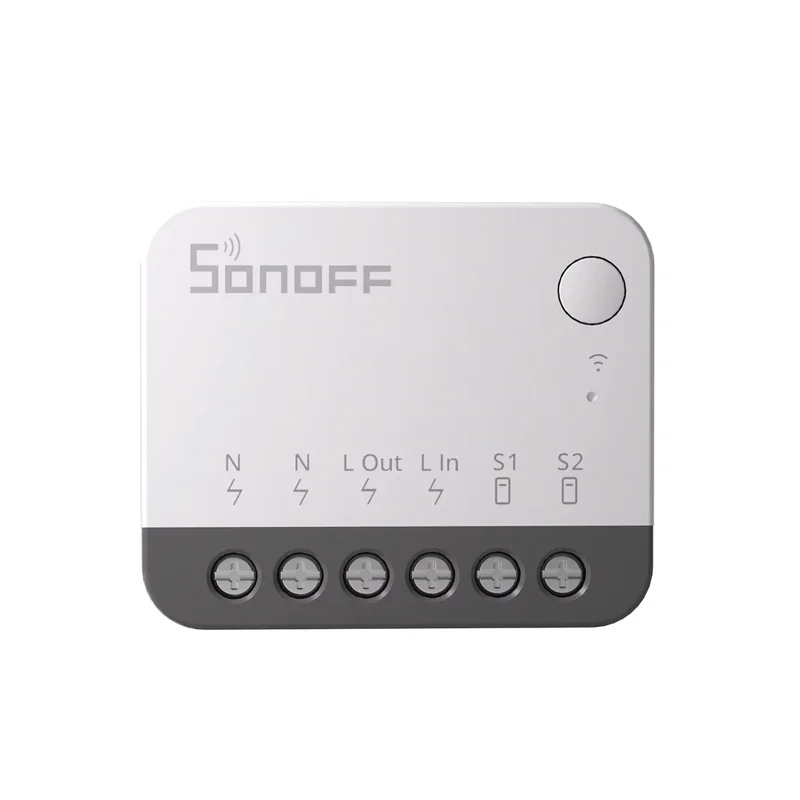
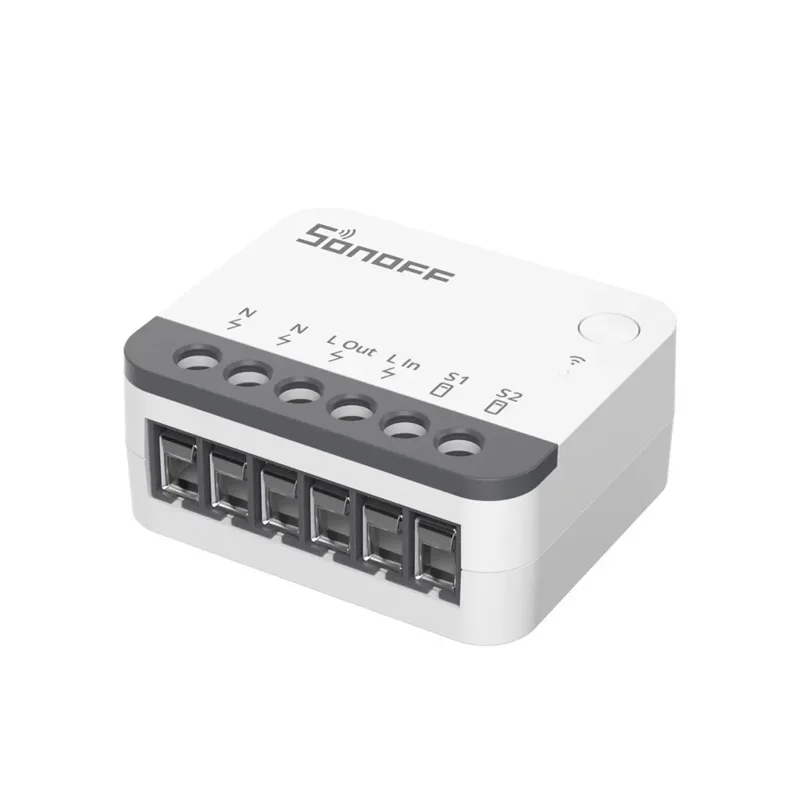
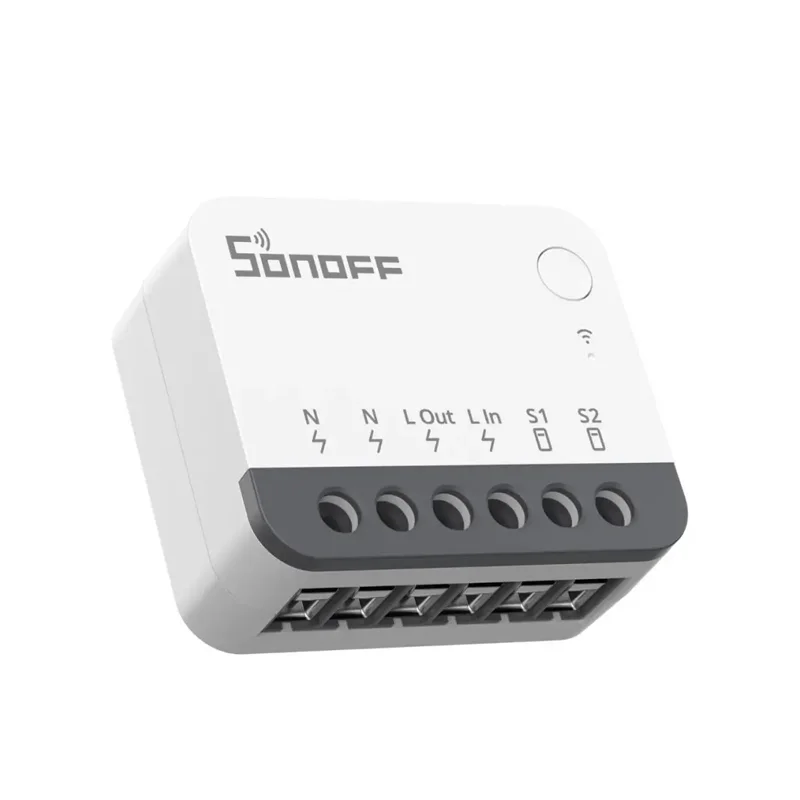
SKU: IOWC-1480
📋 GST Invoice Available

Sonoff ZBMINIR2 ZigBee Smart External Switch

₹1,109.00 (Inclusive of all taxes)
Out of Stock

The Sonoff ZBMINIR2 is a ZigBee 3.0 smart external switch module designed to retrofit traditional wall switches, enabling smart control via platforms like Home Assistant. It features a Turbo Router mode to extend your ZigBee mesh network and a Detach Mode to keep smart bulbs online.

Features

  • Retrofit existing toggle or push-button wall switches into smart controls without rewiring.
  • Functions as a ZigBee 3.0 router with Turbo Mode to boost signal range and eliminate network dead zones.
  • Detach Mode ensures connected smart bulbs remain powered and online even when the physical switch is off.
  • Delayed Power-On feature protects sensitive devices from potential damage caused by power surges after an outage.
  • Compact, off-white design (39.5mm x 33mm) fits easily behind switch plates for a clean installation.

Out of stock

Description

The Sonoff ZBMINIR2 ZigBee Smart External Switch is a compact module engineered for seamless integration into existing home electrical setups. It acts as a bridge, converting standard mechanical wall switches into intelligent nodes within a ZigBee 3.0 mesh network, compatible with major third-party smart home ecosystems.

Beyond simple control, the module enhances overall network reliability by functioning as a ZigBee router. Its Turbo Mode actively strengthens and extends signal coverage, improving connectivity for other devices. The integrated Detach Mode solves a common smart lighting issue by decoupling the switch’s power circuit, allowing smart bulbs to remain connected and responsive even when the wall switch is in the off position.

Key Features

  • Smart Switch Retrofit: Enables smart control of lights and appliances using existing wall switch wiring and mechanisms.
  • ZigBee 3.0 Router with Turbo Mode: Expands and strengthens your ZigBee mesh network, providing up to 5x wider coverage to eliminate dead zones.
  • Detach (Decoupled) Mode: Keeps smart bulbs powered and connected to the network even when the physical switch is turned off, preventing them from going offline.
  • Delayed Power-On Protection: Incorporates a startup delay to shield connected devices from inrush current and voltage spikes following a power restoration.
  • Broad Mechanical Switch Compatibility: Works with common toggle, push-button, and momentary switch types.
  • Compact Form Factor: Designed to fit neatly behind standard switch plates in electrical backboxes.
  • Third-Party Platform Integration: Fully compatible with ZigBee 3.0 gateways for use with systems like Home Assistant, Zigbee2MQTT, and others.

Applications

  • Retrofitting traditional light switches in homes and apartments for smart lighting control.
  • Extending ZigBee network range and reliability in large or multi-story buildings.
  • Creating smart control for fans, bathroom heaters, or other appliances connected to wall switches.
  • Integrating with third-party smart home platforms like Home Assistant for advanced automation scenarios.

Technical Specifications

Model / NameZBMINIR2 ZigBee Smart External Switch
Wireless ProtocolZigBee 3.0
Max Load2400W @ 240V AC
Supply Voltage100-240V AC
Operating Temperature-10°C to 40°C
Dimensions (L x W)39.5 mm x 33 mm
Weight26.7 g
Material / ColorPC V0 (Off-White)

Frequently Asked Questions

How do I connect the ZBMINIR2 to my existing wall switch?

The ZBMINIR2 wires in series with your existing switch. Connect the module's L and N terminals to your mains live and neutral. Then, connect the switch output terminal to your light load. The physical switch controls the module, which then sends ZigBee commands. Always ensure power is off at the circuit breaker before installation and consult an electrician if unsure.

What is Detach Mode and how do I enable it?

Detach Mode decouples the physical switch from cutting power to the connected smart bulb. This keeps the bulb powered and online for remote control even when the switch is off. Enable it via your ZigBee gateway's companion app (e.g., Sonoff, Home Assistant) by toggling the Decoupled Mode setting for the device after it's paired and connected to your network.

Can the ZBMINIR2 work with a 3-way (multi-location) light switch setup?

The ZBMINIR2 is designed for single-pole switch circuits. In a 3-way setup, you would typically need to replace one of the switches with a dedicated ZigBee 3-way switch or use a different wiring configuration. It is not recommended to install the ZBMINIR2 directly in a standard 3-way circuit without modification, as it may not function correctly.

How do I pair the ZBMINIR2 with my ZigBee gateway or Home Assistant?

Put your ZigBee coordinator (e.g., Sonoff Dongle, ConBee) into pairing mode. Then, quickly press the physical button on the ZBMINIR2 four times. The LED indicator will flash rapidly, indicating it is in pairing mode. The device should then appear in your gateway's list of discovered devices. Follow your specific platform's instructions to complete the integration and naming.

Package Includes

  • 1 x Sonoff ZBMINIR2 ZigBee Smart External Switch

Additional Information

Weight 0.0267 kg
Dimensions 3.95 × 3.3 cm