SKU: IOWC-0976
📋 GST Invoice Available

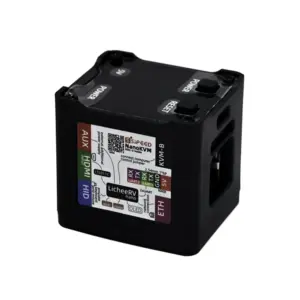
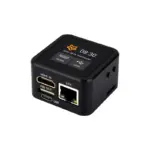
Luckfox PicoKVM IP Remote Management Tool w/ Case & 1.54-Inch Touch Display

₹8,839.00 (Inclusive of all taxes)
Out of Stock

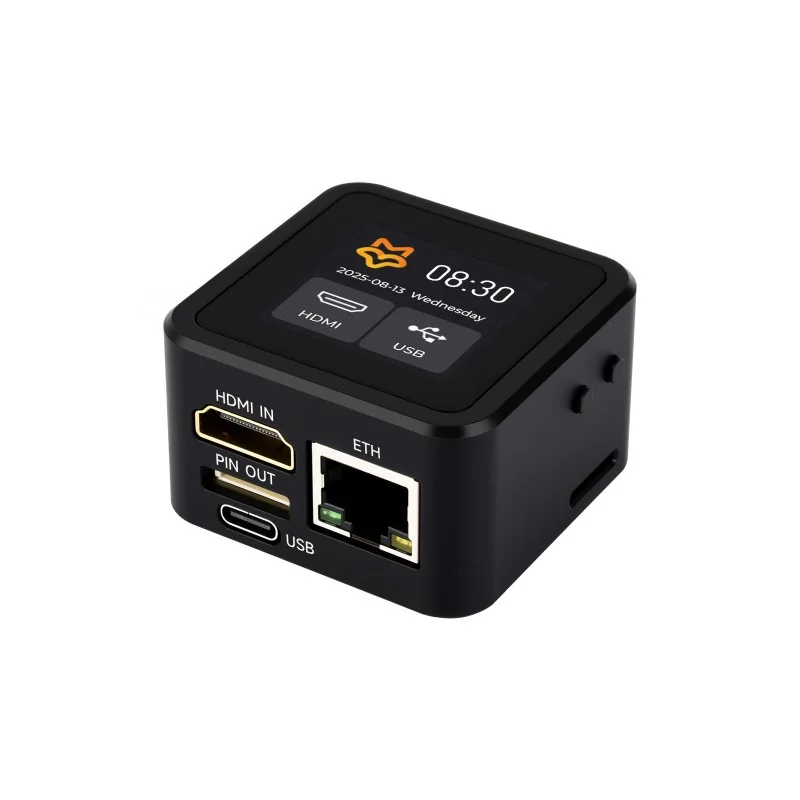
The Luckfox PicoKVM is a lightweight IP-based KVM remote management tool featuring a 1.54-inch touch display, enabling out-of-band access for server and PC control via a web browser with 1080p60 H.264 video encoding and USB HID emulation.

Features

  • RV1106G3 Cortex-A7 processor (1.2GHz) with 256MB DDR3 RAM and 8GB eMMC storage for responsive remote management.
  • 1080p @ 60fps HDMI video capture with H.264 hardware encoding for low-latency, high-quality remote desktop streaming.
  • Integrated USB HID emulation for remote keyboard, mouse, and storage device control, enabling full BIOS/UEFI access.
  • Built-in 100 Mbps Ethernet port ensures stable, dedicated network connectivity for reliable out-of-band management.
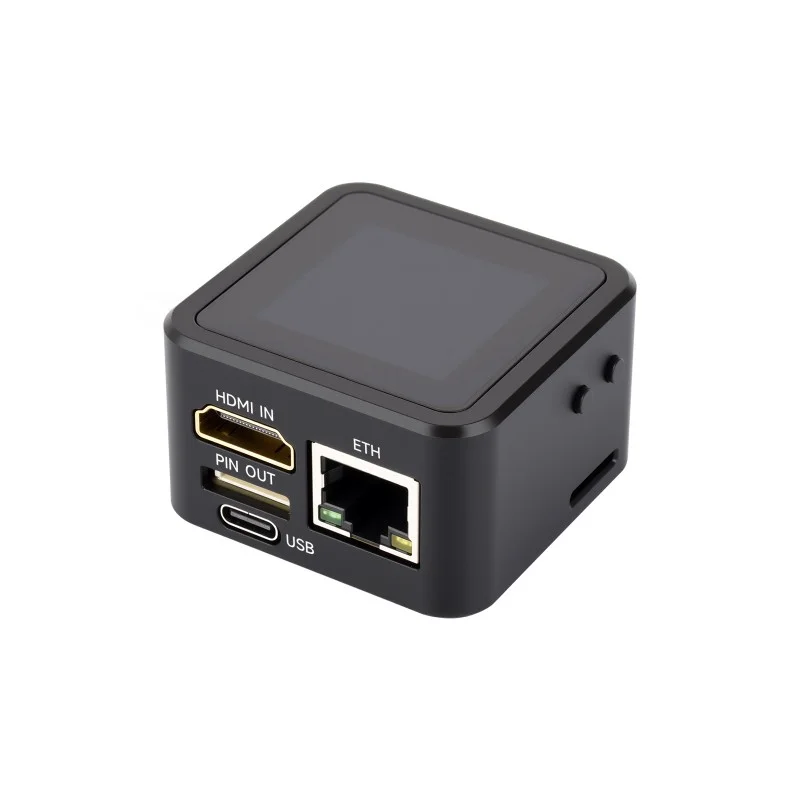
  • Compact, cased design with a 1.54-inch touchscreen display for local status monitoring and basic interaction.

Out of stock

Description

The Luckfox PicoKVM is a dedicated hardware appliance designed for out-of-band server and workstation management. It provides a physical HDMI input and USB connection to a host machine, capturing its video output and translating network commands into USB HID signals for complete remote control. This enables IT administrators and developers to perform tasks like OS installation, BIOS configuration, and troubleshooting from anywhere with network access, independent of the host’s operating system state.

Built around the efficient RV1106G3 SoC, the device handles real-time video encoding and network communication with minimal power draw. The integrated 1.54-inch touch display offers local device status and a basic control interface. Its compact, enclosed form factor makes it ideal for deployment in data centers, lab environments, or embedded alongside development boards where reliable remote access is critical.

Key Features

  • Out-of-band IP KVM functionality for remote server and PC management.
  • Real-time 1080p60 HDMI video capture with H.264 hardware encoding.
  • USB Human Interface Device (HID) emulation for keyboard, mouse, and virtual storage.
  • Low-latency video transmission (80-200ms) suitable for responsive remote control.
  • Driver-free web-based access interface for easy connectivity from any modern browser.
  • Supports remote access to system BIOS/UEFI settings and pre-boot environments.
  • Compact and rugged enclosure for easy integration into rack or desktop setups.
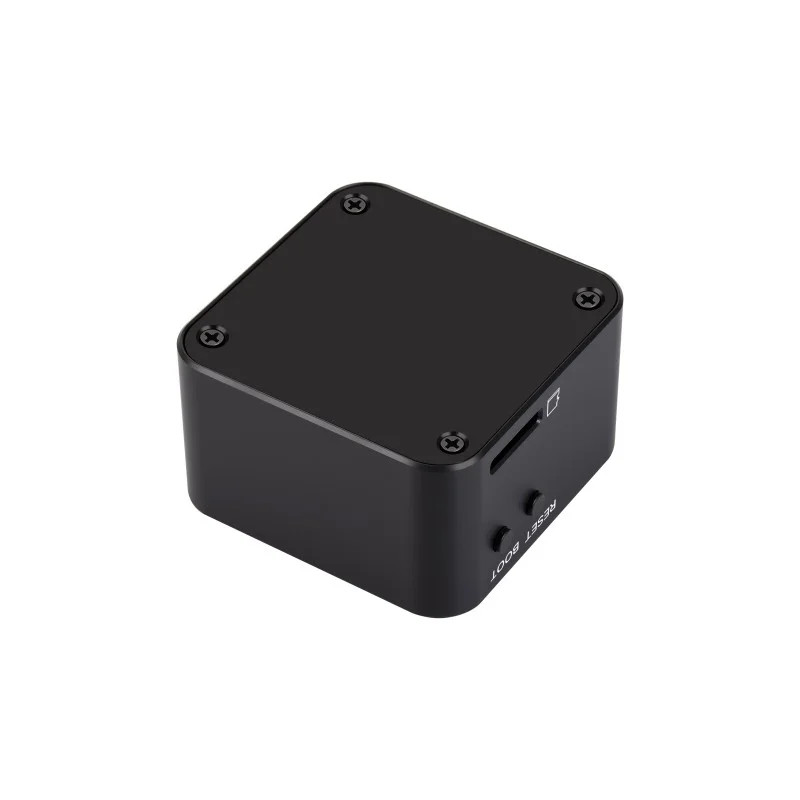
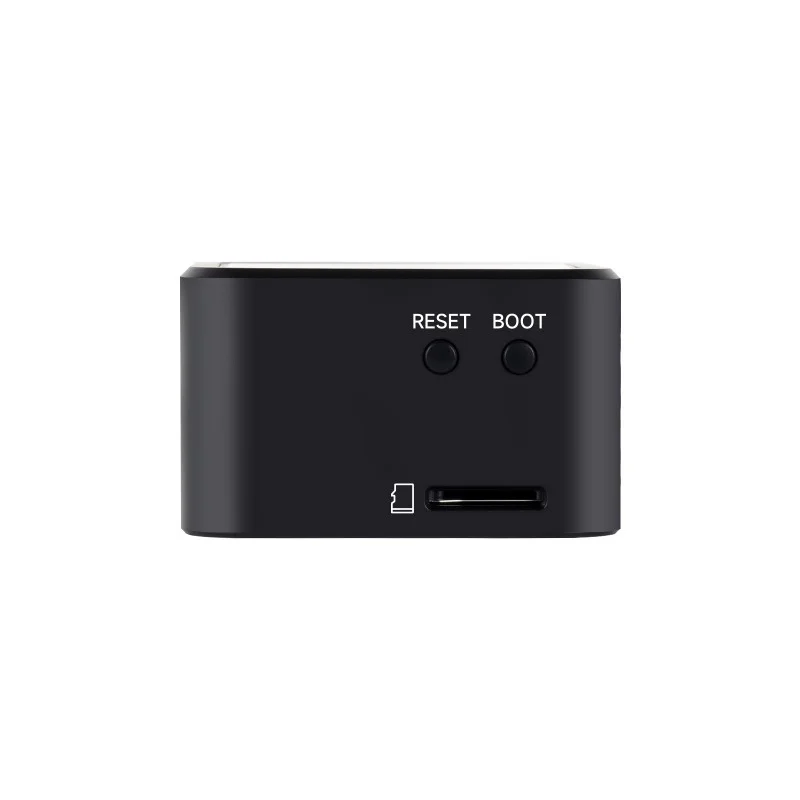
  • TF card expansion slot for additional storage or custom firmware/logs.

Applications

  • Remote server management and troubleshooting in data centers.
  • Out-of-band access for headless embedded systems and development boards.
  • BIOS/UEFI configuration and OS installation for remote PCs.
  • Lab and testing environment management for IT administrators.
  • Lightweight KVM solution for homelabs and maker projects.

Technical Specifications

Processor / SoCRV1106G3 (1x Cortex-A7 @ 1.2GHz)
Memory256MB DDR3
Storage8GB eMMC
Video InputHDMI (up to 1080p @ 60fps)
Video EncodingH.264
Network Interface100 Mbps Ethernet
Control InterfaceUSB Type-C (Power & HID Emulation)
Local Display1.54-inch Touchscreen
ExpansionTF Card Slot
Dimensions (LxW)46mm x 46mm (board), Case included
Weight72g (device)

Frequently Asked Questions

How do I connect and set up the Luckfox PicoKVM?

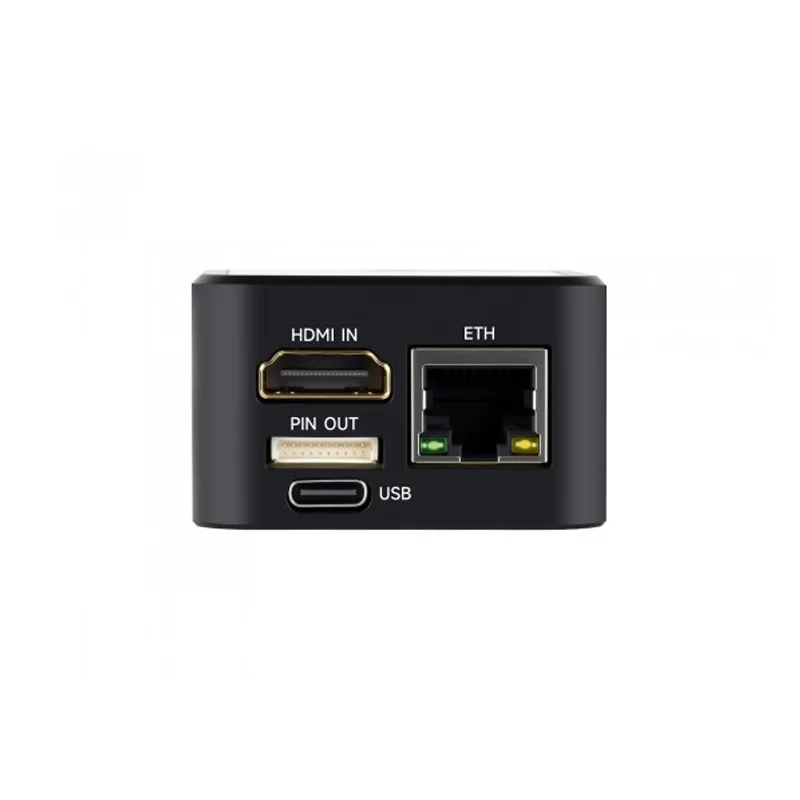
Connect the PicoKVM's HDMI input to your target server or PC's video output. Connect its USB Type-C port to the target's USB port for HID control. Power the PicoKVM via its second USB-C port. Connect its Ethernet port to your network. The device will obtain an IP address via DHCP, which you can find using a network scanner or by checking your router's client list. Then, access the provided IP address in a web browser to begin remote control.

What is the video latency, and can I access the BIOS remotely?

The typical video streaming latency ranges from 80ms to 200ms, depending on network conditions and encoding settings. Yes, a key feature of this hardware KVM is its ability to provide full remote access to the BIOS or UEFI settings of the connected host. Since it emulates a physical USB keyboard and mouse at the hardware level, it can send key presses (like F2, DEL) during boot, allowing complete control from the power-on self-test (POST) through the operating system load.

Does the PicoKVM require any software installation on the host or client?

No software installation is required on the host (target) machine or the client (controlling) computer. The PicoKVM appears as a standard USB HID device to the host. You control it by accessing its built-in web interface from any modern web browser (Chrome, Firefox, Edge) on your client machine. This driver-free, browser-based access simplifies deployment and enhances security, as no agents or special software need to be installed on the systems being managed.

Package Includes

  • 1 x Luckfox PicoKVM Lightweight IP KVM Remote Management Tool (with case and 1.54-inch touch display)

Additional Information

Weight 0.072 kg
Dimensions 4.6 × 4.6 cm