SKU: IOWC-0900
📋 GST Invoice Available

Luckfox PicoKVM Lite IP KVM Remote Management Tool w/ 1.54-Inch Display

₹7,759.00 (Inclusive of all taxes)
Out of Stock

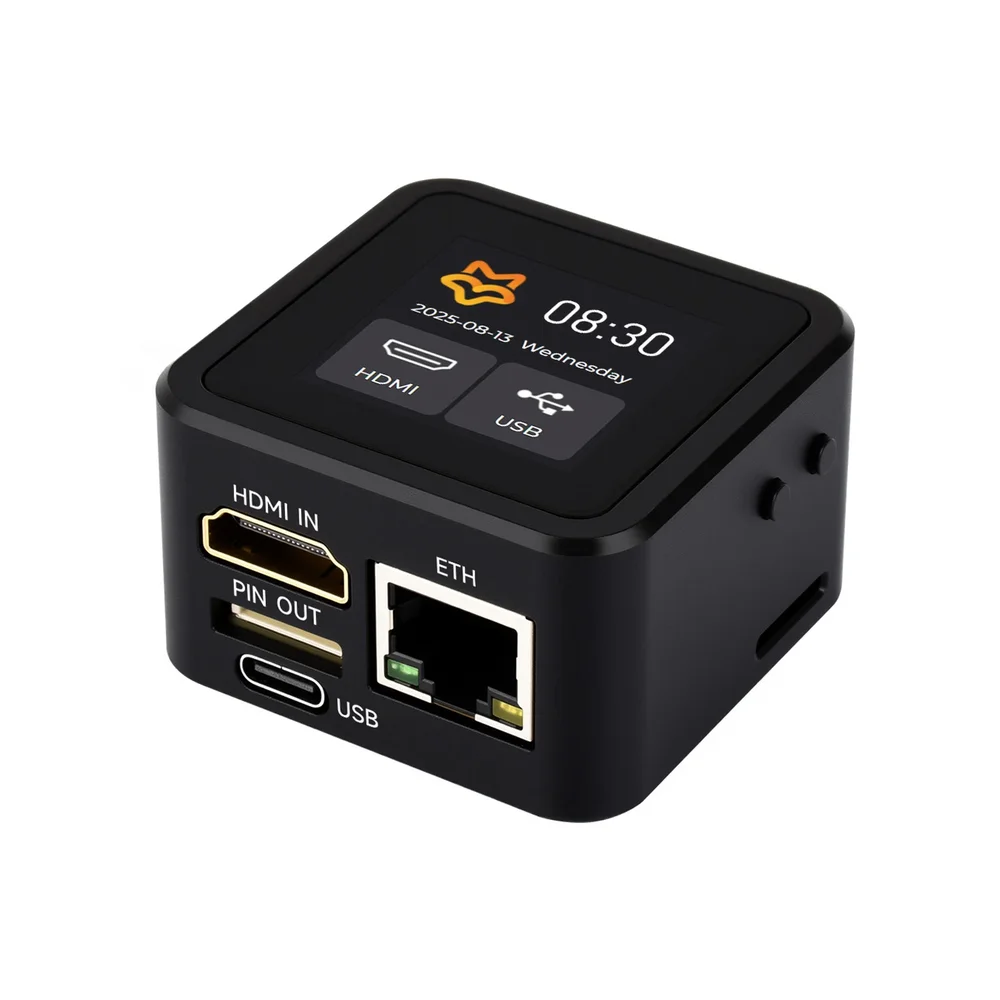
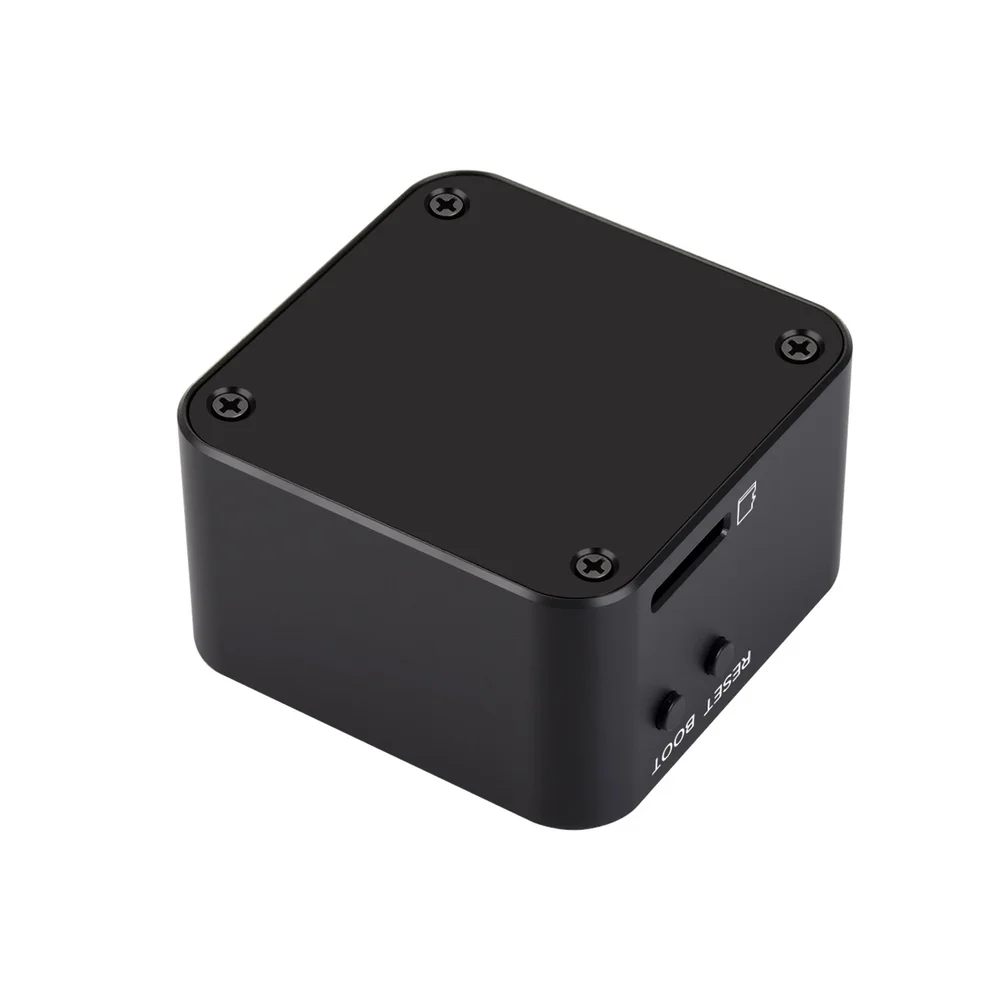
The Luckfox PicoKVM Lite is a lightweight IP KVM device powered by an RV1106G3 processor, enabling remote BIOS/UEFI-level management of PCs and servers via a web interface over 10/100Mbps Ethernet. It features a 1.54-inch status display, 1080P@60fps HDMI video capture, and USB HID emulation for keyboard/mouse control, requiring a TF card for storage.

Features

  • RV1106G3 processor with 256MB DDR3 memory for reliable remote KVM functionality.
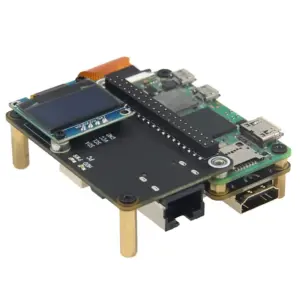
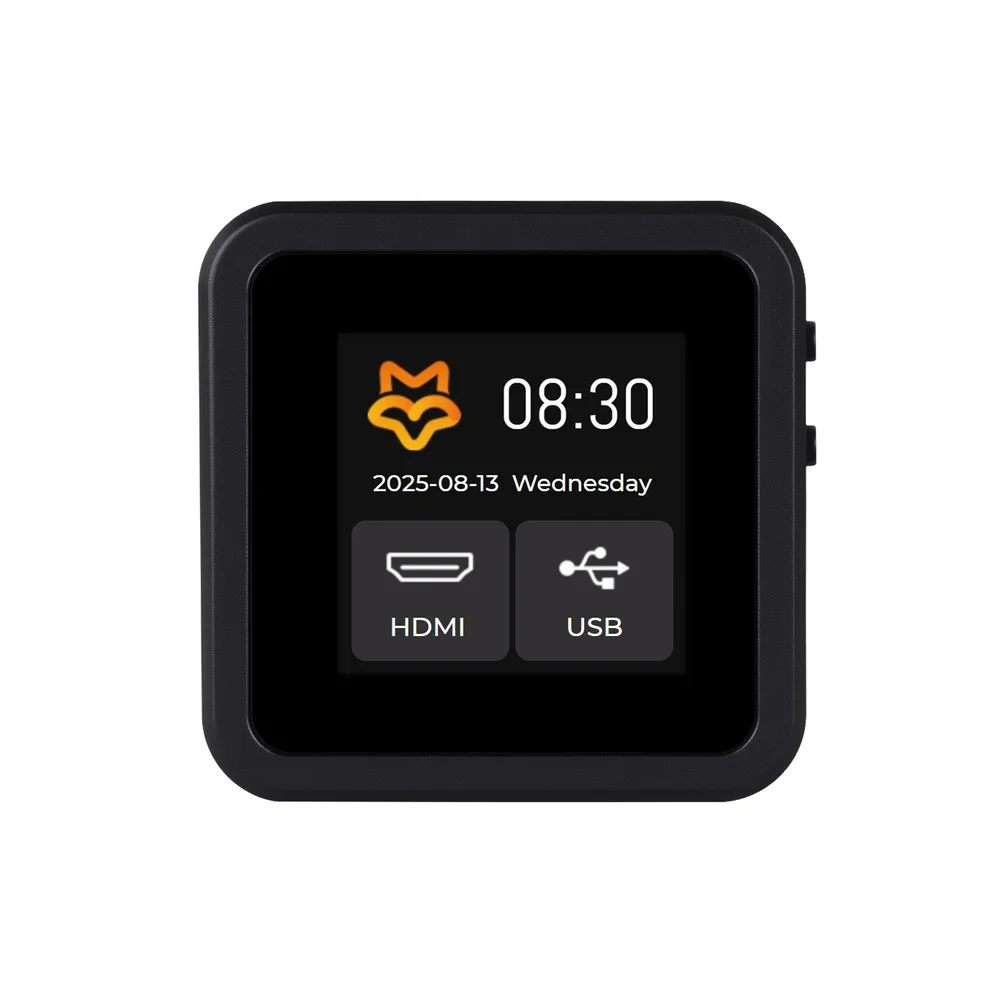
  • 1.54-inch 240×240 LCD display for real-time monitoring of IP address and system status.
  • HDMI input supports 1080P@60fps video capture with H.264/H.265 encoding for low-latency remote viewing.
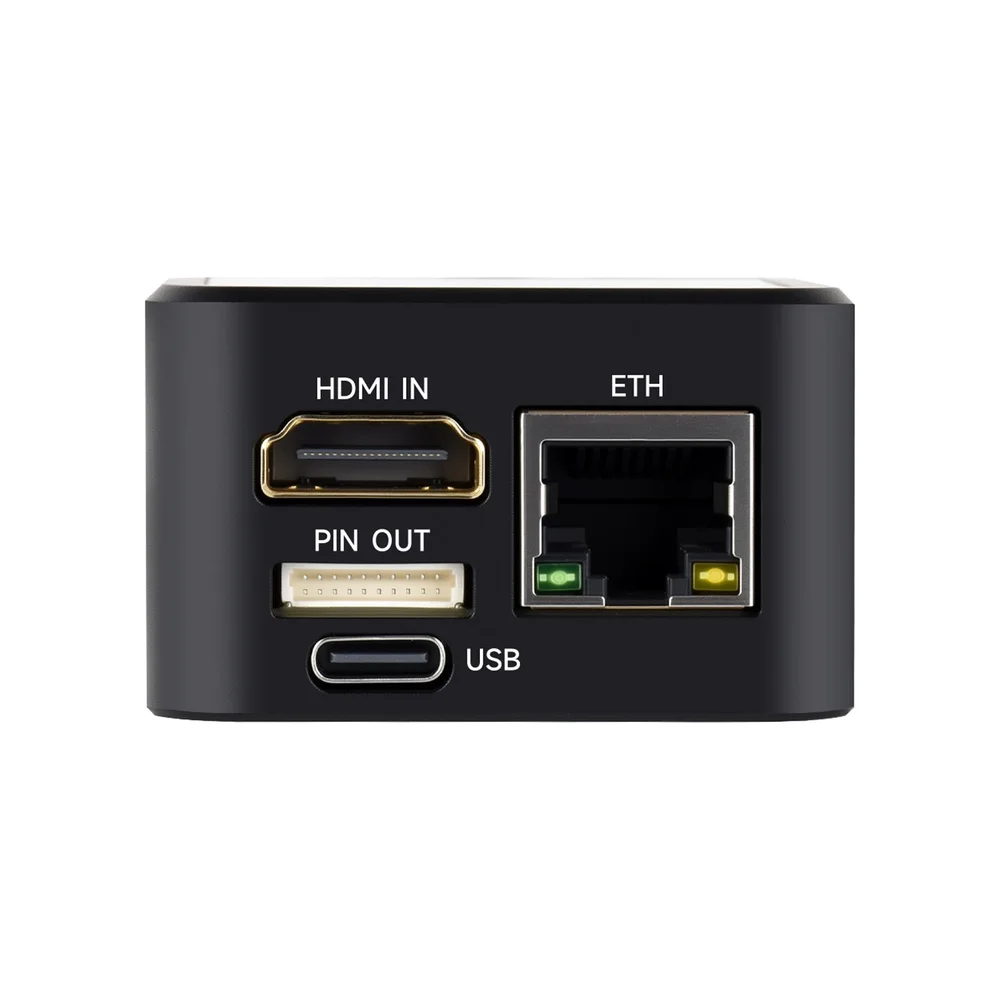
  • USB Type-C interface provides power and enables keyboard, mouse, and storage device emulation.
  • 10/100Mbps Ethernet connectivity for network-based remote management and Wake-on-LAN support.

Out of stock

Description

The Luckfox PicoKVM Lite is a compact, dedicated hardware solution for out-of-band server and PC management. Built around the RV1106G3 SoC, it combines video capture, USB Human Interface Device (HID) emulation, and network connectivity into a single device for remote administration. Its architecture allows for direct access to system BIOS/UEFI, enabling troubleshooting and configuration without physical presence.

Operating on external TF card storage, the device runs the custom PicoKVM software stack, providing a secure web interface for video streaming and input control. The integrated 1.54-inch display offers immediate visual feedback on network status and operation mode, making it suitable for deployment in data centers, lab environments, and for managing headless embedded development systems.

Key Features

  • Full IP-based KVM over IP functionality for remote PC and server management.
  • Low-latency HDMI video capture (80-200ms) at 1080P@60fps resolution.
  • USB HID emulation simulates a keyboard and mouse for complete remote control.
  • Wake-on-LAN support allows remote power cycling of the target machine.
  • Web-based terminal and custom script execution for advanced automation.
  • USB storage emulation enables virtual media (CD/DVD, flash drives) for remote OS installation.
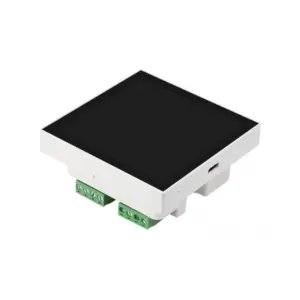
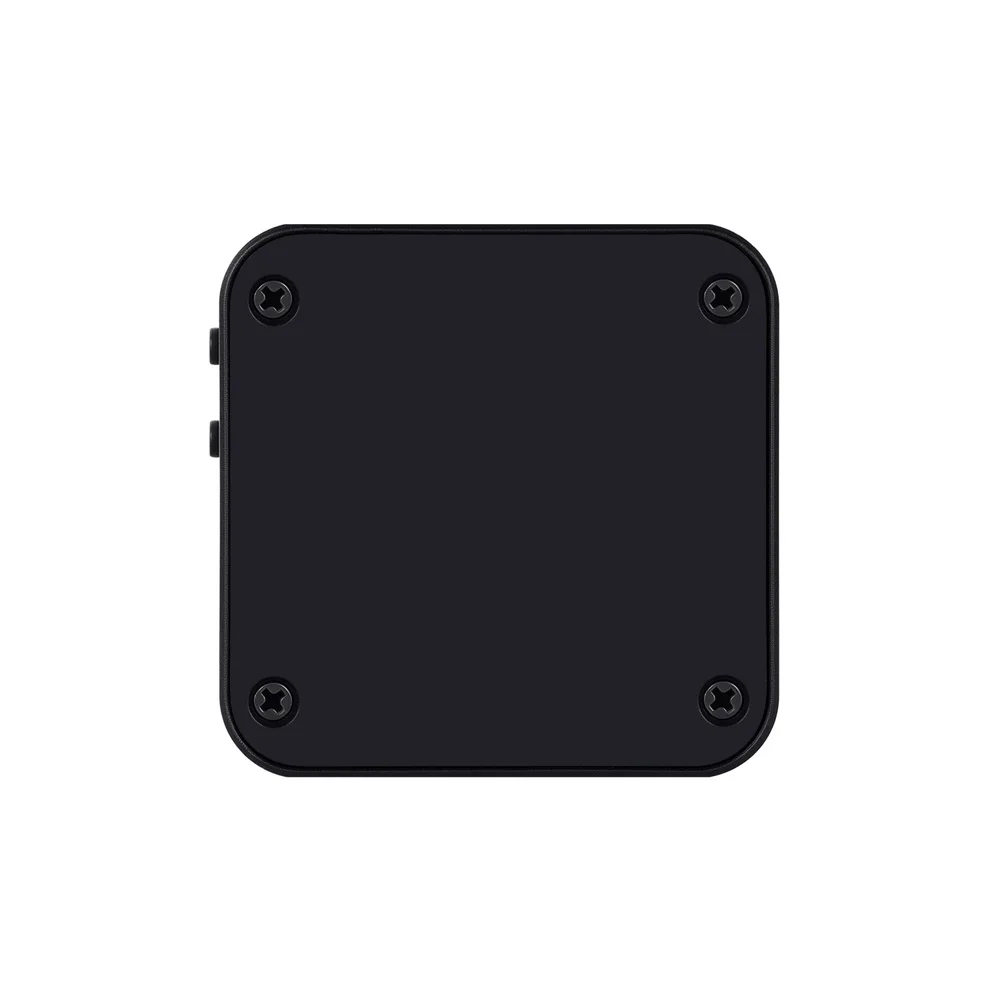
  • Compact, cased design with status LCD for easy deployment and monitoring.
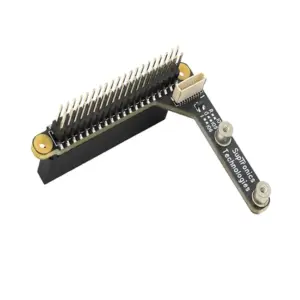
  • GPIO-based power control for managing the target device's power state.

Applications

  • Remote IT infrastructure management and data center server maintenance.
  • Headless embedded system development and debugging for SBCs and industrial PCs.
  • Unattended system administration and remote troubleshooting for lab environments.
  • Providing out-of-band management for network-attached storage (NAS) or home servers.

Technical Specifications

Processor / SoCRV1106G3 (1x Cortex-A7 @ 1.2GHz)
Memory256MB DDR3
StorageTF Card Slot (No onboard eMMC)
Operating SystemPicoKVM
Video InputHDMI IN
Max Video Resolution1080P @ 60fps
Video EncodingH.264/AVC, H.265/HEVC
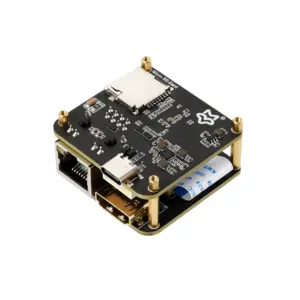
Network Interface10/100Mbps Ethernet (RJ45)
Host InterfaceUSB Type-C (Power & Data)
Display1.54-inch LCD, 240 x 240 pixels
Power ControlGPIO Control
Dimensions48.5 x 48.5 x 29.0 mm
Weight71 g

Frequently Asked Questions

What storage is required for the Luckfox PicoKVM Lite to operate?

The PicoKVM Lite version lacks onboard eMMC and requires a microSD (TF) card to host its operating system and software. You must flash the official PicoKVM disk image onto a compatible TF card using a computer before the device can boot and function. The card is not included with the device.

How do I connect and configure the PicoKVM Lite to manage a target computer?

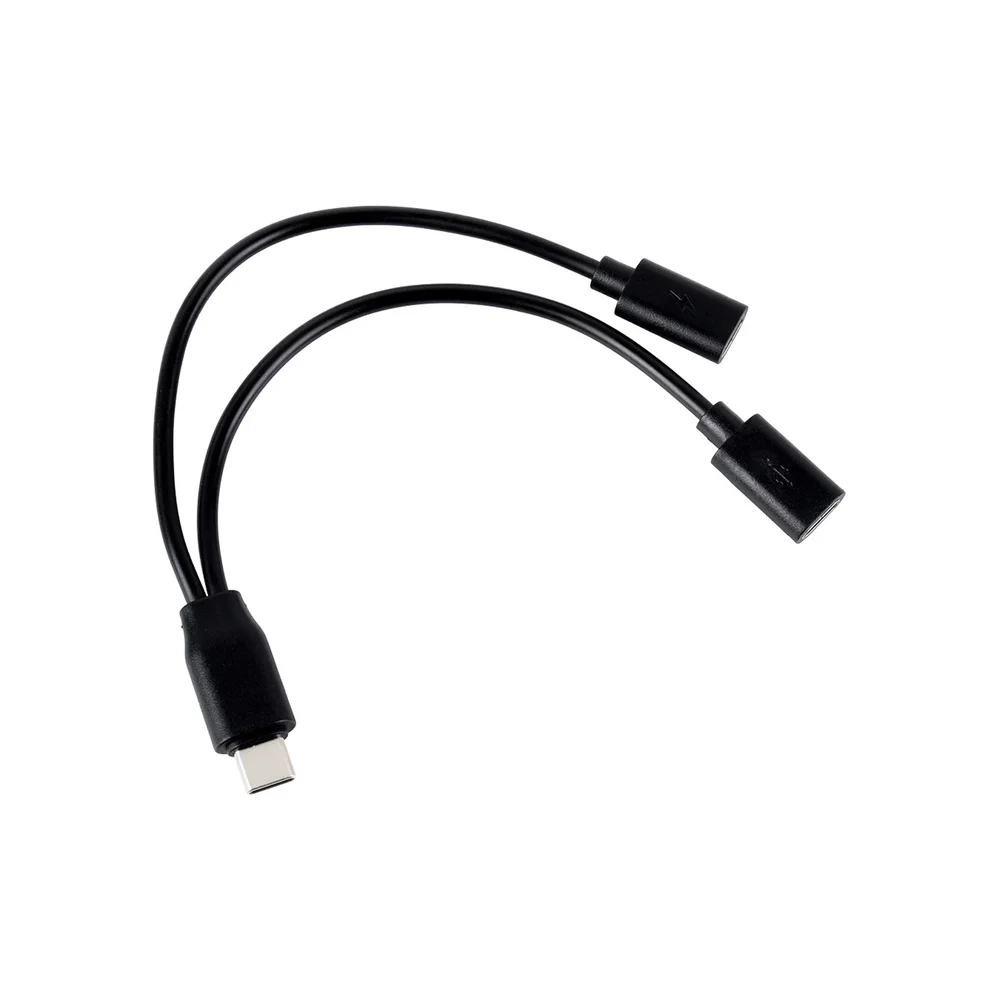
Connect the device's HDMI input to the target PC's video output. Use the provided Type-C cable to connect the PicoKVM's USB port to a USB port on the target for HID emulation. Connect the Ethernet port to your network. Power the device via its Type-C port. The onboard display will show the assigned IP address, which you enter into a web browser on another computer to access the KVM interface.

Can the PicoKVM Lite access a computer's BIOS/UEFI settings remotely?

Yes, it provides full out-of-band management, allowing access to BIOS/UEFI settings. Since it captures raw HDMI video and emulates a USB keyboard, it can send keystrokes like F2 or Delete during boot. This enables remote configuration of boot order, hardware settings, and troubleshooting before the host operating system loads.

What is the video latency, and can it be used for real-time interaction?

The specified video latency ranges from 80ms to 200ms, depending on network conditions and encoding settings. This level of latency is suitable for most administrative tasks like OS installation, BIOS configuration, and software debugging. It is generally not low enough for fast-paced gaming or high-frequency trading but is excellent for IT and development workflows.

Package Includes

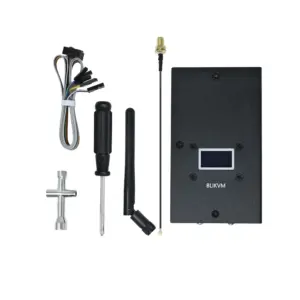
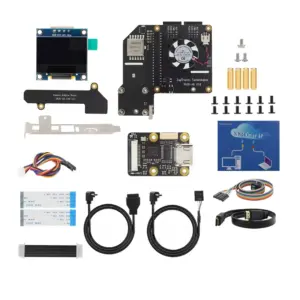
  • 1 x Luckfox PicoKVM Lite Device (with case and 1.54-inch display)
  • 1 x Type-C Extension Cable with Auxiliary Power Supply

Additional Information

Weight 0.115 kg
Dimensions 12 × 8 × 4 cm