SKU: SBCD-0704
📋 GST Invoice Available

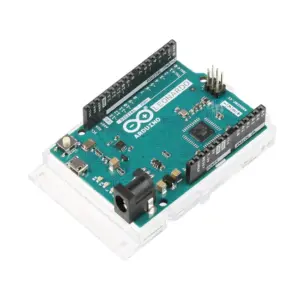
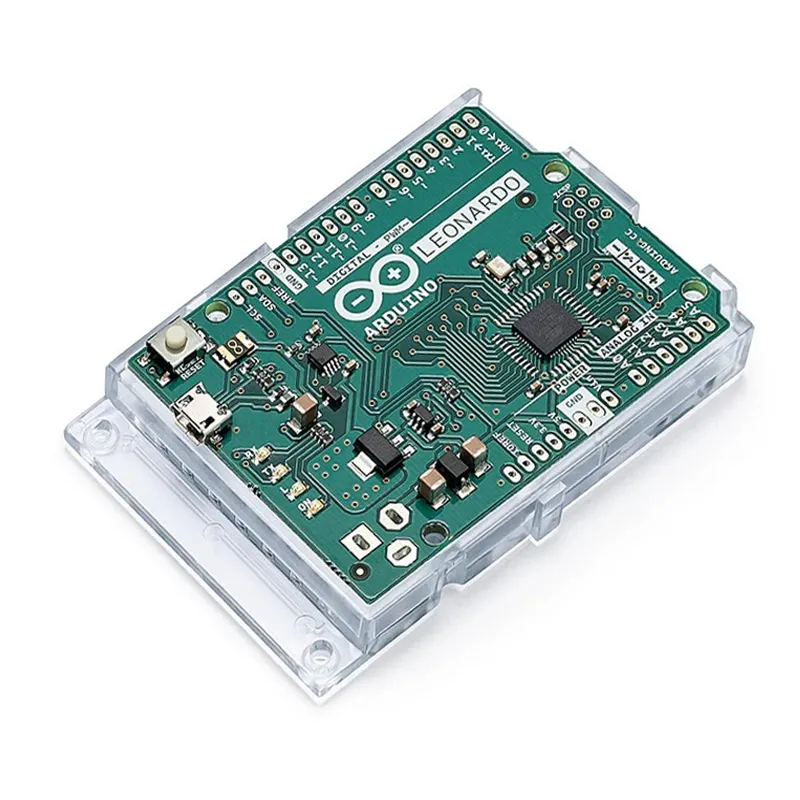
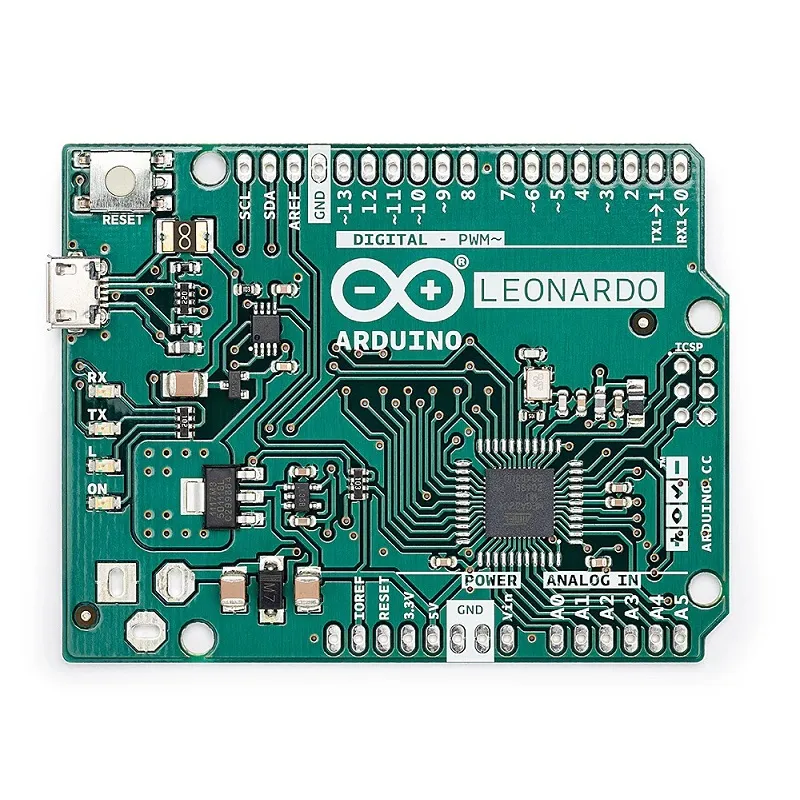
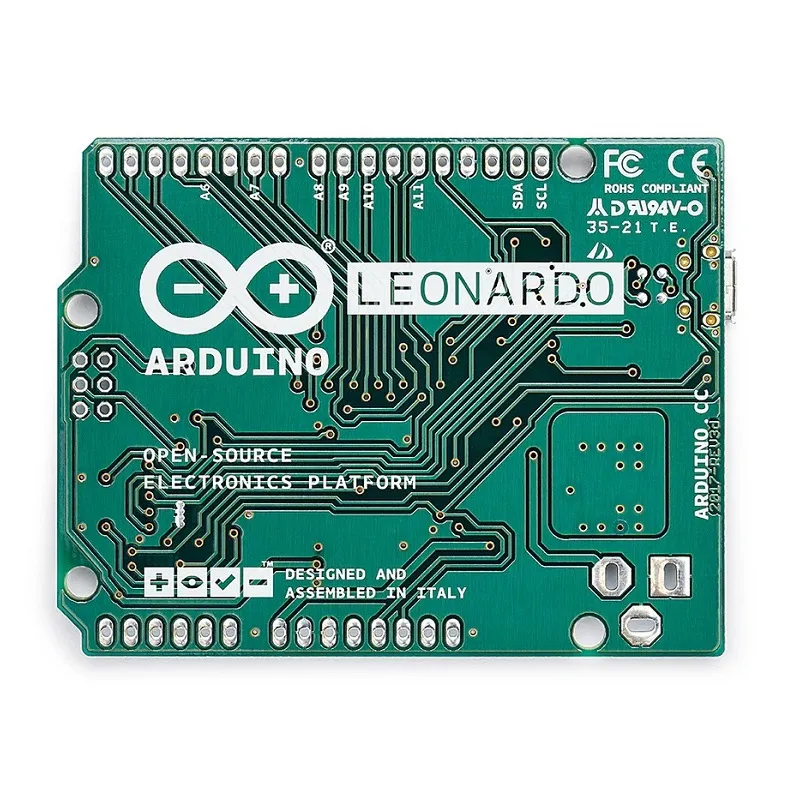
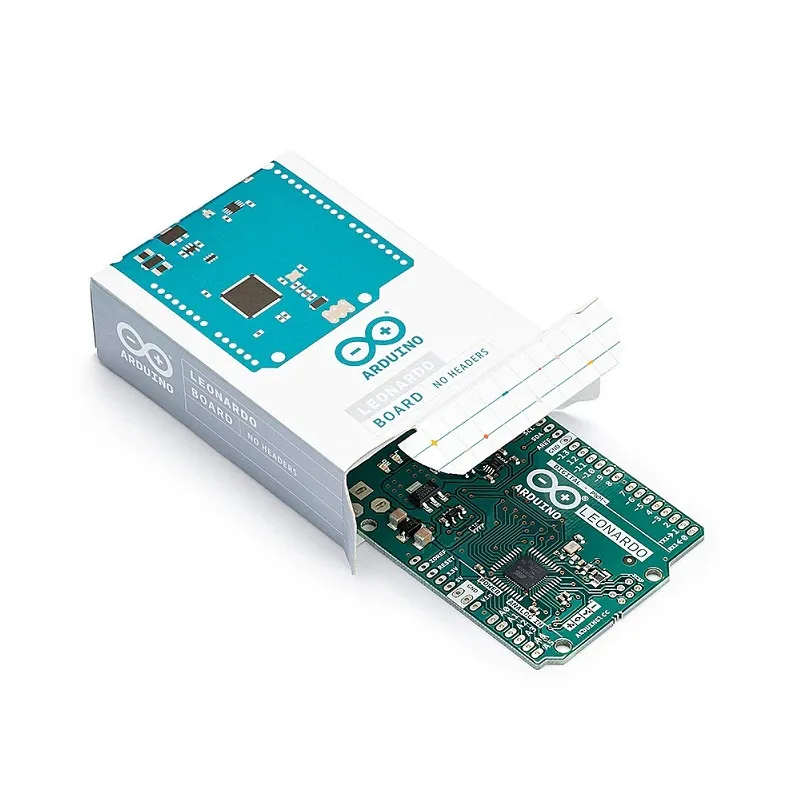
Arduino Leonardo Dev Board without Headers A000052

₹2,209.00 (Inclusive of all taxes)
Out of Stock

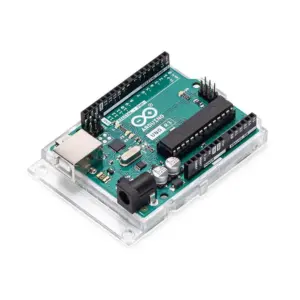
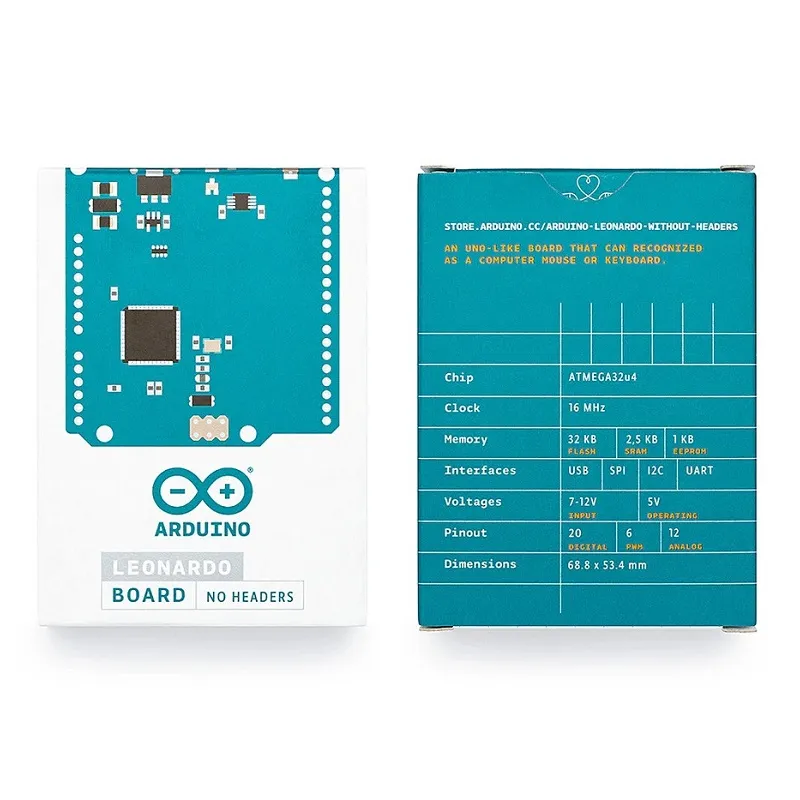
The Official Arduino Leonardo A000052 is a development board featuring the ATmega32U4 microcontroller with built-in USB communication, allowing it to function as a mouse or keyboard. This specific version comes without pre-soldered headers, offering a compact and customizable form factor for your projects.

Features

  • Features ATmega32U4 microcontroller with native USB capabilities
  • Provides 20 Digital I/O Pins (7 PWM) and 12 Analog Inputs
  • Functions as a Human Interface Device (HID) like a mouse or keyboard
  • Supplied without pre-soldered headers for flexible and integrated designs
  • Compatible with Arduino IDE 1.0.1 and newer versions

Out of stock

Description

The Official Arduino Leonardo A000052 is a versatile microcontroller board built around the ATmega32U4. It features 20 digital input/output pins (with 7 PWM outputs and 12 analog inputs), a 16 MHz crystal oscillator, a micro USB connection, and a power jack input. This particular variant ships without any pre-soldered headers, making it ideal for direct integration into custom PCBs or applications where a low-profile solution is preferred.

A key distinction of the Leonardo from earlier Arduino boards is its ATmega32U4 microcontroller’s integrated USB communication. This eliminates the need for a separate USB-to-serial converter chip, streamlining the board’s design. While this integration means sketches might be slightly larger due to handling USB interaction, it also empowers the Leonardo to act as a native USB mouse or keyboard when connected to a computer, in addition to functioning as a virtual serial port.

To ensure full compatibility and leverage its unique capabilities, the Arduino Leonardo is supported by the Arduino IDE version 1.0.1 or newer. Users should update their IDE to the latest version for the best development experience with this board.

Key Features

  • ATmega32U4 Microcontroller operating at 16MHz
  • 32KB Flash Memory (with 4KB reserved for bootloader)
  • 2.5KB SRAM and 1KB EEPROM for data storage
  • 20 Digital I/O Pins, including 7 channels for PWM output
  • 12 Analog Input Pins (ADCs) for sensor integration
  • Built-in USB communication, eliminating the need for a secondary chip
  • Native USB allows the board to emulate a mouse or keyboard
  • Micro USB connection for power, programming, and communication
  • Supports a recommended input voltage range of 7-12V
  • Designed without headers for compact, customized embedding

Applications

  • Human Interface Device (HID) emulation for custom input devices
  • Interactive art installations and creative electronics projects
  • Embedded systems requiring native USB communication capabilities
  • Robotics control and automation where compact form factors are essential
  • Educational tool for learning microcontroller programming and USB interaction

Technical Specifications

MicrocontrollerATmega32U4
Operating Voltage5V
Input Voltage (Recommended)7-12V
Input Voltage (Limit)6-20V
Digital I/O Pins20
PWM Channels7
Analog Input Pins12
Flash Memory32KB (4KB used by bootloader)
SRAM2.5KB
EEPROM1KB
Clock Speed16MHz
USB ConnectorMicro USB

Frequently Asked Questions

What is the primary difference between the Arduino Leonardo and Arduino Uno?

The Leonardo uses an ATmega32U4, which has built-in USB communication, unlike the Uno's ATmega328 with a separate USB-to-serial converter. This allows the Leonardo to function as a native USB device, such as a mouse or keyboard, directly to a connected computer, enhancing its versatility for various projects.

Which development environment supports the Arduino Leonardo?

The Arduino Leonardo is officially supported by the Arduino IDE, specifically version 1.0.1 or newer. Developers should ensure their IDE is updated to access full compatibility and utilize the board's native USB capabilities for programming and serial communication. The IDE provides libraries for its unique functionalities.

What are the input voltage requirements for the Arduino Leonardo?

The Arduino Leonardo can be powered via its micro USB connection or through the VIN pin. The recommended external input voltage range is 7-12V, though it can accept up to 20V. An onboard voltage regulator steps this down to the board's operating voltage of 5V, ensuring stable operation.

Can the Arduino Leonardo emulate a keyboard or mouse?

Yes, a key advantage of the ATmega32U4 microcontroller on the Arduino Leonardo is its native USB support. This allows the board to directly interact with a connected computer as a Human Interface Device (HID), such as a USB keyboard or mouse, without needing additional drivers or external hardware, simplifying many interface projects.

Package Includes

  • 1 x Official Arduino Leonardo without Headers (A000052)

Additional Information

Weight 0.02 kg
Dimensions 6.86 × 5.33 cm