SKU: IOWC-1956
📋 GST Invoice Available

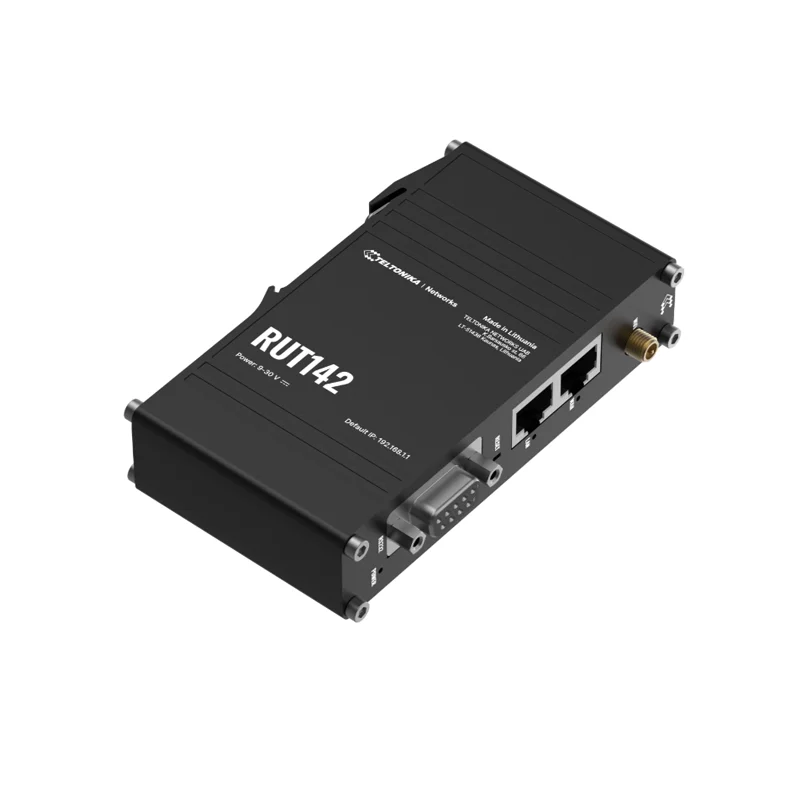
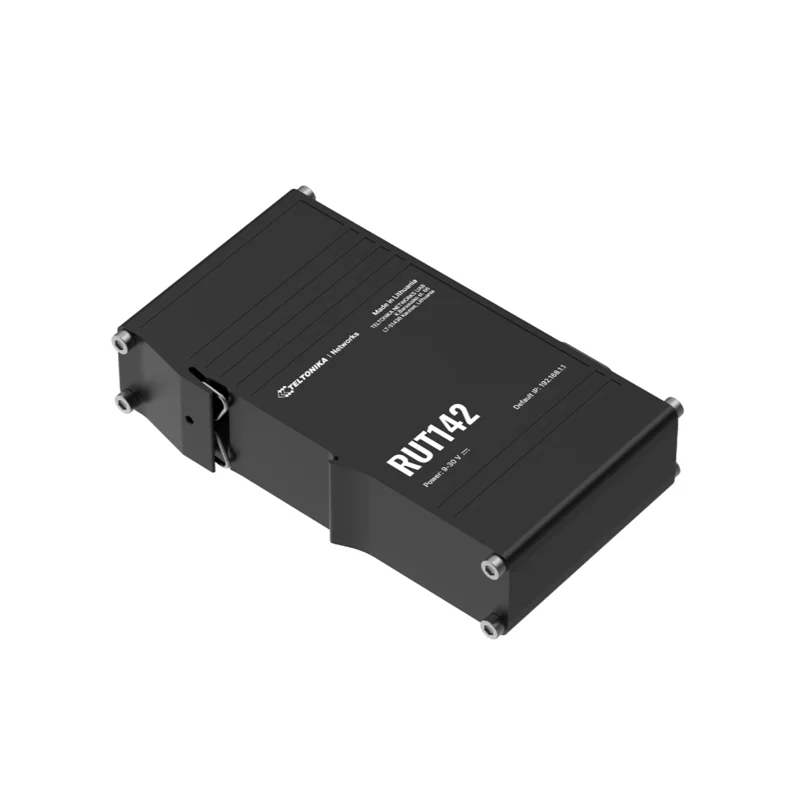
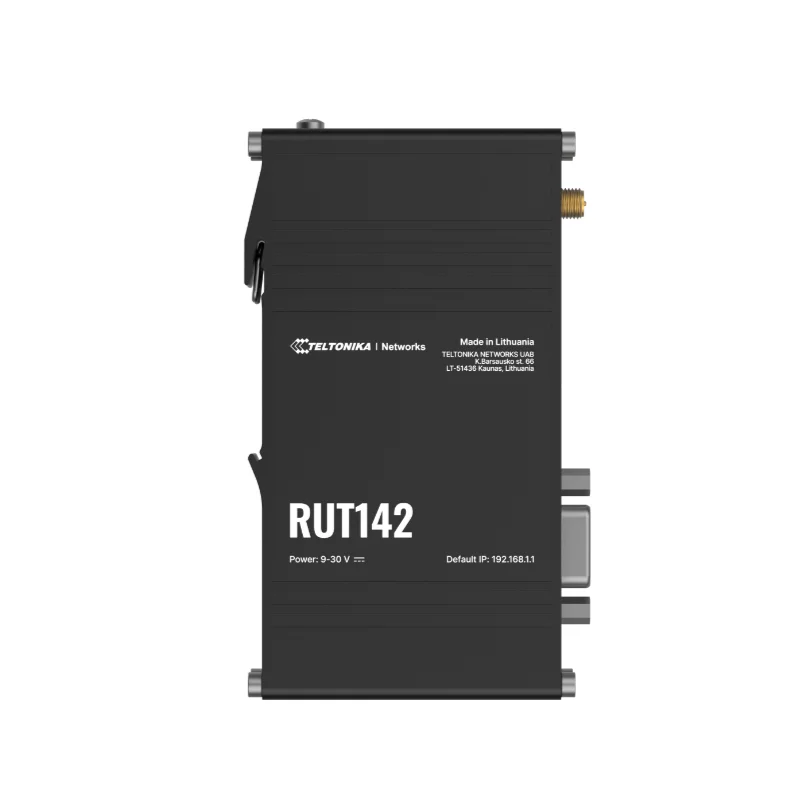
Teltonika RUT142 Industrial RS232 Router w/ Wi-Fi 4

₹8,859.00 (Inclusive of all taxes)
Out of Stock

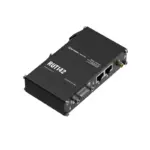
The Teltonika RUT142 is an industrial-grade RS232 router powered by RutOS, featuring Wi-Fi 4 connectivity, a 580 MHz CPU, and a rugged DIN-rail housing. It provides secure, low-power networking for integrating legacy serial devices into modern IoT and automation systems.

Features

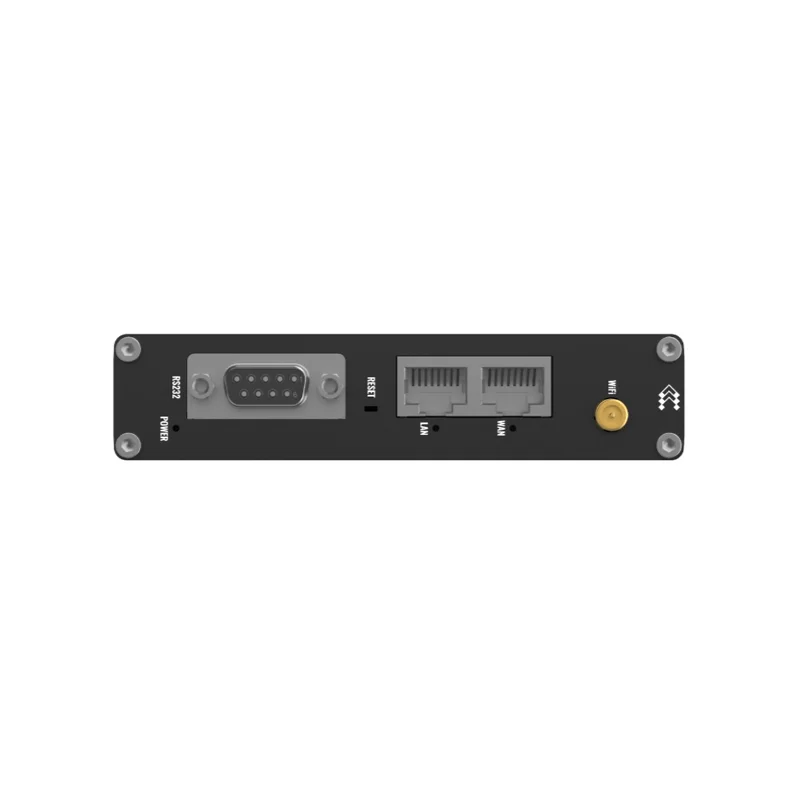
  • Integrated RS232 (DB9) port for industrial protocols like MODBUS, DNP3, and DLMS/COSEM.
  • Dual-band Wi-Fi 4 (802.11b/g/n) with AP/STA modes, mesh support, and QR code provisioning.
  • Robust routing with BGP, OSPF, RIP, and comprehensive VPN support (OpenVPN, IPsec, WireGuard).
  • Industrial design with IP30-rated aluminium housing, wide 9-30 VDC input, and low <2W power consumption.
  • Powered by RutOS with 128 MB RAM and 16 MB flash for advanced firewall, VLAN, and MQTT-based IoT applications.

Out of stock

Description

The Teltonika RUT142 Industrial RS232 Router is a hardened networking gateway designed for mission-critical industrial and IoT deployments. Its core integrates a 580 MHz MIPS-based CPU with 128 MB of RAM, running Teltonika’s feature-rich RutOS to deliver enterprise-grade routing, multiple VPN tunnels, and granular security policies. The built-in RS232 serial interface bridges legacy industrial equipment using protocols like MODBUS to modern IP networks.

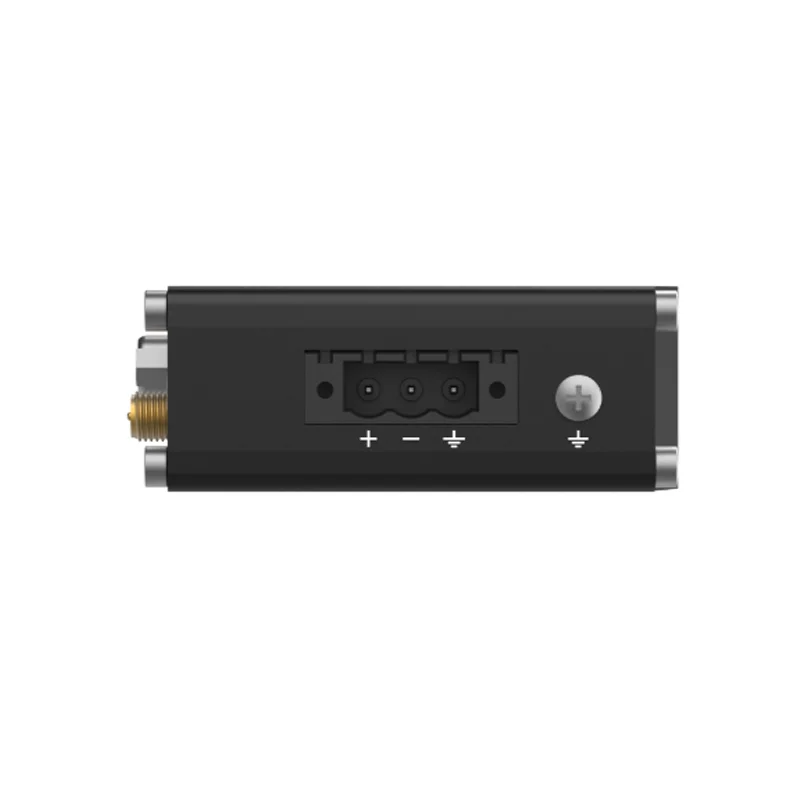
Engineered for reliability in harsh environments, the router features a compact, IP30-rated aluminium enclosure suitable for DIN-rail mounting. It operates across a wide temperature range and accepts a broad 9-30 VDC input via a pluggable terminal block, consuming under 2 watts at peak load. This combination of serial connectivity, secure Wi-Fi 4, and industrial ruggedness makes the RUT142 a cornerstone for smart factories, remote telemetry, and distributed automation systems.

Key Features

  • Legacy Serial Integration: Onboard DB9 RS232 port for connecting PLCs, meters, and sensors using industrial SCADA protocols.
  • Secure Wireless Backhaul: Dual-band 2.4 GHz Wi-Fi 4 with support for Access Point, Client, and WDS mesh networking modes.
  • Advanced Network Stack: Full-featured routing with dynamic protocols (BGP, OSPF), policy-based routing, and IPv4/IPv6 dual-stack support.
  • Enterprise VPN Suite: Comprehensive tunneling options including OpenVPN, IPsec, WireGuard, ZeroTier, and GRE for secure site-to-site and remote access.
  • Industrial Hardening: Rugged metal housing with IP30 protection, wide operating temperature, and low power consumption for 24/7 operation.
  • Centralized Management: Cloud-ready for remote monitoring via Teltonika Remote Management System (RMS) with support for SMS, SNMP, and MQTT.

Applications

  • Industrial Automation & SCADA: Connecting PLCs, HMIs, and RTUs over secure VPN tunnels to central control rooms.
  • Smart Metering & AMI: Aggregating data from utility meters (electricity, water, gas) using DLMS/COSEM over serial ports.
  • Remote Telemetry & IIoT: Deploying in field cabinets for environmental monitoring, tank level sensing, and equipment diagnostics.
  • Transportation & Fleet Management: Providing in-vehicle gateway connectivity for telematics, CCTV backhaul, and passenger Wi-Fi.
  • Building Management Systems: Integrating legacy HVAC, lighting, and access control systems into modern IP-based BMS networks.

Technical Specifications

Model / CPURUT142 / Mediatek 580 MHz MIPS 24KEc
Memory128 MB DDR2 RAM, 16 MB NOR Flash
Wireless ProtocolWi-Fi 4 (802.11b/g/n)
Ethernet Ports1x 10/100 Mbps WAN, 1x 10/100 Mbps LAN
Serial Interface1x RS232 (DB9 connector)
Antenna Connector1x RP-SMA (external Wi-Fi antenna)
Supply Voltage9 – 30 VDC
Power ConsumptionIdle < 1 W, Maximum < 2 W
Operating Temperature-40°C to +75°C
Protection RatingIP30
Dimensions (L x W x H)113.1 mm x 68.6 mm x 25 mm (approx.)
Weight149.2 g

Frequently Asked Questions

How do I configure the RS232 port for MODBUS TCP gateway operation?

Log into the RutOS web interface and navigate to Services > MODBUS. Enable the MODBUS TCP gateway, specify the serial port (ttyS0), set the correct baud rate (e.g., 9600), parity, and data bits matching your slave device. Assign a local TCP port for MODBUS TCP clients to connect to. The router will then transparently translate between serial MODBUS RTU/ASCII and TCP packets.

What is the procedure to establish a site-to-site VPN using WireGuard on the RUT142?

In the RutOS admin panel, go to Network > VPN > WireGuard and create a new interface. Generate a private key and define the listening port. Add a peer by entering its public key and allowed IPs. On the remote peer's configuration, ensure the RUT142's public key and endpoint IP/port are set correctly. Finally, add firewall rules to permit traffic over the WireGuard interface and establish the tunnel for secure inter-site routing.

Can the RUT142 operate as a Wi-Fi client (STA) and access point (AP) simultaneously?

Yes, the RUT142 supports concurrent Wi-Fi modes. Configure the primary radio in Station mode to connect to an upstream Wi-Fi network. Then, create a virtual access point (VAP) on the same radio, assigning a distinct SSID and security settings. This allows the router to bridge between the client connection and the local AP, providing wireless connectivity to downstream devices while using Wi-Fi as its WAN uplink.

Package Includes

  • 1 x Teltonika RUT142 Industrial RS232 Router
  • 1 x 3-pin pluggable power connector
  • 1 x Quick Start Guide

Additional Information

Weight 0.1492 kg
Dimensions 11.31 × 6.86 × 2.5 cm