SKU: IOWC-1101
📋 GST Invoice Available

Adafruit Rotary Trinkey - USB NeoPixel Rotary Encoder

₹999.00 (Inclusive of all taxes)
Out of Stock

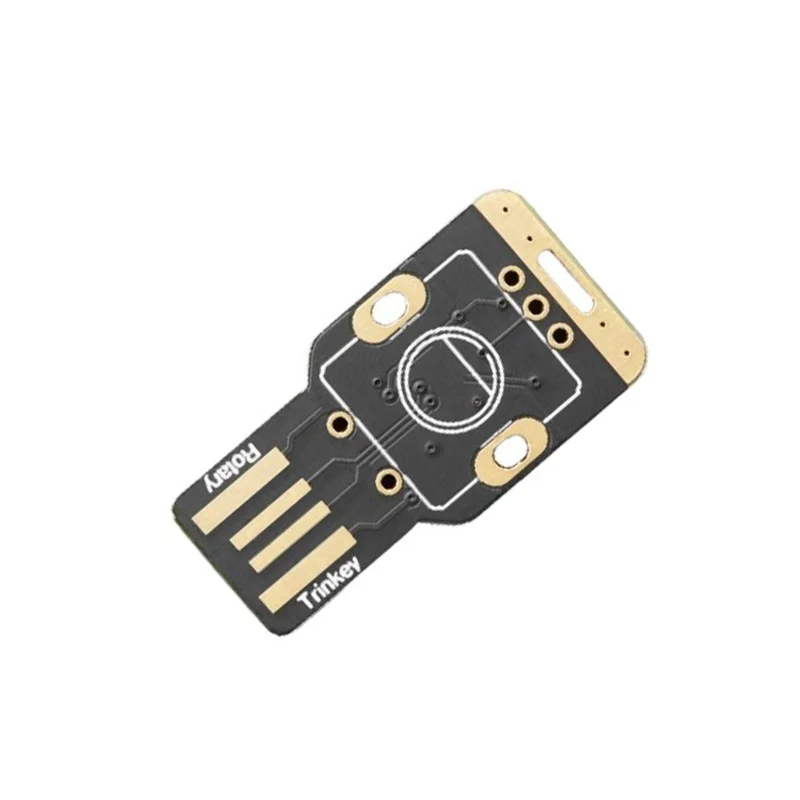
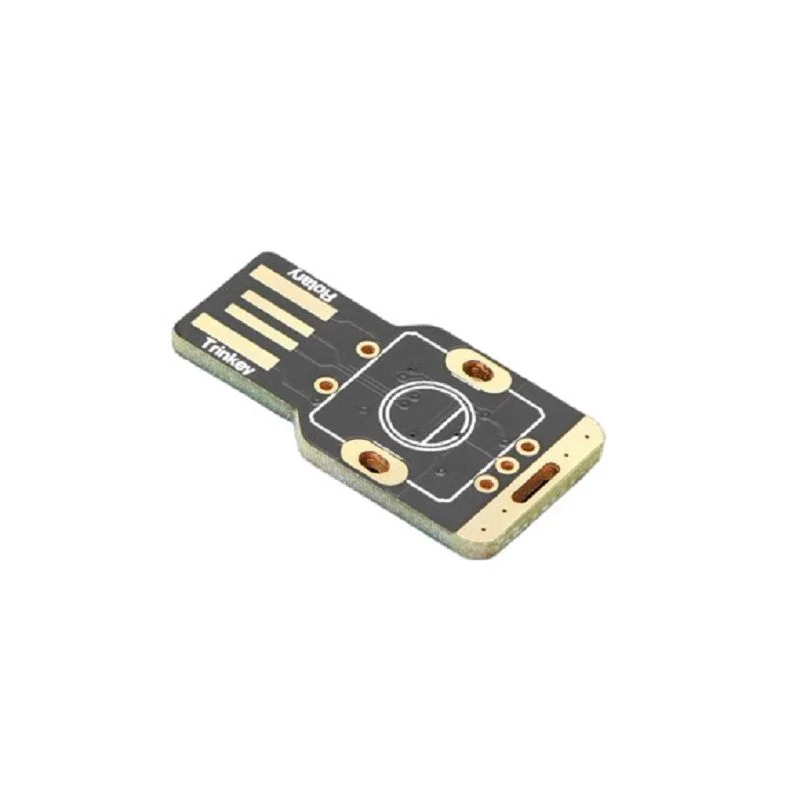
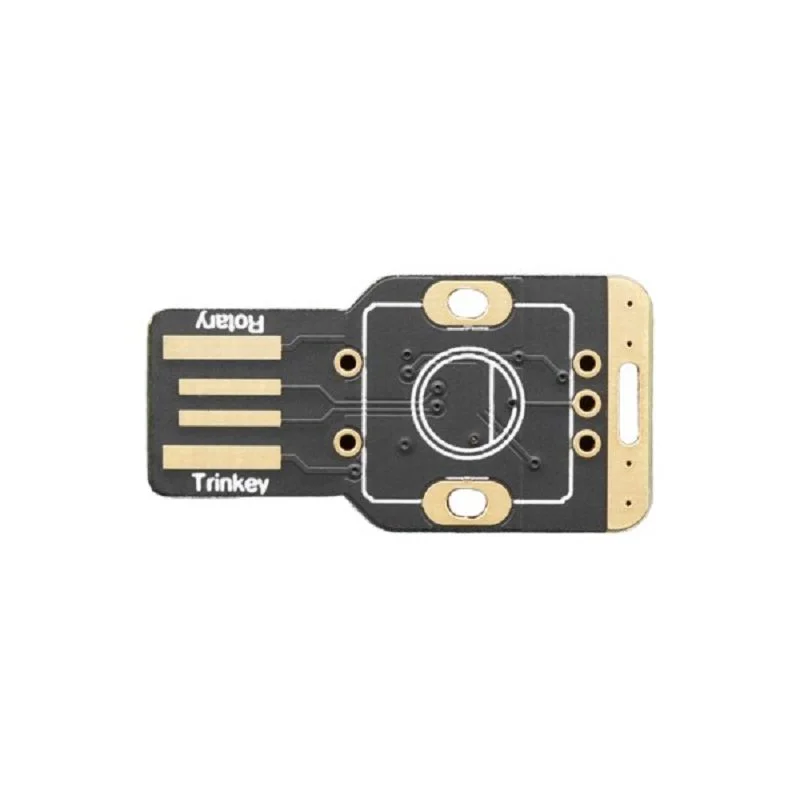
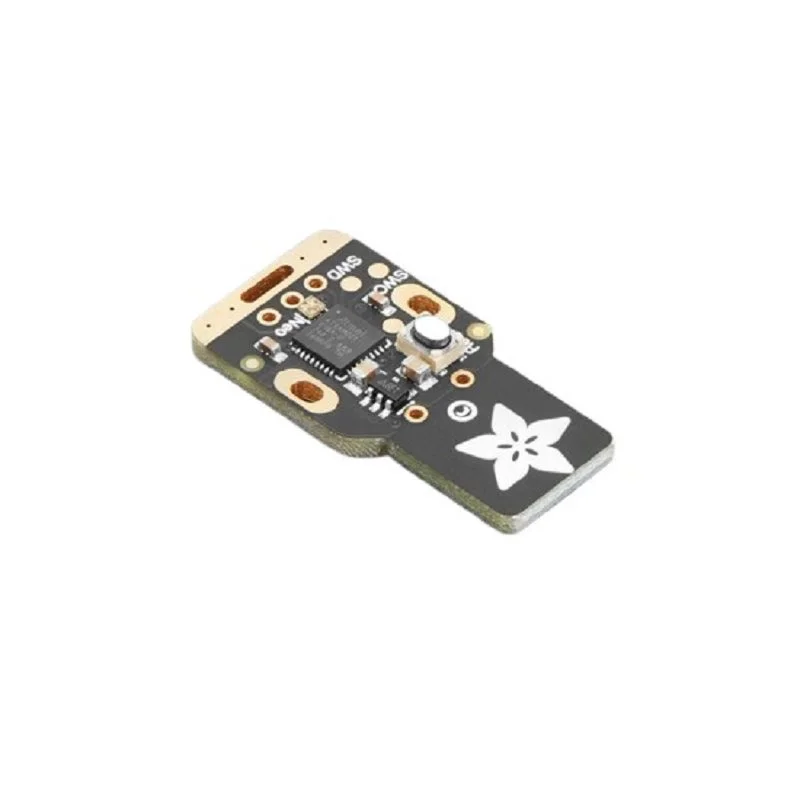
The Adafruit Rotary Trinkey is a compact USB development board featuring an ATSAMD21E18 microcontroller, a rotary encoder footprint, and a NeoPixel LED. It’s programmable via Arduino IDE or CircuitPython and functions as a USB serial, MIDI, or HID device for custom input controls.

Features

  • ATSAMD21E18 Cortex M0+ processor running at 48 MHz with 256KB Flash and 32KB RAM for robust performance.
  • Native USB support enables multiple device modes: serial console, MIDI interface, Keyboard/Mouse HID, or a disk drive for Python scripts.
  • Fully compatible with Arduino IDE and CircuitPython for flexible, beginner-friendly firmware development.
  • Integrated RGB NeoPixel LED and capacitive touchpad for visual feedback and additional input options.
  • Standard 5-pin footprint supports common PEC11/PEC12 rotary encoders for precise dial or scroll wheel projects.

Out of stock

Description

The Adafruit Rotary Trinkey is a highly integrated USB development board designed for creating custom human-interface devices. At its core is the ATSAMD21E18, a 32-bit ARM Cortex M0+ microcontroller providing ample processing power and memory for complex input/output logic. The board plugs directly into a USB-A port, drawing power and providing native USB communication without requiring external drivers on modern operating systems.

Its compact, keychain-friendly form factor houses a programmable RGB NeoPixel for status indication, a capacitive touch input pad, and a pre-populated footprint for a standard rotary encoder. This combination makes it ideal for prototyping volume knobs, scroll wheels, or any application requiring precise rotational input with tactile feedback. The board’s architecture supports low-power modes, and its 3.3V logic level is compatible with a wide range of peripherals.

Key Features

  • Powered by the ATSAMD21E18 32-bit Cortex M0+ processor for efficient embedded control.
  • Native USB stack allows seamless operation as a serial, MIDI, or HID (Keyboard/Mouse) device.
  • Dual firmware ecosystem support via Arduino IDE and CircuitPython for rapid prototyping.
  • Integrated addressable RGB NeoPixel LED enables customizable under-lighting and visual feedback.
  • Capacitive touch input pad adds a secondary, touch-sensitive control method.
  • Standard 5-pin through-hole footprint compatible with common PEC11 and PEC12 series rotary encoders.
  • Compact, single-board design plugs directly into USB-A ports, eliminating extra cables.

Applications

  • Custom USB input devices like volume control knobs, multimedia dials, and programmable macro pads.
  • Interactive art installations and musical instruments using MIDI over USB for control signals.
  • Prototyping compact HID gadgets such as presentation clickers, gaming accessories, or assistive tech interfaces.
  • Educational tools for learning USB device programming, embedded systems, and CircuitPython.

Technical Specifications

Microcontroller/SoCATSAMD21E18 (Cortex M0+)
Clock Speed48 MHz
Flash Memory256 KB
RAM32 KB
USB SupportNative (Serial, MIDI, HID, Disk Drive)
Supply Voltage5V via USB, 3.3V logic
Operating CurrentUp to 2.1 A (max, includes NeoPixel)
Programmable LED1x RGB NeoPixel
Additional InputsCapacitive Touch Pad, Rotary Encoder Footprint
ProgrammingArduino IDE, CircuitPython
Dimensions32.4 mm (Length) x ~18 mm (Width)

Frequently Asked Questions

How do I program the Rotary Trinkey using the Arduino IDE?

First, install the Adafruit SAMD Boards package via the Arduino Board Manager. Connect the Rotary Trinkey via USB, select 'Adafruit Trinket M0' as the target board, and choose the correct COM port. You can then upload sketches that utilize the rotary encoder inputs, NeoPixel library for LED control, and the HID or MIDIUSB libraries to create custom USB devices. Ensure your code handles the encoder pins and the capacitive touch input according to the published pinout diagram.

What is the pinout for connecting a rotary encoder to the Rotary Trinkey?

The board has a standard 5-pin through-hole footprint labeled for a PEC11-style encoder. The pins correspond to Ground, Switch (the push-button), 'A' phase, 'B' phase, and a common VCC (3.3V). You must solder your encoder directly to these pads. Consult the Adafruit learning guide for a detailed wiring diagram and example code to read the encoder's rotation and button press, which typically involves using a library like Encoder or reading the GPIO states directly with interrupts.

Can the Rotary Trinkey act as a USB MIDI controller, and how is it configured?

Yes, it can function as a USB MIDI device. In Arduino, you would use the MIDIUSB library. Your sketch must include the necessary headers, initialize the library, and then send MIDI messages (like Control Change or Note On/Off) based on encoder rotation or button presses. The board will enumerate as a standard MIDI device on your computer, compatible with most Digital Audio Workstations (DAWs) without requiring additional drivers, thanks to its native USB support.

What are the power requirements and maximum current draw for the Rotary Trinkey?

The board is powered entirely via its USB connection, requiring a standard 5V supply. The logic runs at 3.3V. The maximum operating current is specified at 2.1A, which is a worst-case scenario primarily when driving the NeoPixel LED at full brightness white. For typical use with an encoder and moderate LED usage, current draw will be far lower. Ensure your USB port can supply adequate power if you plan to drive the NeoPixel intensely.

Package Includes

  • 1 x Adafruit Rotary Trinkey - USB NeoPixel Rotary Encoder Board

Additional Information

Weight 0.012 kg
Dimensions 4 × 4 × 2 cm