SKU: IOWC-1981
📋 GST Invoice Available

TP-Link TL-WN781ND 150Mbps Wireless N PCI Express Adapter

₹959.00 (Inclusive of all taxes)
Out of Stock

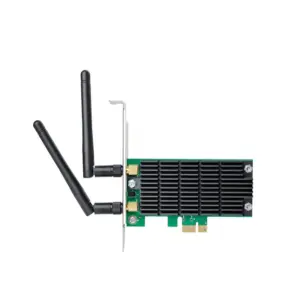
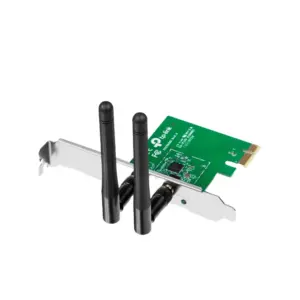
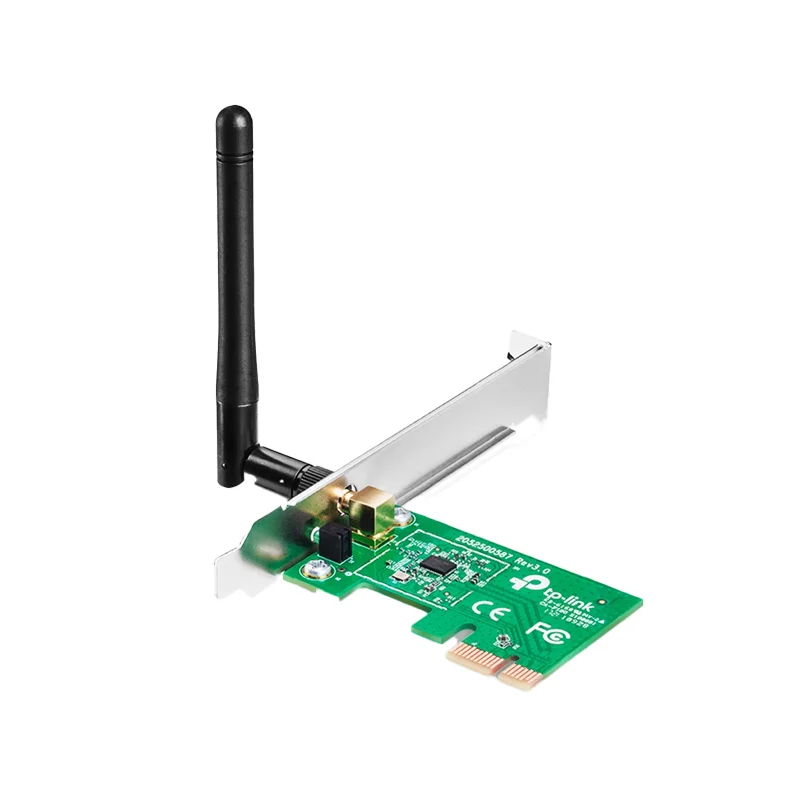
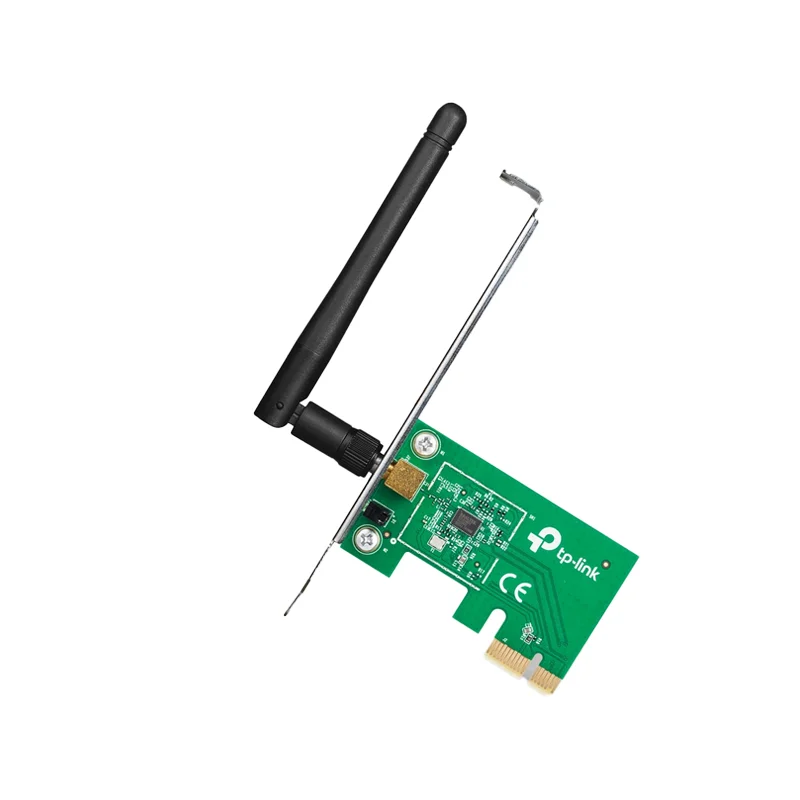
The TP-Link TL-WN781ND is a 150Mbps Wireless N PCI Express adapter designed to add reliable Wi-Fi connectivity to desktop PCs via a standard PCIe slot, featuring a detachable 2dBi antenna and broad Windows OS compatibility.

Features

  • 150Mbps Wireless N speed for stable HD streaming and browsing.
  • PCI Express (x1/x2/x8/x16) interface ensures a stable, high-bandwidth connection.
  • Detachable 2dBi omni-directional antenna for flexible range optimization.
  • Supports WPA/WPA2 encryption for secure wireless network access.
  • Includes a low-profile bracket for installation in compact mini-tower PC cases.

Out of stock

Description

The TP-Link TL-WN781ND Wireless N PCI Express Adapter integrates a high-performance 802.11n Wi-Fi radio directly into a desktop PC’s motherboard via a PCIe slot, providing a more stable and permanent connection than USB dongles. Its compact 32-bit design and included low-profile bracket ensure compatibility with a wide range of desktop chassis, from full towers to small form factors.

Equipped with a detachable 2dBi omni-directional antenna, the adapter offers flexible placement for optimal signal reception and supports advanced features like Wake-on-LAN for remote power management. It delivers reliable, low-latency connectivity ideal for online gaming, video conferencing, and large file transfers over your home or office wireless network.

Key Features

  • High-speed 150Mbps wireless connectivity compliant with 802.11n/g/b standards.
  • Direct PCI Express bus interface for consistent, high-throughput data transfer.
  • Detachable antenna design allows for upgrades to higher-gain antennas.
  • Advanced WPA/WPA2 security protocols protect your network data.
  • Wake-on-LAN support enables remote PC startup over the network.
  • Flow control technology ensures efficient and stable data transmission.
  • Comprehensive driver support for Windows XP, Vista, 7, 8, 10, and 11.
  • Easy installation via bundled utility software for quick network setup.

Applications

  • Adding Wi-Fi connectivity to desktop PCs lacking built-in wireless.
  • Upgrading older PCs to modern 802.11n networks for faster internet.
  • Providing a stable network connection for gaming rigs and media centers.
  • Enabling remote Wake-on-LAN functionality for office or home server PCs.

Technical Specifications

Model / NameTL-WN781ND
InterfacePCI Express (x1/x2/x8/x16)
Wireless StandardsIEEE 802.11n, 802.11g, 802.11b
Max Wireless Speed150 Mbps
Antenna TypeDetachable Omni-Directional
Antenna Gain2 dBi
SecurityWPA/WPA2
Dimensions (L x W)120.8 mm x 78.5 mm
Weight291 g

Frequently Asked Questions

Is this adapter compatible with Windows 10 and Windows 11?

Yes, the TP-Link TL-WN781ND is fully compatible with Windows 10 and Windows 11. Drivers are typically included on the bundled CD or can be downloaded directly from the official TP-Link support website. The installation process involves inserting the card into an available PCI Express slot, booting your PC, and then installing the provided driver software to enable the wireless functionality.

Can I replace the included 2dBi antenna with a higher-gain model?

Yes, the antenna is detachable and uses a standard RP-SMA connector, allowing you to upgrade to a higher-gain antenna (e.g., 5dBi or 9dBi) for improved range and signal strength. Ensure the replacement antenna is designed for 2.4GHz Wi-Fi frequencies. Simply unscrew the existing antenna and screw on the new one, making sure the connection is secure for optimal performance.

Does this Wi-Fi card support Wake-on-LAN (WoL) functionality?

Yes, the TL-WN781ND supports Wake-on-LAN over Wireless (WoWLAN). To use this feature, you must enable it within the adapter's advanced settings in the device manager or the TP-Link utility software after installation. Additionally, Wake-on-LAN must be enabled in your computer's BIOS/UEFI settings. This allows you to remotely power on your desktop PC from a sleep state via a network command.

What is the difference between a PCI Express and a USB Wi-Fi adapter?

A PCI Express adapter, like the TL-WN781ND, installs directly onto the motherboard, offering a more permanent, stable connection with potentially lower latency and no risk of being dislodged. It does not consume a USB port. USB adapters are portable and easier to install but can be more susceptible to interference and may have slightly higher latency. The PCIe option is generally preferred for dedicated desktop setups.

Package Includes

  • 1 x TP-Link TL-WN781ND 150Mbps Wireless N PCI Express Adapter
  • Low-profile bracket (installed)
  • Driver CD / Quick Installation Guide

Additional Information

Weight 0.291 kg
Dimensions 12.08 × 7.85 cm