SKU: IOWC-1179
📋 GST Invoice Available

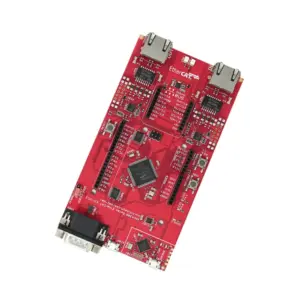
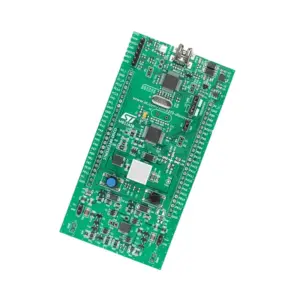
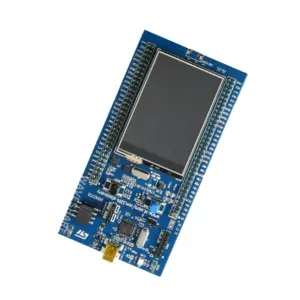
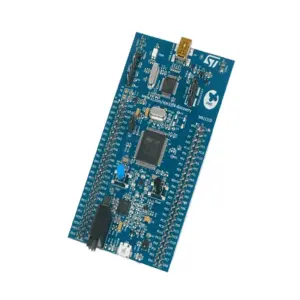
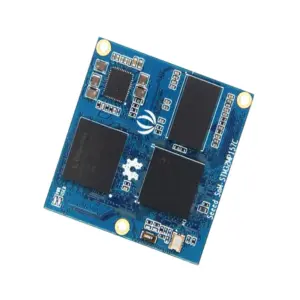
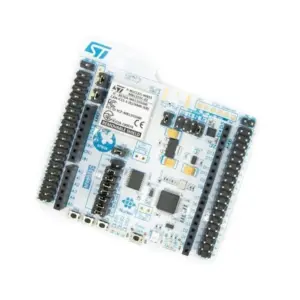
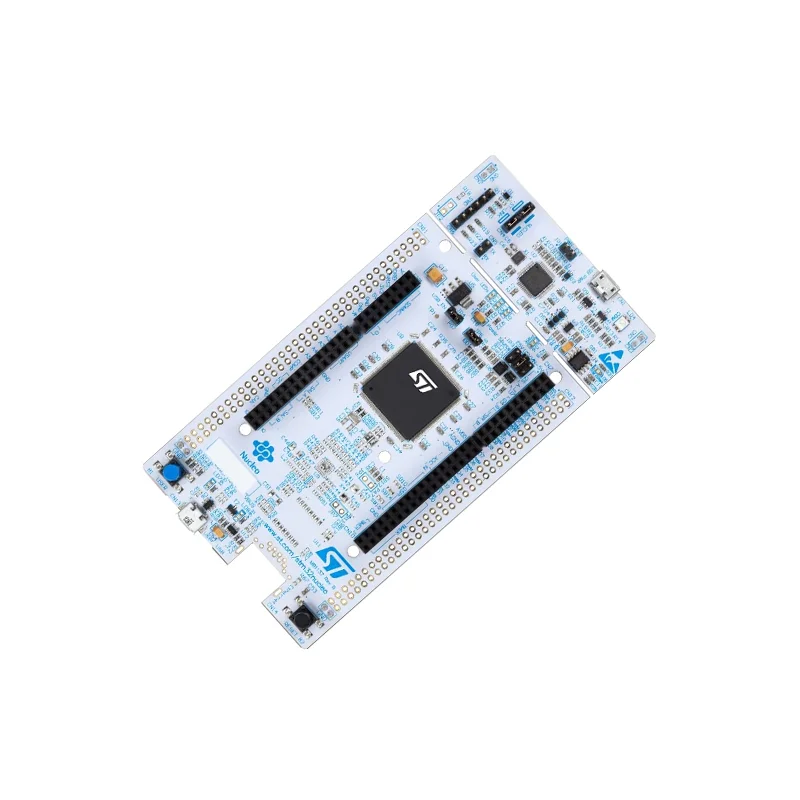
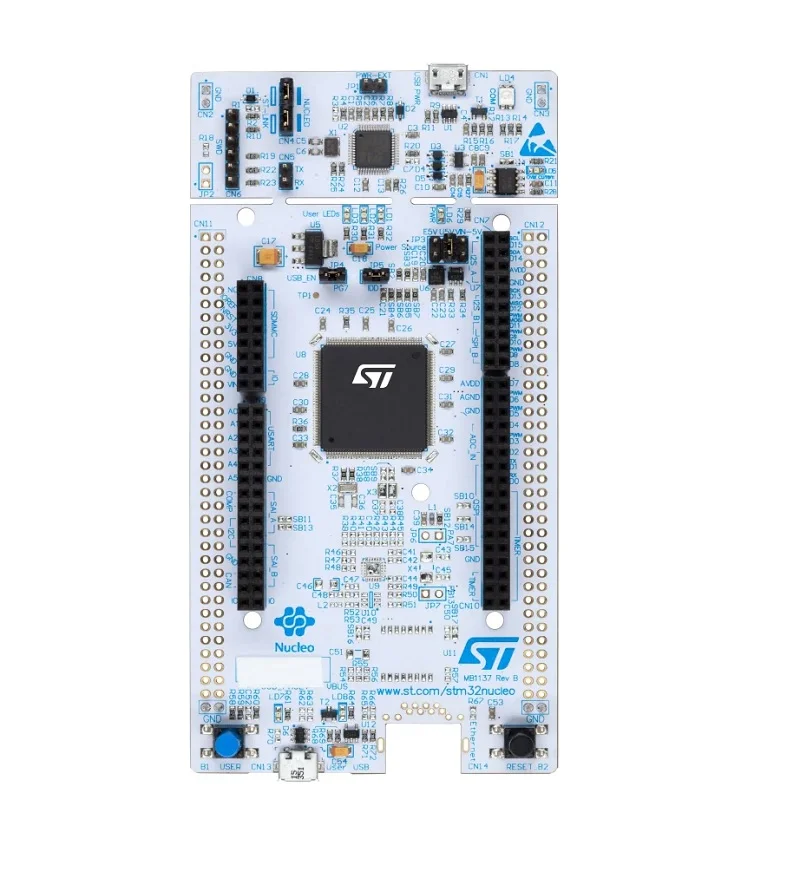
STMicroelectronics NUCLEO-F412ZG Development Board, STM32 Nucleo-144 MCU

₹3,869.00 (Inclusive of all taxes)
Out of Stock

The STM32 NUCLEO-F412ZG development board provides a flexible prototyping platform for the high-performance STM32F412ZG microcontroller, featuring Arduino Uno V3 connectivity via ST Zio headers and an integrated ST-LINK/V2-1 debugger for seamless firmware development with STM32CubeIDE or Arduino IDE.

Features

  • Features the STM32F412ZG MCU with ARM Cortex-M4 core @ 100 MHz, 1 MB Flash, and 256 KB SRAM for demanding embedded applications.
  • Integrated ST-LINK/V2-1 debugger and programmer eliminates the need for an external probe, streamlining development workflows.
  • Flexible power supply with internal or external SMPS (Switched-Mode Power Supply) significantly reduces power consumption in Run mode.
  • Dual expansion via ST Zio (Arduino Uno V3 compatible) and ST Morpho headers for easy connection to a vast ecosystem of shields and peripherals.
  • Comprehensive software support through the free STM32Cube MCU Package, including HAL libraries, middleware, and code examples.

Out of stock

Description

The NUCLEO-F412ZG is a Nucleo-144 form factor board designed to accelerate development with the STM32F412ZG microcontroller. It serves as a complete evaluation and prototyping system, integrating the core MCU, power management, debugging hardware, and extensive I/O breakout. The board’s architecture supports both beginner and advanced use cases, from simple Arduino shield compatibility to complex, low-power industrial IoT designs requiring the performance of the Cortex-M4 core.

Its flexible power architecture allows developers to choose between internal linear regulators or an external SMPS to optimize for efficiency, a critical factor in battery-powered or energy-conscious applications. The onboard ST-LINK/V2-1 provides USB virtual COM port functionality and mass storage for drag-and-drop programming, making it compatible with major IDEs like STM32CubeIDE, Keil MDK, and IAR Embedded Workbench. The combination of Morpho and Zio headers exposes nearly all MCU pins, including multiple ADC channels, USARTs, SPIs, I2Cs, and timers, enabling rapid hardware integration.

Key Features

  • High-performance 32-bit ARM Cortex-M4 core microcontroller with FPU and DSP instructions.
  • Integrated ST-LINK/V2-1 debugger with support for SWD and JTAG interfaces, plus virtual COM port.
  • Advanced power management with optional external SMPS input for high-efficiency operation.
  • Dual expansion interface: ST Zio for Arduino Uno V3 shield compatibility and ST Morpho for full MCU pin access.
  • Comprehensive GPIO availability including analog, digital, and communication peripherals directly accessible.
  • Onboard user interfaces: user LED (LD2) and user/reset buttons for immediate prototyping.
  • Supported by the STM32Cube ecosystem with free software libraries, hardware abstraction layer (HAL), and configuration tools.
  • USB connectivity for power, programming, and communication via the ST-LINK's USB FS interface.

Applications

  • Prototyping high-performance IoT edge devices and sensor hubs.
  • Developing industrial control systems, motor drives, and automation panels.
  • Creating digital signal processing (DSP) applications, audio processing, and embedded analytics.
  • Building human-machine interfaces (HMI) with connected displays or touch inputs.
  • Educational platform for learning ARM Cortex-M architecture and real-time operating systems (RTOS).

Technical Specifications

MicrocontrollerSTM32F412ZG (ARM Cortex-M4 @ 100 MHz, 1 MB Flash, 256 KB SRAM)
Debugger/ProgrammerIntegrated ST-LINK/V2-1 (with USB FS)
Expansion ConnectorsST Zio (Arduino Uno V3), ST Morpho
Power Supply5V via USB or external 7-12V (E5V), 3.3V MCU voltage, internal SMPS option
Operating Voltage3.3V
InterfacesGPIO, ADC, UART, SPI, I2C, CAN, USB, SDIO
User I/OUser LED, User and Reset buttons
Software SupportSTM32CubeMX, STM32CubeIDE, Arduino IDE, Keil, IAR
Dimensions (Form Factor)Nucleo-144

Frequently Asked Questions

How do I program the NUCLEO-F412ZG board?

You can program it using the integrated ST-LINK/V2-1 debugger via USB. Install STM32CubeIDE or the Arduino IDE with the STM32 core. Connect the board via USB, select the correct target (STM32F412ZGx), and use the ST-LINK interface to flash your compiled code. The board also appears as a mass storage device for drag-and-drop programming of binary files.

What is the purpose of the external SMPS jumper (JP5) on the board?

The JP5 jumper selects the MCU's power supply source. Setting it to 'STLK' uses the internal 3.3V regulator from the ST-LINK's 5V supply. Setting it to 'EXT' enables the external SMPS circuit, requiring you to apply 5-7V to the E5V pin. This SMPS mode significantly improves power efficiency, reducing operating current for battery-sensitive applications.

Can I use Arduino shields with this Nucleo board?

Yes, through the ST Zio connectors which are electrically compatible with Arduino Uno Revision 3 pinouts. You can plug in standard Uno shields for quick sensor or actuator integration. Note that the board operates at 3.3V logic, so 5V-only shields may require level shifting. The Morpho headers provide access to all other MCU-specific pins not covered by the Zio interface.

How do I configure the board and generate code using STM32CubeMX?

Download and open STM32CubeMX. Create a new project and select the MCU 'STM32F412ZGx' or the board 'NUCLEO-F412ZG'. The tool auto-configures clock sources, pin assignments, and peripherals based on your hardware design. After configuring middleware like FreeRTOS or USB, generate code for your preferred IDE (CubeIDE, Keil, IAR). The generated code includes the HAL initialization and a main loop skeleton.

Package Includes

  • 1 x STM32 NUCLEO-F412ZG Development Board

Additional Information

Weight 0.105 kg
Dimensions 18 × 10 × 4 cm