SKU: IOWC-1442
📋 GST Invoice Available

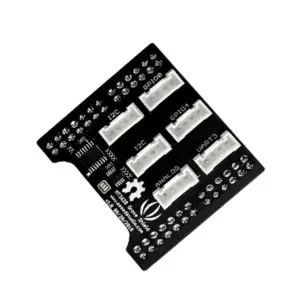
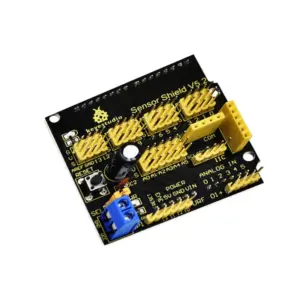
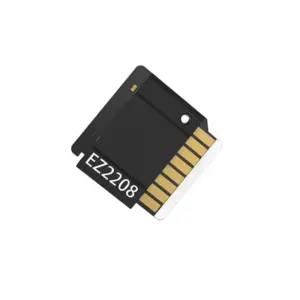
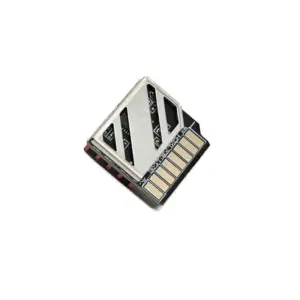
Seeed Studio Studio Air602 WiFi Development Board

₹369.00 (Inclusive of all taxes)
Out of Stock

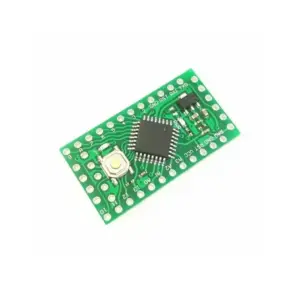
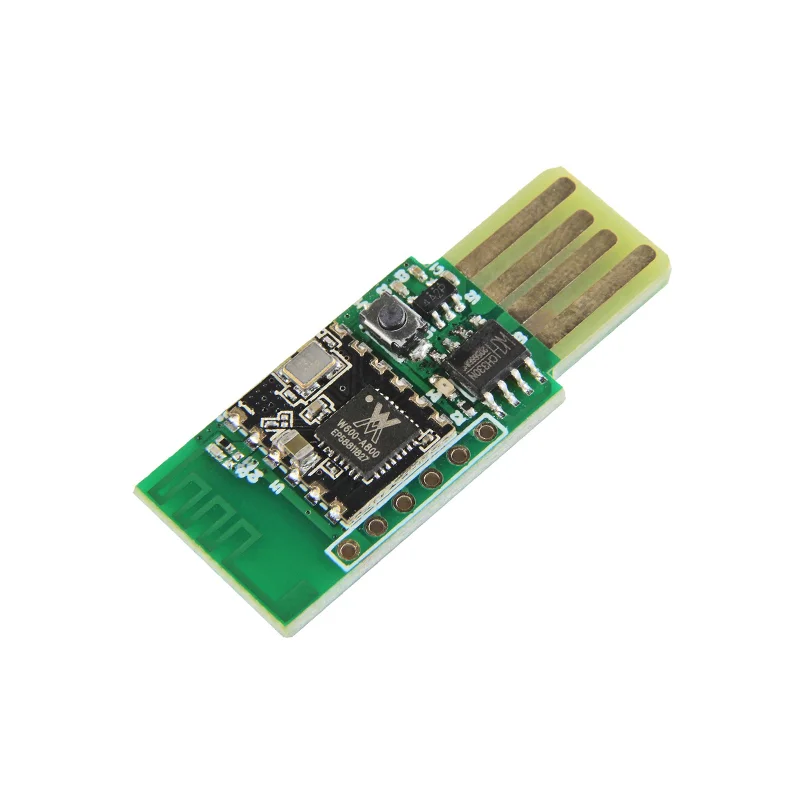
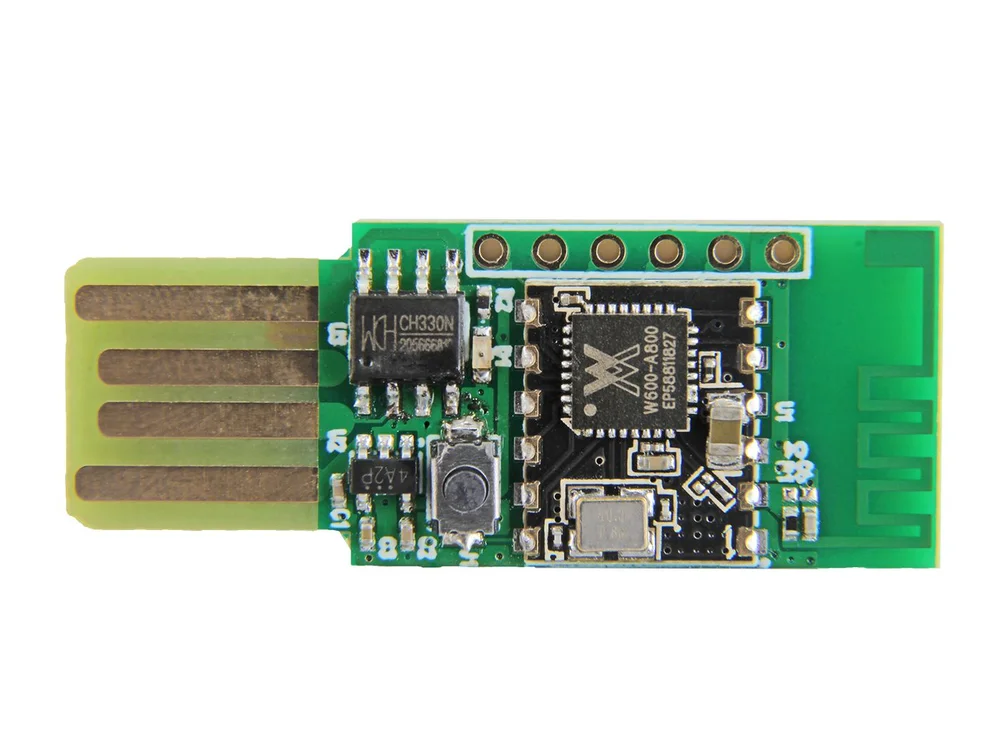
The Seeed Studio Studio Air602 WiFi Development Board is a compact, USB-powered module featuring an integrated 2.4GHz Wi-Fi SoC, programmable via UART AT commands for rapid IoT prototyping and wireless connectivity.

Features

  • Integrated Air602 Wi-Fi SoC supporting IEEE 802.11 b/g/n protocols for robust 2.4GHz connectivity.
  • Plug-and-play USB interface recognized as a virtual COM port for easy serial programming and debugging.
  • Supports multiple network modes including STA, AP, AP+STA, and Wi-Fi Direct for flexible deployment.
  • Low-power operation with a typical current of 110mA and power-saving modes down to 35mA for battery-friendly applications.
  • Compact form factor (38.5mm x 16mm) with onboard antenna, ready for integration into space-constrained projects.

Out of stock

Description

The Air602 WiFi Development Board from Seeed Studio Studio provides a streamlined hardware platform for embedding Wi-Fi connectivity into IoT devices. Based on the Air602 module, it integrates a 2.4GHz transceiver, a USB-to-serial bridge, and an onboard antenna, enabling immediate wireless network access when plugged into a host computer. The board operates on a 3.3V supply and is fully programmable via standard AT commands over its UART interface, making it accessible for developers without deep RF expertise.

Designed for reliability in industrial environments, the module supports a wide operating temperature range from -40°C to +85°C. Its architecture supports DSSS, OFDM, and various modulation schemes (DBPSK, DQPSK, CCK, QAM16/64) to maintain stable links. The integrated GPIO, SPI, and UART interfaces allow for direct sensor attachment and peripheral control, forming a complete edge node for data acquisition and transmission over Wi-Fi networks.

Key Features

  • Integrated 2.4GHz Wi-Fi SoC with support for IEEE 802.11 b/g/n standards.
  • USB-powered design with virtual COM port for straightforward serial communication and firmware updates.
  • Comprehensive wireless security support including WPA, WPA2, WPS, and WMM/WMM-PS for QoS.
  • Flexible network roles: can act as a station (STA), access point (AP), or simultaneous AP+STA.
  • Low-power consumption architecture with programmable sleep modes for battery-operated sensing nodes.
  • Robust industrial-grade componentry rated for extended temperature ranges from -40°C to +85°C.
  • Onboard PCB antenna eliminates the need for external RF components in standard applications.
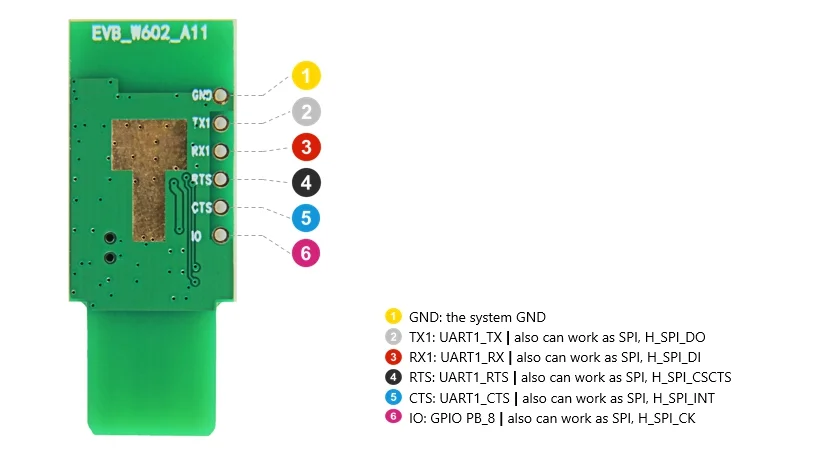
  • Direct hardware interfacing via exposed UART, SPI, and multi-purpose GPIO pins.

Applications

  • Smart home automation controllers and sensor hubs.
  • Industrial telemetry for remote monitoring and control systems.
  • Wireless audio/video streaming devices and smart toys.
  • Medical patient monitoring and portable health devices.
  • Prototyping and educational IoT projects requiring simple Wi-Fi connectivity.

Technical Specifications

Microcontroller/SoCAir602 Wi-Fi SoC
Wireless ProtocolsIEEE 802.11 b/g/n, Wi-Fi Direct
Frequency Range2.4 - 2.4835 GHz
RF Transmit PowerNot Specified
Supply Voltage3.3 VDC
Operating Current110 mA (Typical), 35 mA (Power Save Mode, DTIM=1)
InterfacesUSB, UART, SPI, GPIO
Antenna ConnectorIntegrated PCB Antenna
Operating Temperature-40°C to +85°C
Dimensions38.5 mm (L) x 16 mm (W)

Frequently Asked Questions

How do I program the Air602 Development Board?

The board is programmed via AT commands sent over its virtual COM port. Connect the board to your computer via USB, identify the assigned COM port in your device manager, and use a serial terminal application (like PuTTY or Arduino Serial Monitor) at a baud rate of 115200 to send standard Wi-Fi AT commands for network configuration, connection management, and data transmission.

What is the power supply requirement for the Air602 board?

The board operates at 3.3V DC, which is supplied directly through the USB port. The typical operating current is 110mA, but it features power-saving modes that can reduce current draw to approximately 35mA when configured with DTIM=1, making it suitable for projects powered by batteries or energy-harvesting sources.

Can I connect external sensors to this development board?

Yes, the board exposes multiple GPIO pins, a UART, and an SPI interface. You can connect sensors like temperature, humidity, or motion detectors directly to these pins. Communication with the sensors is managed by the Air602 SoC, which can then transmit the collected data over Wi-Fi using AT commands to your designated server or cloud platform.

Does the Air602 support both Access Point and Station modes?

Yes, the Air602 Wi-Fi SoC supports STA (client), AP (hotspot), and a combined AP+STA mode. You can configure it using AT commands to connect to an existing network as a client or to create its own network for other devices to join. It also supports Wi-Fi Direct for peer-to-peer connections without a traditional access point.

Package Includes

  • 1 x Air602 WiFi Development Board

Additional Information

Weight 0.003 kg
Dimensions 3.85 × 1.6 cm