SKU: IOWC-1971
📋 GST Invoice Available

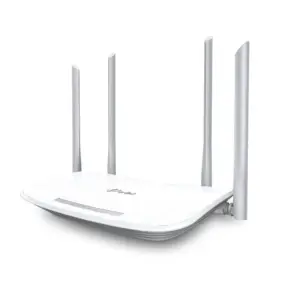
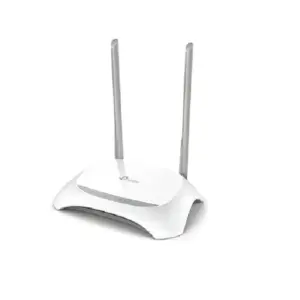
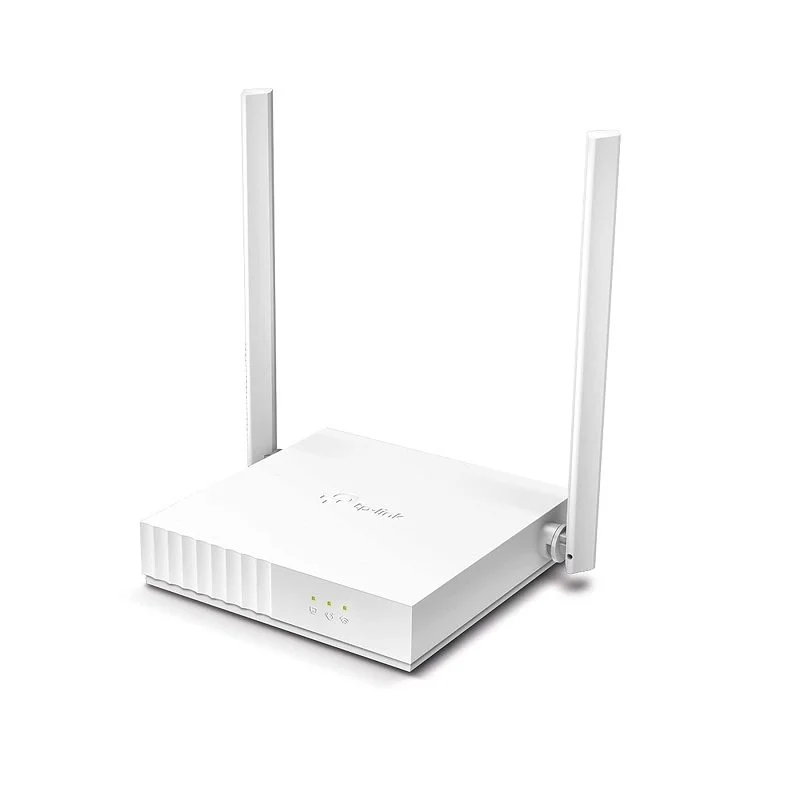
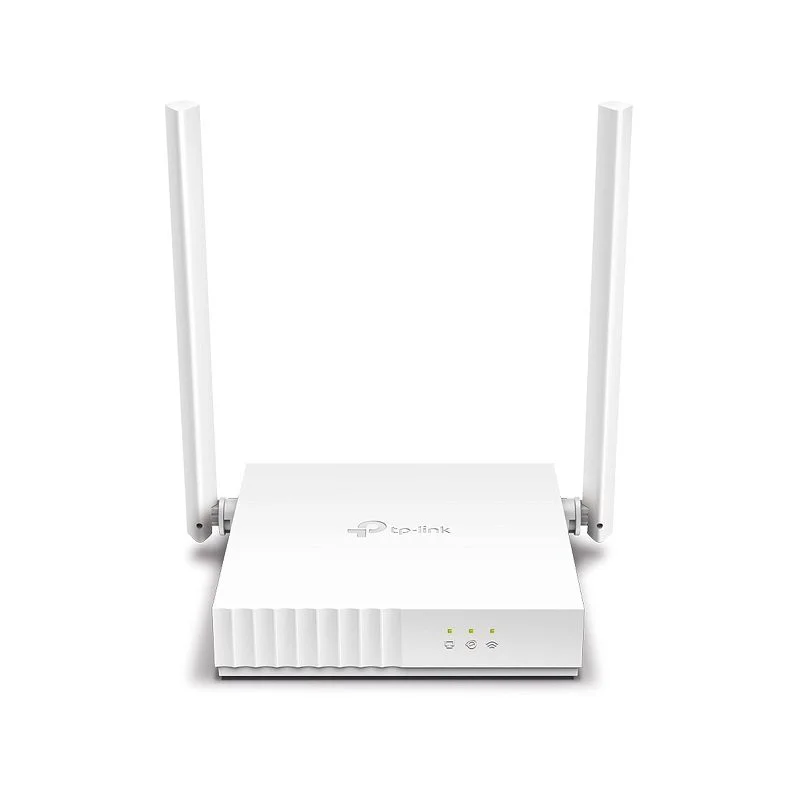
TP-Link TL-WR820N 300 Mbps Multi-Mode Wi-Fi Router

₹1,359.00 (Inclusive of all taxes)
Out of Stock

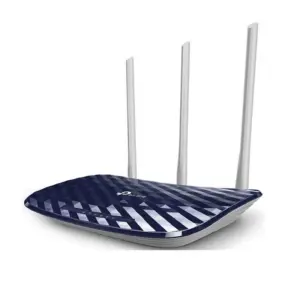
The TP-Link TL-WR820N is a versatile 300 Mbps multi-mode Wi-Fi router supporting Router, Access Point, Range Extender, and WISP modes, ideal for creating stable 2.4 GHz wireless networks in small homes and apartments.

Features

  • 300 Mbps 2.4 GHz Wi-Fi for reliable web browsing, email, and HD video streaming.
  • Multi-mode operation (Router, AP, Range Extender, WISP) for flexible network setup and expansion.
  • Built-in IPTV optimization with IGMP Proxy/Snooping and VLAN support for lag-free streaming.
  • Enhanced network security with WPA3 encryption, SPI firewall, and guest network isolation.
  • Includes two fixed 5 dBi omnidirectional antennas for improved wireless coverage.

Out of stock

Description

The TP-Link TL-WR820N is a compact and cost-effective wireless router engineered for basic yet reliable internet connectivity. It delivers up to 300 Mbps speeds on the 2.4 GHz band, sufficient for everyday online activities such as web browsing, email, and standard-definition streaming. Its core strength lies in its flexible multi-mode functionality, allowing it to be deployed not just as a standard router, but also as an Access Point to extend a wired network wirelessly, a Range Extender to boost existing Wi-Fi coverage, or in WISP mode to connect wirelessly to an ISP.

Built with network integrity in mind, the router incorporates a SPI firewall, WPA3 wireless encryption, and supports the latest IPv6 protocol for future-proofing. It also features dedicated IPTV optimizations like IGMP Proxy/Snooping and VLAN tagging to ensure smooth, buffer-free video streaming services. The integrated 5 dBi antennas provide stable omnidirectional coverage, making it a practical solution for small apartments, home offices, or as a secondary network node.

Key Features

  • Multi-mode flexibility operates as a Router, Access Point, Range Extender, or WISP client.
  • IPTV optimization with IGMP Proxy/Snooping, Bridge, and Tag VLAN support.
  • Advanced security suite includes WPA3 encryption, SPI firewall, and isolated guest network.
  • IPv6 compatibility ensures support for modern internet protocols and future ISP services.
  • Parental controls allow scheduling and management of device internet access.
  • Compact, space-saving design with internal power supply for a clean setup.
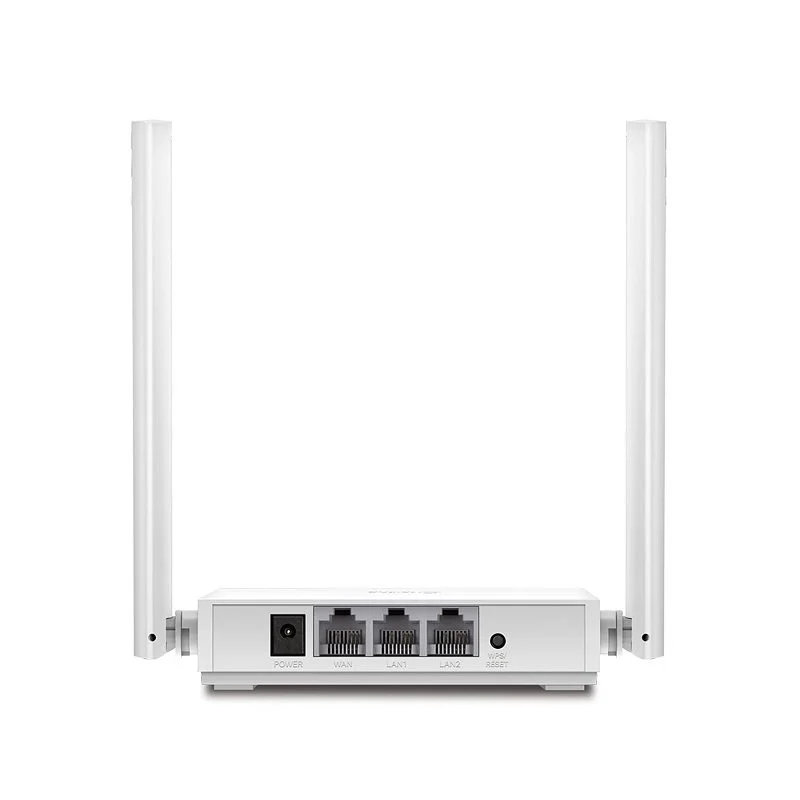
  • Three Ethernet ports (1 WAN, 2 LAN) for connecting wired devices.

Applications

  • Primary home Wi-Fi router for small apartments and studios.
  • Wireless Access Point to extend an existing wired network.
  • Range Extender to boost signal coverage in dead zones.
  • WISP client for wireless internet service provider connections.
  • Dedicated network for IPTV and video streaming setups.

Technical Specifications

Wireless StandardIEEE 802.11b/g/n
Maximum Speed300 Mbps
Frequency Band2.4 GHz
Antenna2 x Fixed 5 dBi Omnidirectional
Ethernet Ports1 x 10/100 Mbps WAN, 2 x 10/100 Mbps LAN
Operating ModesRouter, Access Point, Range Extender, WISP
SecurityWPA3, WPA/WPA2, SPI Firewall, Guest Network
Special FeaturesIPTV Support (IGMP Proxy/Snooping, VLAN), IPv6, Parental Controls
Power Supply5V DC
Dimensions (L x W x H)115 mm x 24.3 mm (Height not specified)

Frequently Asked Questions

How do I configure the TL-WR820N as a Wireless Access Point?

Connect the router to your computer via Ethernet, log into its web interface (default IP is usually 192.168.0.1), navigate to the Operation Mode settings, and select 'Access Point'. You will then need to disable its DHCP server and configure its LAN IP to be within your main network's subnet but outside the DHCP range to avoid conflicts.

What is the default login and IP address for the router's admin panel?

The default IP address is typically 192.168.0.1 or 192.168.1.1. Open a web browser, enter this address, and use the default credentials (commonly 'admin' for both username and password) as listed on the router's label or quick start guide. It is crucial to change these defaults after first login for security.

Does the TL-WR820N support both IPv4 and IPv6 internet protocols?

Yes, the TL-WR820N is fully compatible with both IPv4 and the newer IPv6 protocols. You can enable IPv6 support from the Advanced settings in the web management interface. This ensures your network remains future-proof and can utilize services from Internet Service Providers that have deployed IPv6.

Can I use this router to improve my IPTV streaming quality?

Yes, the router includes specific IPTV optimizations. Enable IGMP Proxy/Snooping and configure VLAN settings (Bridge or Tag mode) within the Advanced > IPTV menu. This prioritizes and isolates multicast IPTV traffic, reducing buffer and lag for a smoother television streaming experience on your set-top box.

Package Includes

  • 1 x TL-WR820N Wi-Fi Router
  • 1 x Power Adapter
  • 1 x RJ45 Ethernet Cable
  • 1 x Quick Installation Guide

Additional Information

Weight 0.351 kg
Dimensions 11.5 × 2.43 cm