SKU: IOWC-1783
📋 GST Invoice Available

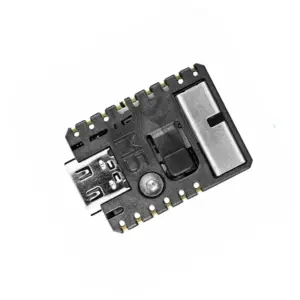
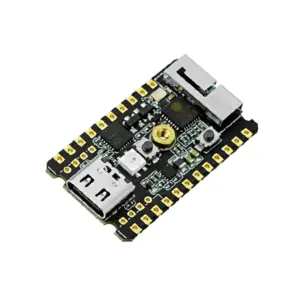
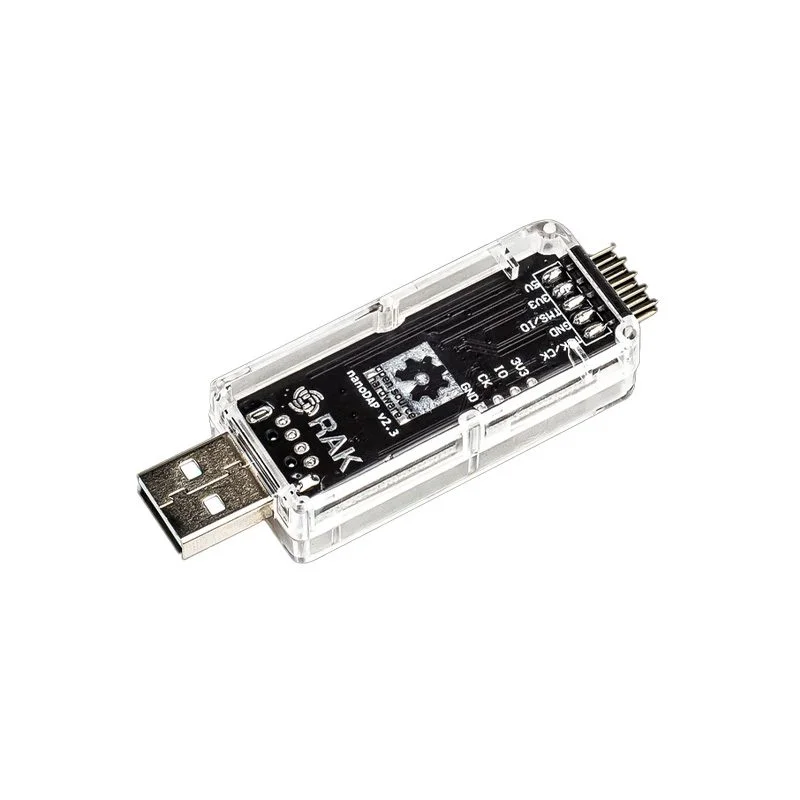
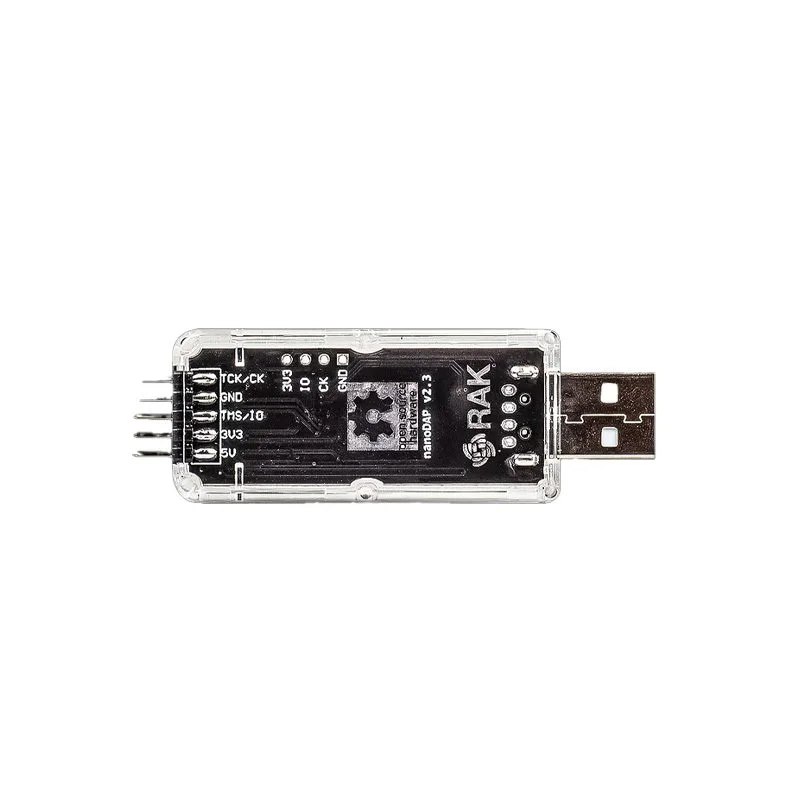
RAKwireless RAKDAP1 Debug and Flash Tool

₹1,619.00 (Inclusive of all taxes)
Out of Stock

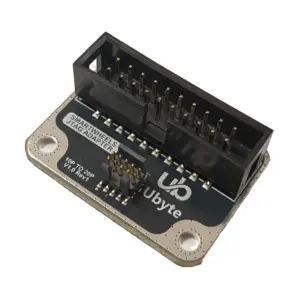
The RAKwireless RAKDAP1 is a CMSIS-DAP compliant debug and flash tool for ARM Cortex-M microcontrollers, featuring drag-and-drop USB programming and a virtual COM port for seamless integration with IDEs like Keil, IAR, and Mbed.

Features

  • CMSIS-DAP compliant for ARM debugging with seamless IDE integration.
  • Drag-and-drop USB mass storage (MSC) for easy firmware flashing.
  • Virtual COM port (CDC) for real-time logging and serial communication.
  • Powered by open-source DAPLink firmware for cross-platform compatibility (Windows, macOS, Linux).
  • Compact form factor designed for SWD port interfacing on RAKwireless and other ARM-based IoT modules.

Out of stock

Description

The RAKwireless RAKDAP1 Debug and Flash Tool is an essential hardware bridge for embedded developers working with ARM Cortex-M based IoT devices. It leverages the open-source DAPLink firmware to provide a robust CMSIS-DAP interface, enabling direct connection from a host PC to the target microcontroller’s SWD (Serial Wire Debug) port. This facilitates critical development workflows including bootloader flashing, application deployment, and real-time debugging.

Its architecture supports multiple USB endpoints simultaneously: a Mass Storage Class (MSC) for drag-and-drop programming, a Communication Device Class (CDC) for a virtual serial port, and Human Interface Device (HID) for debugging commands. This multi-protocol design ensures compatibility with a wide range of development environments and operating systems without requiring proprietary drivers, streamlining the firmware update and debugging process for LoRaWAN nodes, sensor modules, and other embedded systems.

Key Features

  • CMSIS-DAP compliant debug probe for ARM Cortex-M0/M3/M4/M33 cores.
  • Dual-mode USB interface: Mass Storage Class for drag-and-drop .bin file programming and Communication Device Class for serial terminal output.
  • Powered by the community-driven, open-source DAPLink firmware for transparency and customizability.
  • Plug-and-play operation on Windows, macOS, and Linux systems without additional driver installation.
  • Compact and lightweight design for easy portability in field debugging and lab environments.
  • Direct interface to standard 10-pin SWD debug connectors commonly found on RAKwireless and other IoT development boards.
  • Enables in-circuit debugging, flash memory erasure/programming, and serial wire viewer (SWV) trace output.

Applications

  • Flashing bootloaders and application firmware onto RAKwireless LoRaWAN modules and development kits.
  • In-circuit debugging and programming of ARM Cortex-M based IoT sensors and gateways.
  • Field updates and maintenance for deployed industrial IoT (IIoT) devices using SWD interfaces.
  • Educational and prototyping tool for embedded systems courses and maker projects.
  • Integration into automated test equipment (ATE) for production-line programming of microcontroller boards.

Technical Specifications

Model / NameRAKDAP1
Item TypeDebug and Flash Tool
InterfaceUSB 2.0 Full Speed
Debug InterfaceSWD (Serial Wire Debug)
FirmwareDAPLink (Open Source)
Host CompatibilityWindows, macOS, Linux
Length80 mm
Width25 mm
Weight15 g

Frequently Asked Questions

How do I connect the RAKDAP1 to my target board for programming?

Connect the RAKDAP1's USB port to your PC. Using a 10-pin SWD cable, link the tool's debug header to the matching SWD port on your target ARM Cortex-M board (e.g., a RAKwireless module). Ensure the target is powered. The RAKDAP1 will enumerate as a USB drive and a COM port, ready for drag-and-drop .bin file programming or IDE-based debugging.

Which IDEs and toolchains are compatible with the RAKDAP1 debugger?

The RAKDAP1 is CMSIS-DAP compliant, making it compatible with most ARM development environments. This includes Arm Keil MDK, IAR Embedded Workbench, Segger Embedded Studio, PlatformIO, and the Mbed Online Compiler. For simple flashing, you can use the drag-and-drop mass storage method without any IDE.

Can I update the DAPLink firmware on the RAKDAP1 tool itself?

Yes, the RAKDAP1 can be re-flashed. You need another debug probe (like a second RAKDAP1 or Segger) connected to its internal MCU's SWD pins. Download the latest DAPLink firmware source or binary from GitHub, build it using Arm Mbed CLI or similar, and flash it using your secondary programmer to update the tool's firmware.

What should I do if the RAKDAP1 is not recognized by my operating system?

First, try a different USB cable and port. On Windows, check Device Manager for unknown devices; CMSIS-DAP drivers are usually built into modern IDEs. On macOS and Linux, it should be plug-and-play. If issues persist, the DAPLink firmware may be corrupted, requiring a re-flash via another debug probe as described in the firmware update FAQ.

Package Includes

  • 1 x RAKwireless RAKDAP1 Debug and Flash Tool

Additional Information

Weight 0.015 kg
Dimensions 8 × 2.5 cm