SKU: IOWC-1646
📋 GST Invoice Available

Infrared IR Wireless Remote Control Module Kit for Arduino

₹58.00 (Inclusive of all taxes)
Out of Stock

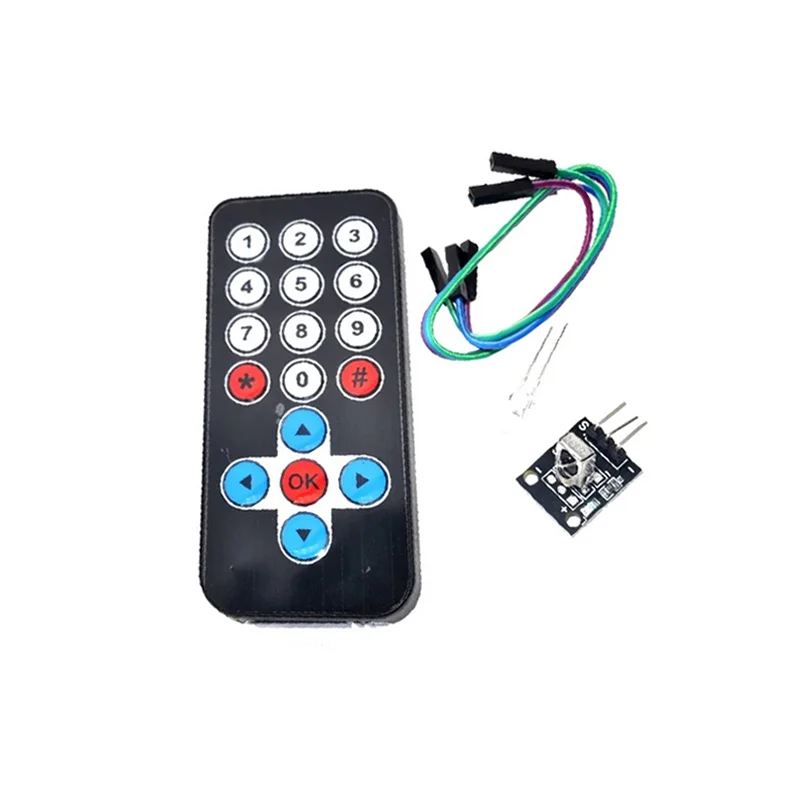
This IR remote control kit includes a slim 20-key remote and a 38KHz receiver module for Arduino-based projects, enabling wireless control of robots and interactive systems with a range up to 8 meters.

Features

  • Complete IR control kit with 20-button ultra-thin remote and 38KHz IR receiver module for Arduino integration.
  • Extended 8-meter wireless range for indoor applications, ideal for robotics and interactive installations.
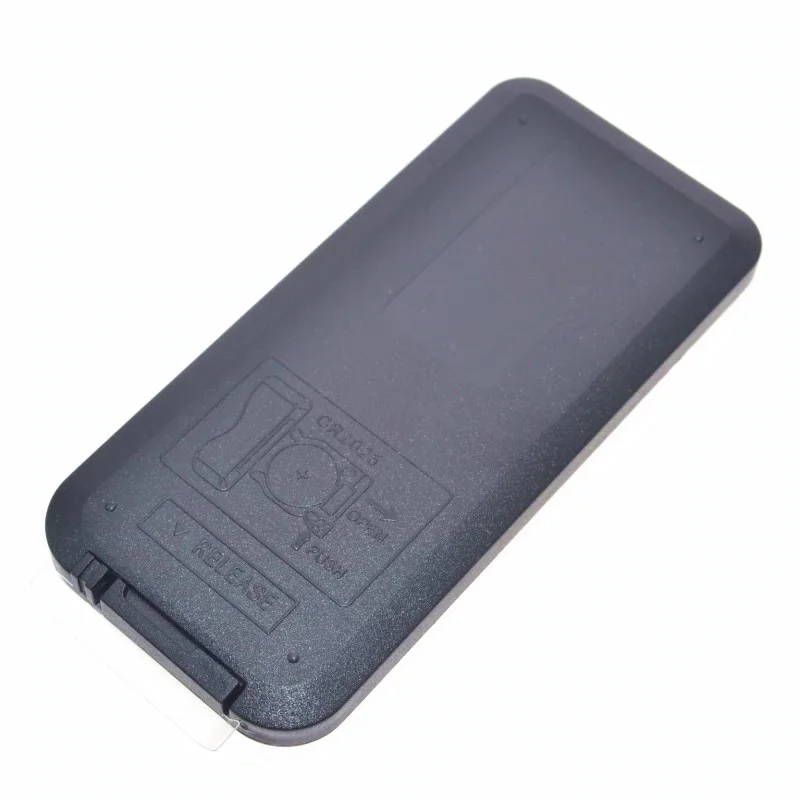
  • Low-power design with 3-5uA static current and 3-5mA dynamic current, powered by a CR2025 coin cell.
  • Includes necessary connectivity with 3x F-F jumper wires and an LED for immediate prototyping and testing.
  • Receiver features internal PCM frequency filtering and EMI shielding for reliable signal decoding.

Out of stock

Description

The Infrared IR Wireless Remote Control Module Kit provides a straightforward solution for adding wireless remote control capabilities to Arduino projects. The kit pairs a compact, 20-function key remote with a tuned 38KHz infrared receiver module, enabling developers to decode standard remote signals via simple Arduino programming.

Designed for indoor use, the remote offers a practical transmission distance of up to 8 meters, suitable for controlling a variety of equipment, DIY robots, and interactive art installations. The system’s low-power architecture ensures efficient operation, making it suitable for battery-powered applications.

Key Features

  • Ultra-thin remote control with 20 programmable function keys for versatile command mapping.
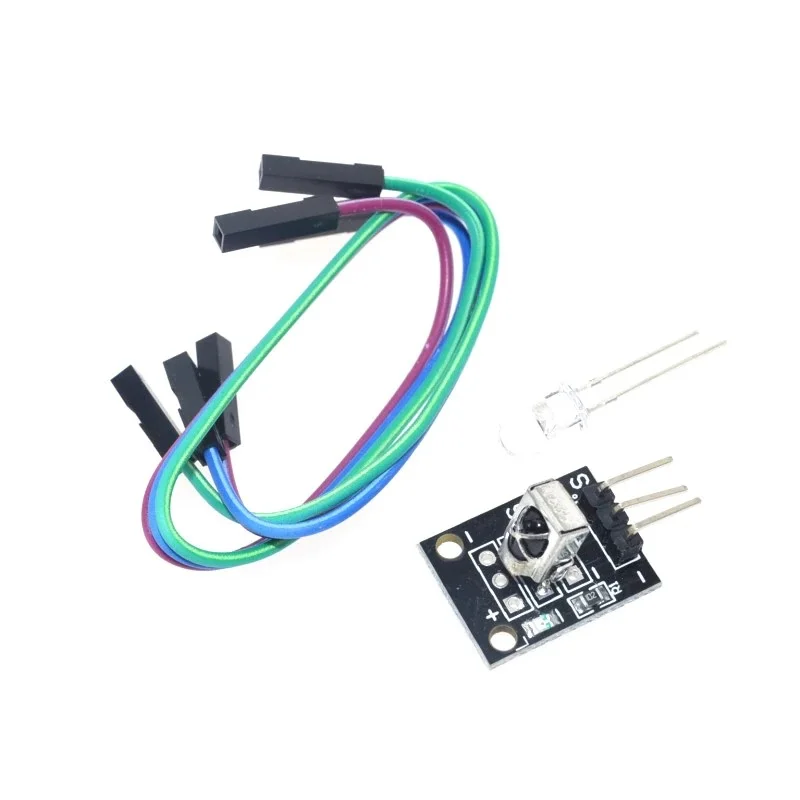
  • 38KHz modulated IR receiver module with photo-detector and preamplifier integrated into a single package.
  • Internal filter for PCM frequency and improved EMI shielding for stable signal reception in electrically noisy environments.
  • Low static current consumption (3-5uA) maximizes battery life from the included CR2025 coin cell.
  • Kit includes all necessary components for immediate prototyping: remote, receiver, jumper wires, and an LED.

Applications

  • DIY Arduino-based remote-controlled robots and vehicles.
  • Interactive art installations and museum exhibits requiring wireless triggers.
  • Smart home automation for controlling lights, fans, or other appliances via IR.
  • Educational projects for learning about infrared communication and signal decoding.
  • Prototyping wireless control systems for presentations or simple IoT devices.

Technical Specifications

Modulation Frequency38KHz
Transmission DistanceUp to 8 meters
Effective Angle60°
Static Current3uA - 5uA
Dynamic Current3mA - 5mA
Power SourceCR2025 160mAh Button Battery
Remote Dimensions86mm x 40mm
Remote Weight10g
Effective Life20,000 actuations

Frequently Asked Questions

How do I connect the IR receiver module to my Arduino board?

Connect the IR receiver module's VCC pin to Arduino's 5V, GND to GND, and the signal output pin (usually marked OUT) to any digital input pin (e.g., pin 11). Use the included jumper wires. You will need to install a library like IRremote in the Arduino IDE to decode the signals sent from the remote control. The library provides examples for reading and interpreting the button codes.

What is the power consumption of the remote control and how long will the battery last?

The remote operates on a CR2025 160mAh coin cell. It has an extremely low static current of 3-5 microamps when idle. During a button press (dynamic current), it draws 3-5 milliamps. With typical intermittent use, this can translate to a battery life of several months to over a year, depending on usage frequency. The 20,000-actuation lifespan also contributes to long-term reliability before mechanical wear.

Can I program the remote's buttons to send custom codes?

No, the included remote is a standard, pre-programmed consumer IR remote with fixed codes for its 20 buttons. You cannot reprogram the transmitted codes on the remote itself. However, you can fully customize the response on the Arduino side. By using the IRremote library, you can decode the fixed signal for each button and then map it to trigger any action or function within your Arduino sketch, effectively creating custom behavior for your project.

Why is my IR receiver not detecting signals from the remote?

First, verify all connections: VCC (5V), GND, and signal pin are correctly wired. Ensure the remote's battery is installed correctly and has charge. Check for strong ambient light or direct sunlight, as this can flood the IR receiver with noise. Point the remote directly at the receiver's sensor within its 60-degree effective angle and within 8 meters. Test using a simple Arduino sketch from the IRremote library examples to rule out code issues. The included LED can be used to visually confirm remote operation.

What is the purpose of the included LED in the kit?

The included LED is a prototyping component for immediate testing and feedback in your circuit. A common use is to connect it to an Arduino output pin via a current-limiting resistor. You can then program your sketch so that when a specific button on the IR remote is pressed, the LED toggles on or off. This provides a simple, visual confirmation that your IR signal reception and decoding logic are working correctly before integrating more complex hardware.

Package Includes

  • 1 x Infrared IR Wireless Remote
  • 1 x IR Receiver Module
  • 3 x F-F Jumper Cables
  • 1 x LED

Additional Information

Weight 0.015 kg
Dimensions 15 × 8 × 2 cm