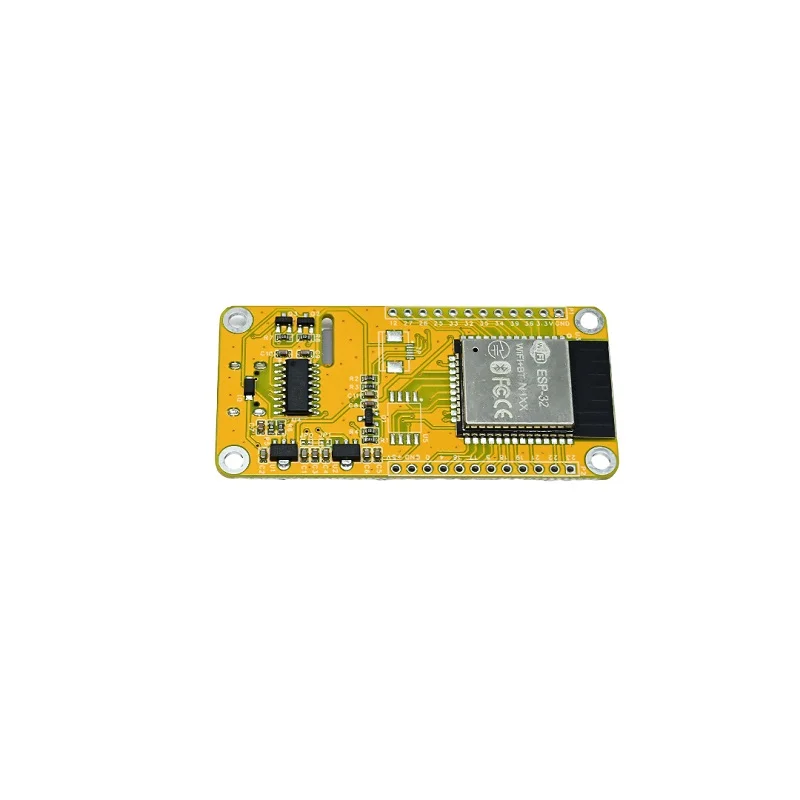
SKU: IOWC-1033
📋 GST Invoice Available

ESP32-S3 1.9-Inch TFT Display Development Board w/ LVGL, WiFi & Bluetooth

₹1,109.00 (Inclusive of all taxes)
Out of Stock

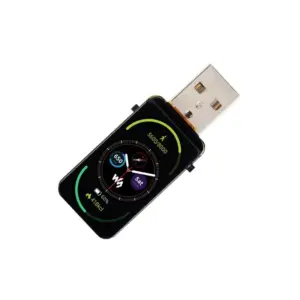
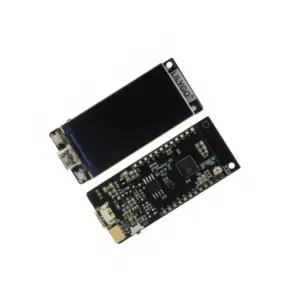
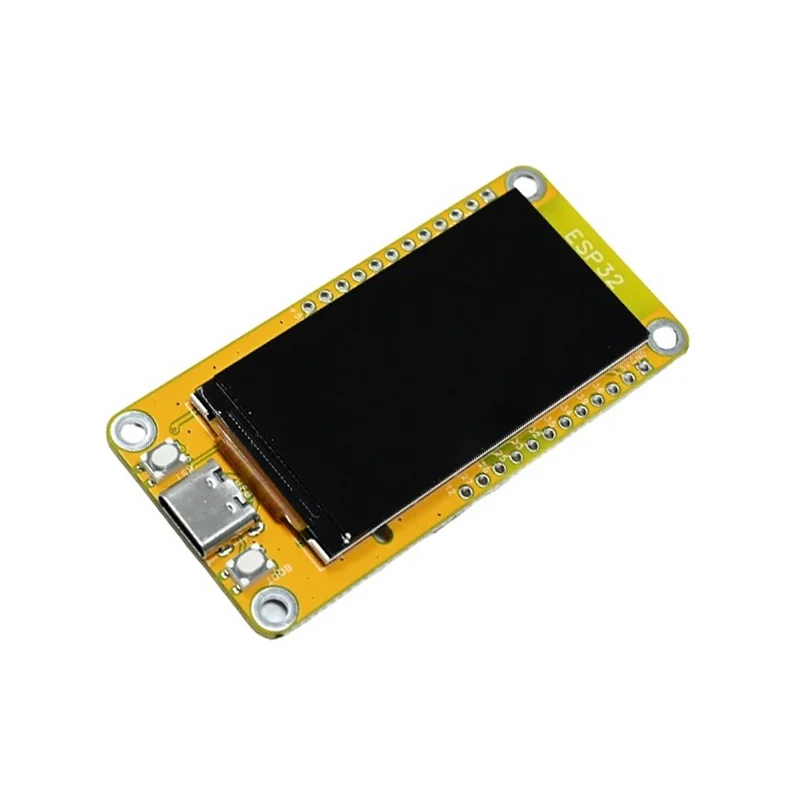
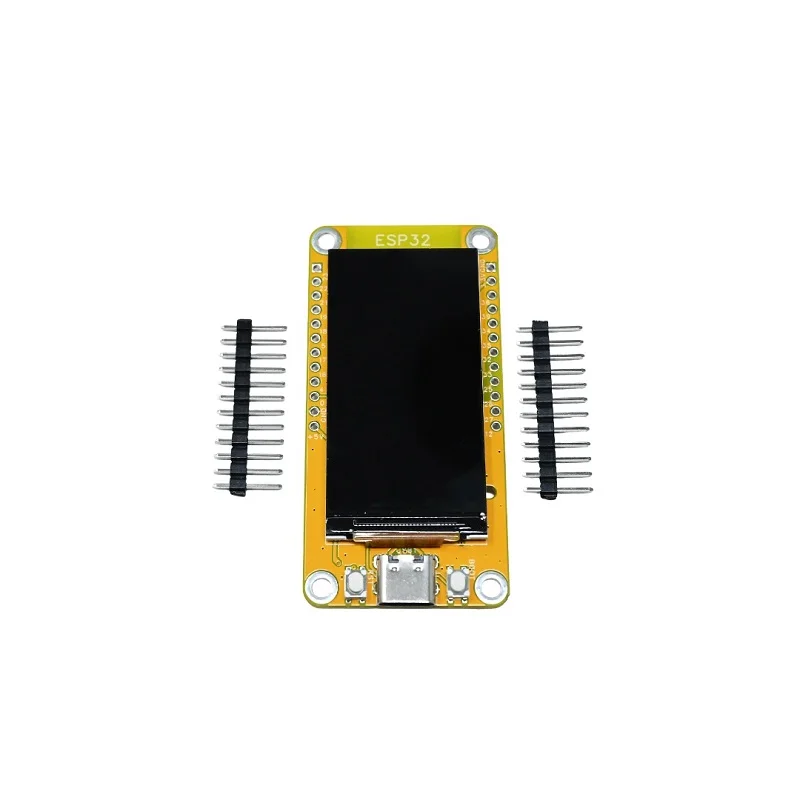
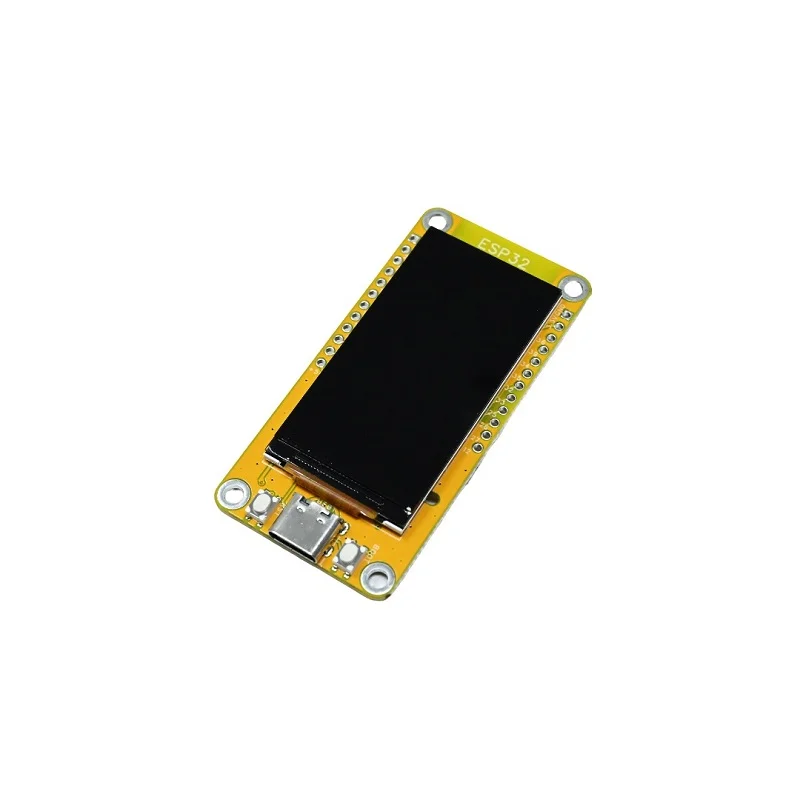
This ESP32-S3 development board integrates a 1.9-inch 170×320 TFT display with LVGL graphics library support, powered by a dual-core 240MHz processor for rich IoT user interfaces and wireless connectivity via built-in 2.4GHz WiFi and Bluetooth 5.0.

Features

  • ESP32-S3 dual-core processor delivers 240MHz performance for responsive IoT applications and LVGL graphics.
  • 1.9-inch TFT display with 170×320 resolution provides a crisp interface for custom dashboards and control panels.
  • Integrated 2.4GHz WiFi and Bluetooth 5.0 enable wireless data transfer, remote control, and smartphone connectivity.
  • Multiple interfaces including SPI, SDIO, and UART offer flexible expansion for sensors, storage, and peripherals.
  • Compact 70x30mm footprint is ideal for portable smart devices, handheld controllers, and embedded display projects.

Out of stock

Description

The ESP32-1732S019 development board combines the processing power of the ESP32-S3 dual-core microcontroller with a vibrant 1.9-inch TFT display, creating a complete platform for interactive IoT applications. The integrated LVGL graphics library allows developers to build sophisticated graphical user interfaces with widgets and animations directly on the device.

Wireless connectivity is handled by the onboard 2.4GHz WiFi and Bluetooth 5.0 radio, enabling the board to serve as a remote sensor node, a Bluetooth-controlled display, or a web-connected dashboard. The rich set of peripheral interfaces, including SPI, SDIO, and UART, facilitates easy integration with external sensors, SD cards for data logging, and serial communication modules, making it a versatile core for rapid prototyping.

Key Features

  • High-performance ESP32-S3 dual-core Xtensa LX7 CPU operating at up to 240MHz.
  • 1.9-inch TFT LCD with 170x320 resolution and capacitive touch support (if applicable) for interactive projects.
  • Integrated LVGL open-source graphics library for creating advanced, memory-efficient user interfaces.
  • Dual wireless connectivity with 2.4GHz IEEE 802.11 b/g/n WiFi and Bluetooth 5.0 with BLE support.
  • Comprehensive I/O including multiple GPIOs, SPI, I2C, UART, and SDIO interfaces for peripheral expansion.
  • Automatic firmware download circuit simplifies the flashing process via USB serial.
  • Compact and portable design suitable for handheld instruments, smart home controllers, and industrial HMIs.

Applications

  • Smart home control panels and interactive dashboards.
  • Portable data loggers and environmental monitoring stations with display.
  • Handheld remote controls for drones, robots, or custom machinery.
  • IoT edge devices requiring local user interface and wireless connectivity.
  • Prototyping platforms for wearable tech and personal electronic devices.

Technical Specifications

Microcontroller / SoCESP32-S3 (Dual-core Xtensa LX7)
CPU Clock FrequencyUp to 240 MHz
Wireless Protocols2.4GHz WiFi 802.11 b/g/n, Bluetooth 5.0 (BLE)
Display1.9-inch TFT, 170 x 320 pixels
Graphics LibraryLVGL Support
Key InterfacesSPI, SDIO, UART, GPIO, I2C
Supply VoltageTypically 5V via USB
Dimensions (L x W)70mm x 30mm
WeightApprox. 30g

Frequently Asked Questions

How do I program this ESP32-S3 display board?

You can program it using the Arduino IDE with the ESP32 board package installed, Espressif's official ESP-IDF framework, or MicroPython. Connect the board via its USB-C port to your computer. The automatic download circuit simplifies flashing; you typically just need to press the onboard reset button while holding the boot button to enter download mode. Select the correct COM port and upload your code, which can include LVGL graphics routines for the display.

What power supply is required for this board?

The board is typically powered via its USB-C connector, accepting a standard 5V supply from a computer or USB charger. Ensure your power source can provide sufficient current for the ESP32-S3 and the illuminated display, especially during wireless transmission. For portable use, you can connect a 3.7V Li-Po battery to the appropriate pins, but verify the board includes a charging circuit or use an external battery management module.

How do I interface with the TFT display using LVGL?

To use LVGL, you must install the LVGL library in your chosen development environment (Arduino or ESP-IDF). Initialize the display and touch drivers via SPI or the native interface. Use LVGL's API to create screens, widgets, and styles. Example projects from Espressif or the LVGL community provide starter code for the specific display controller. Ensure your project allocates sufficient PSRAM for frame buffers to achieve smooth graphics performance on the ESP32-S3.

Package Includes

  • 1 x ESP32-S3 1.9-Inch TFT Display Development Board

Additional Information

Weight 0.03 kg
Dimensions 7 × 3 cm