SKU: IOWC-0614
📋 GST Invoice Available

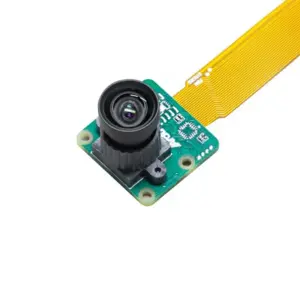
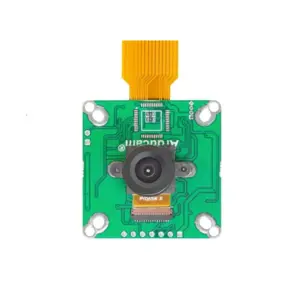
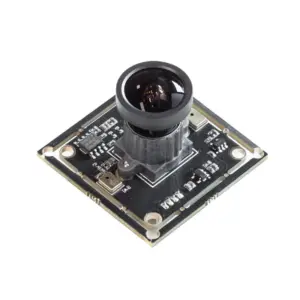
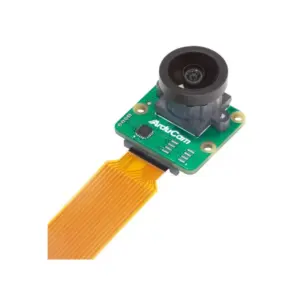
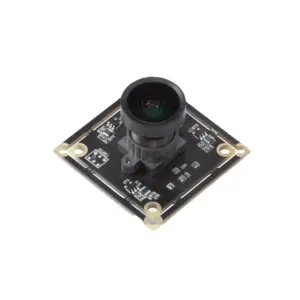
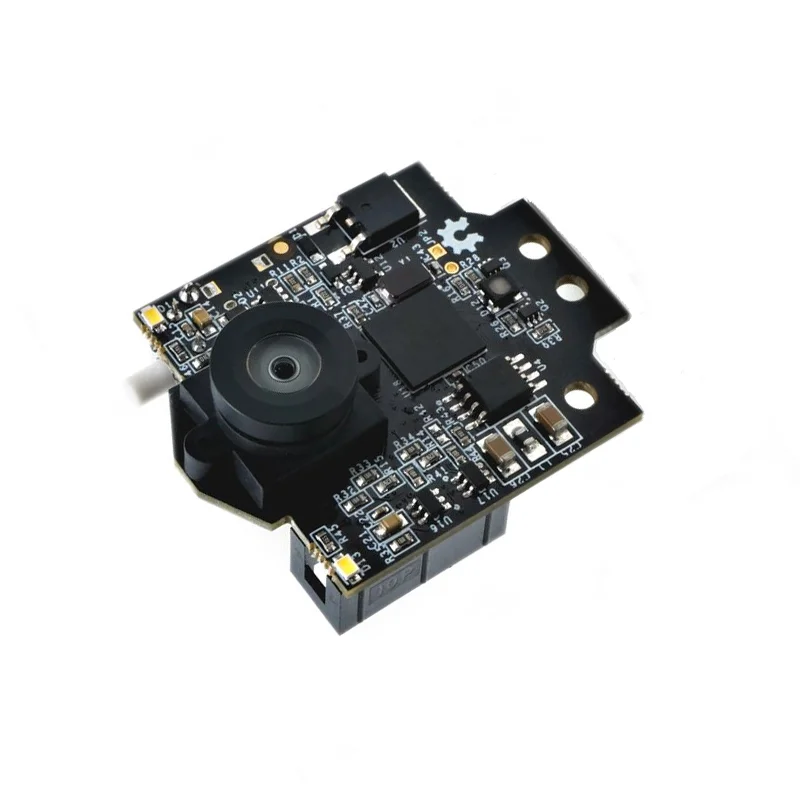
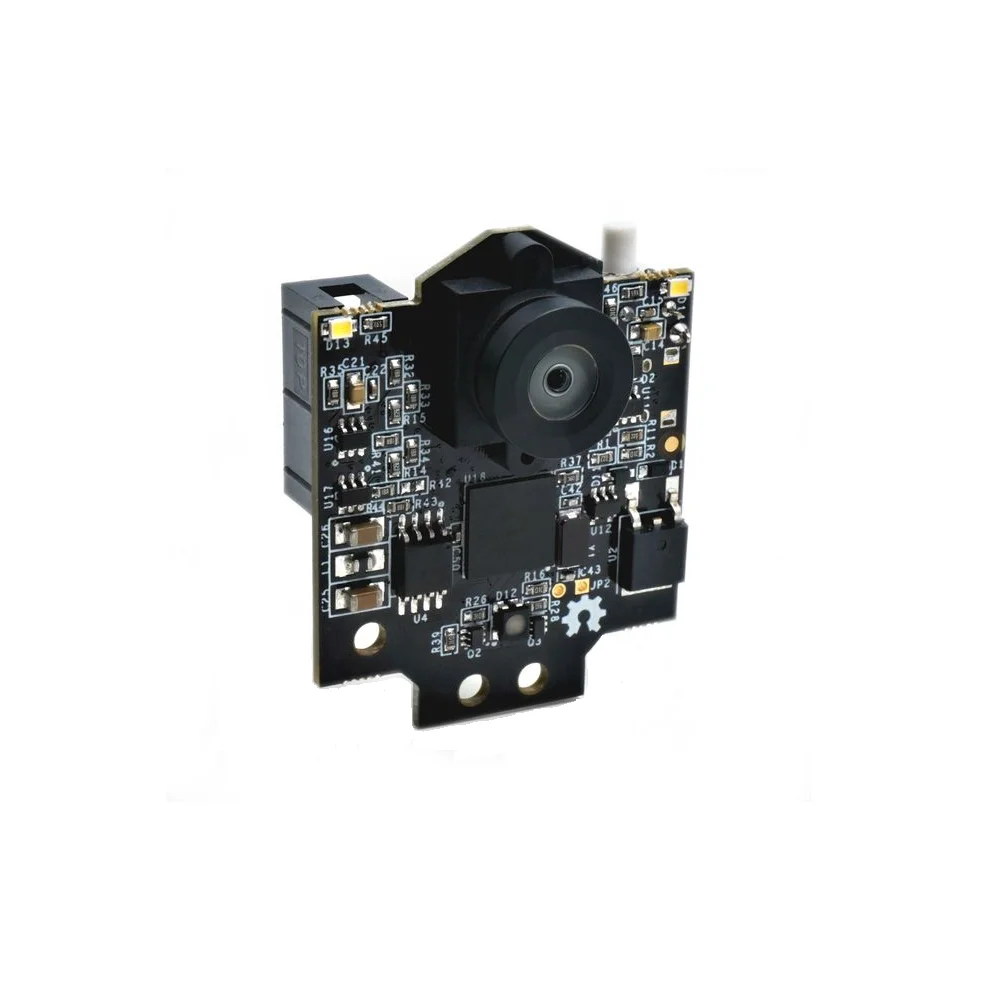
Pixy 2.1 Smart Vision Sensor Object Tracking Camera

₹10,049.00 (Inclusive of all taxes)
Out of Stock

The Pixy 2.1 is a smart vision sensor featuring an NXP Semiconductors LPC4330 dual-core processor and an Aptina MT9M114 image sensor for real-time object tracking, line following, and color detection at 60 FPS. It connects via USB or direct 6-10V input and is programmable with Arduino, Raspberry Pi, and other microcontrollers.

Features

  • High-speed 60 FPS vision processing powered by a dual-core NXP Semiconductors LPC4330 204 MHz processor.
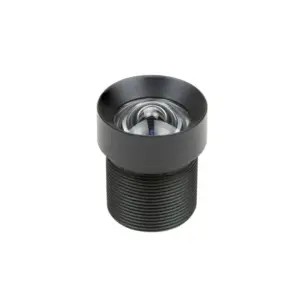
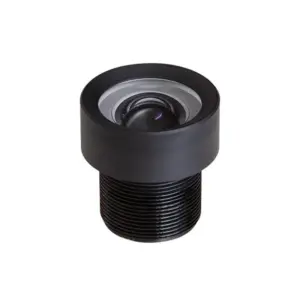
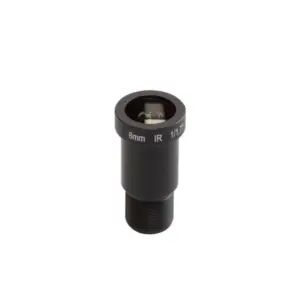
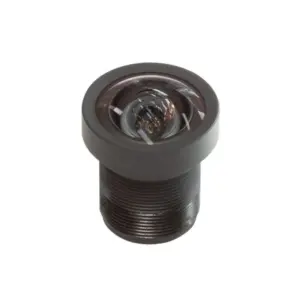
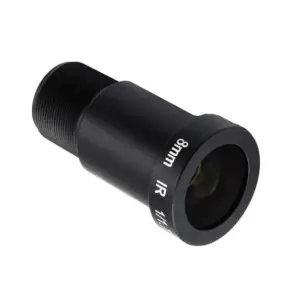
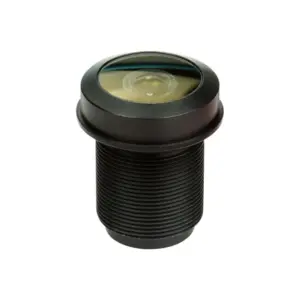
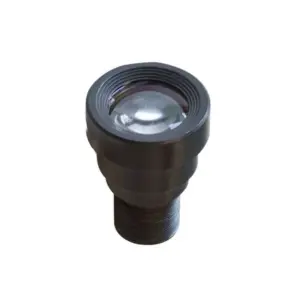
  • Wide 80° horizontal field-of-view M12 lens with adjustable focus and replaceable mount.
  • Real-time color-based object detection, line following, intersection, and barcode recognition.
  • Low-latency communication via SPI, I2C, UART, or USB with Arduino/Raspberry Pi libraries.
  • Flexible 5V USB or 6-10V unregulated power input with integrated LED lighting.

Out of stock

Description

The Pixy 2.1 Smart Vision Sensor integrates a dedicated image flow processor and Aptina MT9M114 sensor to perform real-time computer vision tasks without burdening the host microcontroller. Its upgraded 80-degree horizontal field-of-view lens provides greater environmental coverage with minimal chromatic distortion, while the adjustable M12 mount allows for focus tuning from 0.25 inches to infinity.

Operating at 60 frames per second, the module executes onboard tracking algorithms for color signatures, lines, intersections, and small barcodes, outputting processed data over SPI, I2C, UART, or USB. This offloads intensive pixel processing from the main controller, making it ideal for responsive robotics and automated systems requiring low-latency visual feedback.

Key Features

  • Onboard NXP Semiconductors LPC4330 dual-core processor handles all image processing at 204 MHz.
  • Aptina MT9M114 sensor with 1296x976 resolution and integrated image flow engine.
  • Wide 80° horizontal, 40° vertical FOV with adjustable focus M12 lens mount.
  • Detects colored objects, lines, intersections, and barcodes at 60 frames per second.
  • Multiple interface options: USB, SPI, I2C, UART, or analog/digital I/O.
  • Pre-trained color recognition with teach-and-repeat functionality for quick setup.
  • Integrated light source ensures consistent detection in varying ambient conditions.
  • Open-source firmware and libraries for Arduino, Raspberry Pi, and other platforms.

Applications

  • Autonomous line-following and object-tracking robots for education and competition.
  • Industrial pick-and-place systems using color-coded part identification.
  • Smart inventory management with barcode scanning and asset tracking.
  • Interactive installations and exhibits requiring gesture or object recognition.
  • Robotic vision for drones and UGVs (Unmanned Ground Vehicles).

Technical Specifications

ProcessorNXP Semiconductors LPC4330, 204 MHz, dual-core
Image SensorAptina MT9M114, 1296×976 resolution
Lens Field of View80° horizontal, 40° vertical
Lens MountStandard M12, adjustable focus
Frame Rate60 frames per second
Power InputUSB (5V) or unregulated (6V to 10V)
Typical Current140 mA
RAM264 KB
Flash Memory2 MB
InterfacesUSB, SPI, I2C, UART, Analog/Digital I/O
Dimensions42 mm (W) x 38 mm (L)
Weight70 g

Frequently Asked Questions

How do I connect and configure the Pixy 2.1 with an Arduino Uno?

Install the Pixy2 library via the Arduino IDE Library Manager. Connect the Pixy module to the Arduino using the supplied cable: Pixy's SOP (SPI out) to pin 11, SIN (SPI in) to pin 12, and SCK to pin 13. Power the Pixy via its USB port or the 6-10V Vin pin. Use the provided example sketches to teach it colors and read detected object blocks via serial print. Ensure the baud rate in your serial monitor matches the sketch, typically 115200.

What is the procedure for teaching the Pixy 2.1 new color signatures?

Power the Pixy 2.1 and connect it to a computer via USB. Open the PixyMon desktop application. Hold the object with the color you want to detect in front of the camera. In PixyMon, click the 'Action' menu and select 'Set Signature 1' (or any signature number). The camera will learn that color. You can save up to seven unique color signatures. This process does not require coding and the signatures are stored in the Pixy's flash memory.

Can I use a different lens with the Pixy 2.1's M12 mount?

Yes, the Pixy 2.1 features a standard M12 lens mount, allowing you to replace the default lens. To change it, carefully unscrew the existing lens. You can install alternative M12 lenses with different focal lengths or fields of view to suit your application, such as a narrower lens for longer-distance detection. After installation, you may need to recalibrate the focus by rotating the lens barrel and rerun your detection algorithms for optimal performance.

Package Includes

  • 1 x Pixy 2.1 Smart Vision Sensor-Object Tracking Camera
  • 1 x Connecting IDC Cable
  • 1 x Mounting Accessories

Additional Information

Weight 0.07 kg
Dimensions 3.8 × 4.2 cm