SKU: IOWC-0154
📋 GST Invoice Available

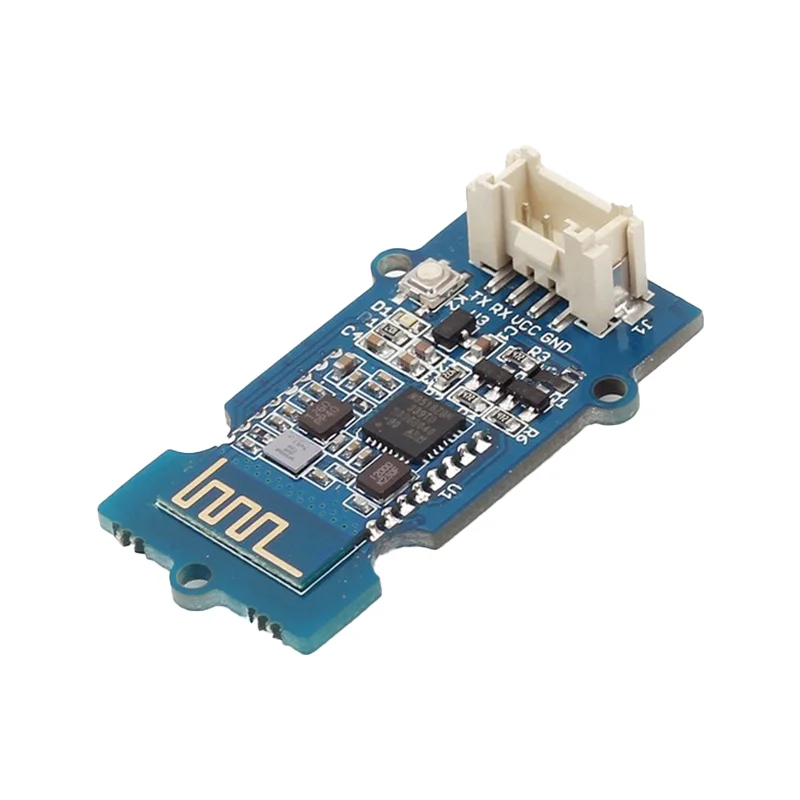
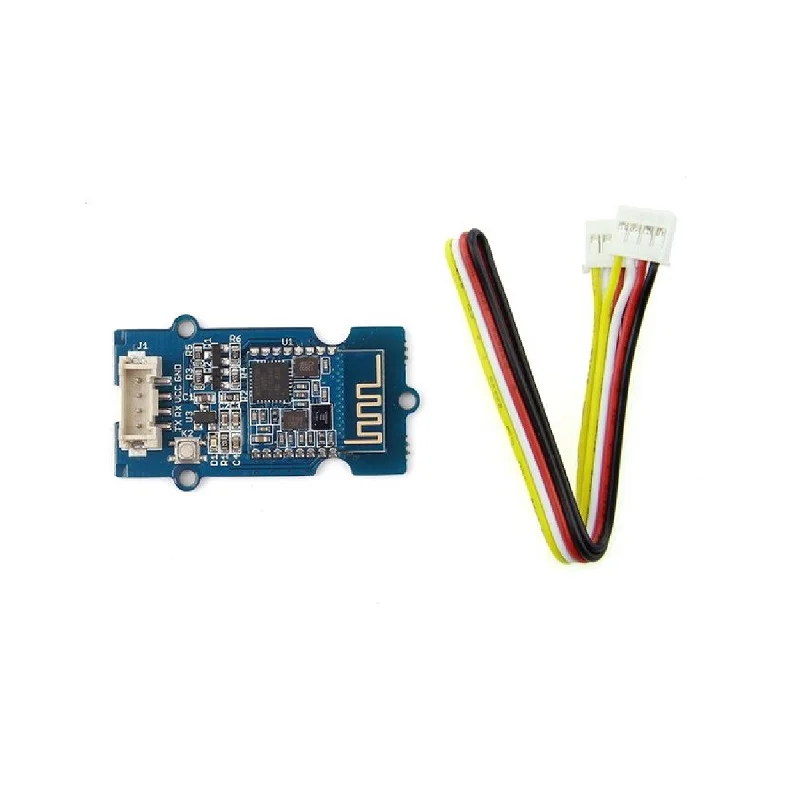
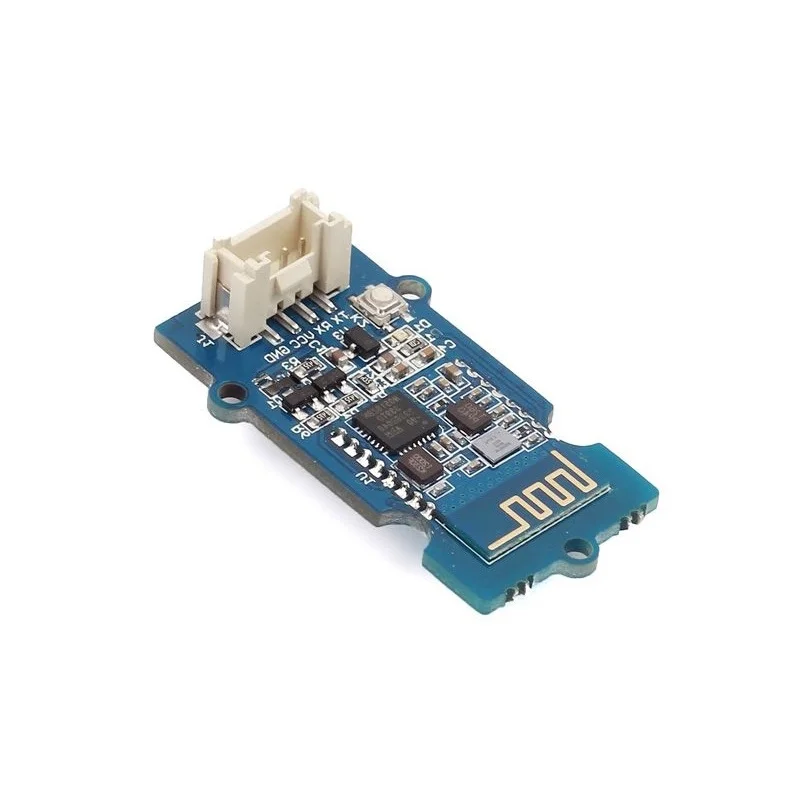
Seeed Studio Studio Grove BLE Dual-Mode Module (HM13)

₹1,899.00 (Inclusive of all taxes)
Out of Stock

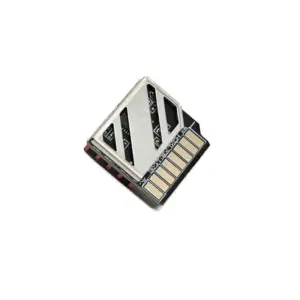
The Seeed Studio Studio Grove BLE Dual-Mode Module (HM13) is a CSR-based Bluetooth 4.0/BLE transceiver designed for easy integration via Grove connectors. It supports AT command configuration for flexible serial baud rates, device names, and pairing passwords, making it ideal for Arduino and Raspberry Pi IoT projects.

Features

  • Dual-mode Bluetooth 4.0 supporting both Classic SPP and Low Energy (BLE) for versatile connectivity.
  • CSR chipset with ARM architecture and configurable RF output power from -23dBm to +6dBm via AT commands.
  • Standard Grove connector for plug-and-play integration with Seeed Studio Studio and Arduino development ecosystems.
  • Low power consumption with typical operating current under 10mA and a deep sleep mode below 1mA.
  • Extended wireless range with up to 30 meters for SPP and 60 meters for BLE communication.

Out of stock

Description

The Grove BLE Dual-Mode Module (HM13) leverages a CSR dual-mode Bluetooth chip with an integrated ARM processor, providing a robust wireless link for IoT sensor nodes and control systems. It operates on the 2.4GHz ISM band using GFSK modulation and offers configurable RF power levels to balance range and power consumption.

Designed for developer convenience, the module features a simple UART interface managed through AT commands, allowing for dynamic configuration of serial parameters, device identity, and security settings. Its low operating and sleep currents make it suitable for battery-powered remote sensing and wearable applications where energy efficiency is critical.

Key Features

  • Dual-mode Bluetooth 4.0 supporting SPP (Serial Port Profile) and BLE (Bluetooth Low Energy) connectivity.
  • Configurable RF transmit power (-23dBm, -6dBm, 0dBm, +6dBm) via AT+POWE command for range optimization.
  • Integrated Grove 4-pin connector for rapid prototyping without soldering.
  • Low-power architecture with typical operating current under 10mA and deep sleep current below 1mA.
  • Supports AT command set for flexible configuration of baud rate, device name, pairing password, and role.
  • On-board LED indicator for connection status and a manual disconnect/reset button (K2).
  • Built-in automatic power-on reset circuit for reliable operation.

Applications

  • Wireless sensor nodes for home automation and environmental monitoring.
  • BLE beacons for asset tracking and indoor positioning systems.
  • Wireless serial bridges for Arduino and Raspberry Pi projects.
  • Battery-operated wearable devices and remote control interfaces.
  • IoT gateways requiring dual-mode Bluetooth connectivity.

Technical Specifications

Bluetooth VersionBluetooth Specification V4.0 BLE Dual-Mode
Chipset/SoCCSR Dual-Mode Bluetooth (HM13)
Frequency Range2.4GHz ISM Band
RF Transmit Power-23dBm, -6dBm, 0dBm, +6dBm (Configurable)
RF Sensitivity≤ -84dBm @ 0.1% BER
Data SpeedAsynchronous: 6KB, Synchronous: 6KB
Supply Voltage3.3V to 5.0V DC
Operating Current< 10 mA (Typical)
Sleep Current< 1 mA
InterfaceUART (via Grove 4-pin connector)
AntennaIntegrated PCB Antenna
Operating Temperature–5°C to +65°C
Dimensions40mm x 20mm (Module)

Frequently Asked Questions

How do I configure the Grove BLE module's baud rate and device name?

Use the AT command set over the serial UART interface. Connect the module's TX/RX pins to a USB-to-serial adapter, open a terminal at the default baud rate (likely 9600), and send commands like AT+BAUDx to set baud rate and AT+NAMEyourname to configure the device name. Refer to the HM13 datasheet for the complete AT command list and parameter values.

What is the difference between SPP and BLE modes on this module?

SPP (Serial Port Profile) is Bluetooth Classic, offering higher data throughput (up to 512-byte packets) and a persistent serial cable replacement connection, typically with a range up to 30 meters. BLE (Bluetooth Low Energy) mode is for low-power, intermittent data exchange with smaller packets (20 bytes), extending the range to about 60 meters and significantly reducing average current consumption, making it ideal for battery-powered sensors.

How do I put the Grove BLE module into deep sleep to save power?

Send the AT command AT+SLEEP to enter sleep mode. In this state, the module consumes less than 1mA. You can wake it by toggling the PIO11 pin or, as per factory settings, by pressing the onboard K2 button. Ensure your host microcontroller can manage the wake-up signal and re-establish the UART communication upon exiting sleep.

Can I increase the wireless range of this BLE module?

Yes, you can increase the RF transmit power using the AT+POWE command. The module supports power levels: 1 (-23dBm), 2 (-6dBm), 3 (0dBm), and 4 (+6dBm). Setting AT+POWE4 enables the maximum +6dBm output for the greatest range. Be aware that higher transmit power increases current consumption, so adjust based on your power budget and range requirements.

Package Includes

  • 1 x Seeed Studio Studio Grove BLE (dual model) Module

Additional Information

Weight 0.017 kg
Dimensions 7 × 9 × 2 cm