SKU: IOWC-1443
📋 GST Invoice Available

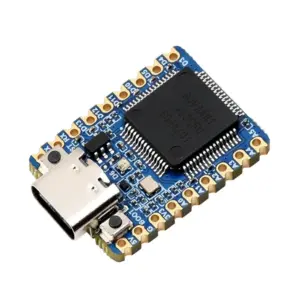
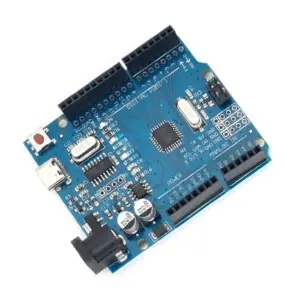
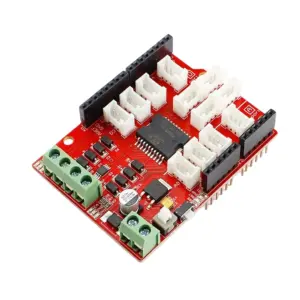
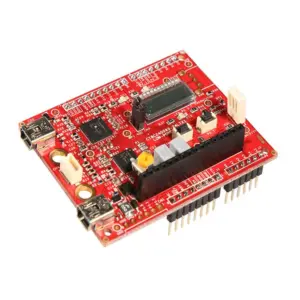
Seeed Studio Studio Wio Lite W600 ATSAMD21 Wireless Development Board

₹1,250.00 (Inclusive of all taxes)
Out of Stock

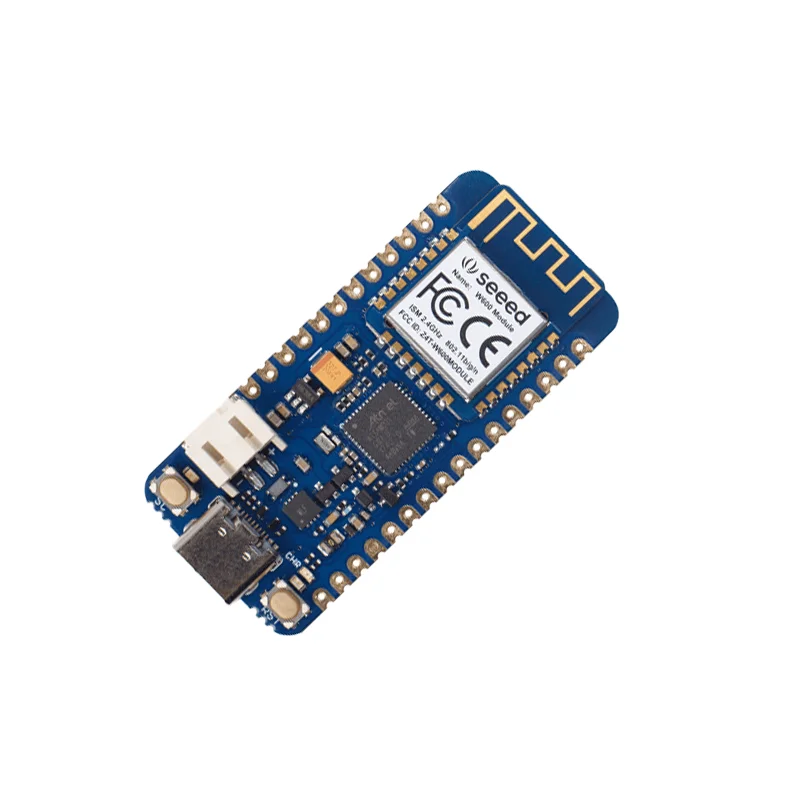
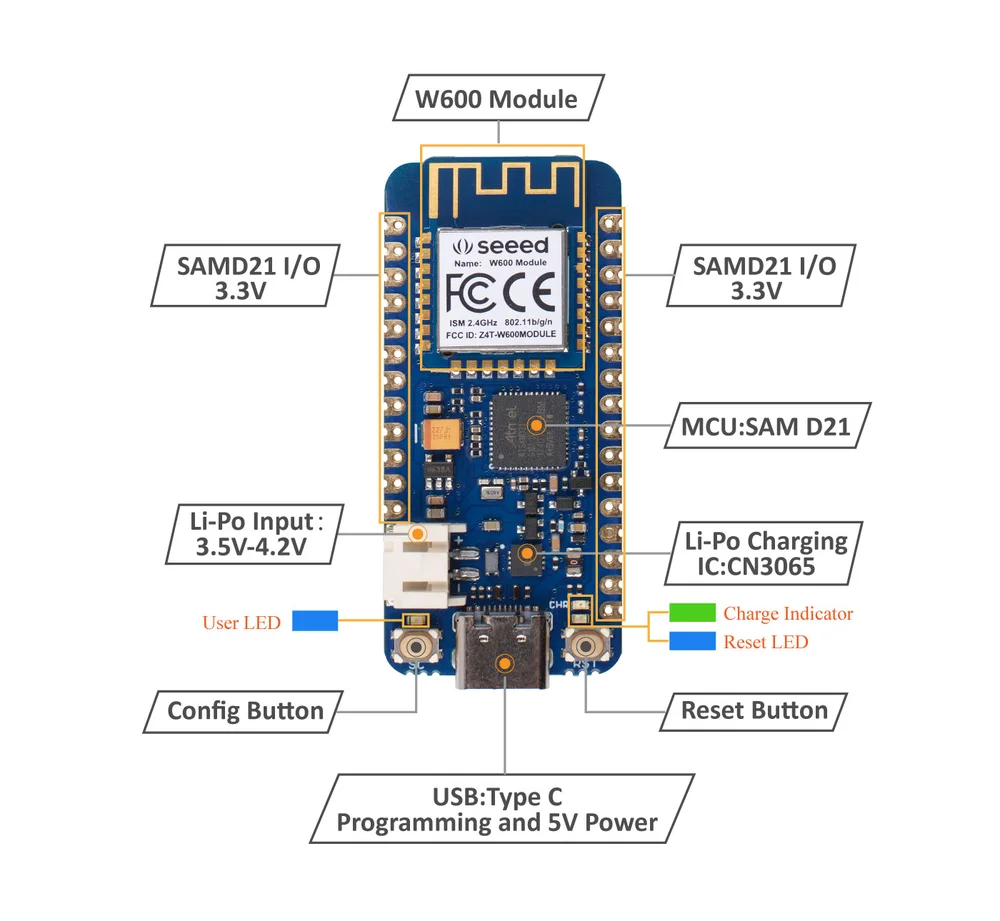
The Seeed Studio Studio Wio Lite W600 is an Arduino-compatible development board integrating an ATSAMD21 Cortex-M0+ microcontroller and a 2.4GHz W600 Wi-Fi module. It is powered via USB Type-C and is fully compatible with Arduino Zero libraries and the Grove ecosystem.

Features

  • ATSAMD21 ARM Cortex-M0+ microcontroller ensures Arduino Zero compatibility for seamless project migration.
  • Integrated W600 Wi-Fi module supports 802.11 b/g/n for robust 2.4GHz wireless connectivity.
  • USB Type-C power input (3.3-5V) and LiPo battery support (3.5-4.2V) enable flexible, portable deployments.
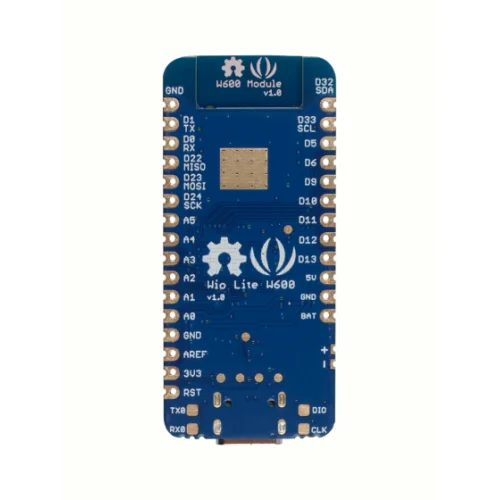
  • 20 total I/O pins (14 digital, 6 analog) plus UART, I2C, and ICSP interfaces for extensive peripheral expansion.
  • Feather-compatible form factor and support for 200+ Grove modules accelerates prototyping and sensor integration.

Out of stock

Description

The Wio Lite W600 merges a powerful Atmel SMART SAM D21 ARM Cortex-M0+ processor with a dedicated W600 Wi-Fi core based on an ARM Cortex-M3. This integration provides a stable, cost-effective platform for Wi-Fi-enabled IoT projects, eliminating the common instability and bulk of separate shields. The board operates at a 3.3V logic level and offers a comprehensive set of interfaces including a dedicated UART, I2C, and an ICSP port for programming.

Designed for low-power operation and flexible power sourcing, it can be driven via a 5V USB Type-C connection or a single-cell LiPo battery, making it ideal for portable and remote sensing applications. Its pinout and software compatibility with the Arduino Zero ecosystem allow developers to leverage a vast library of existing sketches and drivers, significantly reducing development time.

Key Features

  • Arduino Zero & Adafruit Feather hardware/software compatibility for rapid prototyping.
  • Onboard 2.4GHz W600 Wi-Fi module with full 802.11 b/g/n support for reliable network connectivity.
  • Extensive I/O breakout with 14 digital pins, 6 analog inputs, and multiple serial communication buses.
  • Flexible power management via USB Type-C or JST-PH connector for 3.5-4.2V LiPo batteries.
  • Direct support for the Seeed Studio Studio Grove ecosystem, enabling plug-and-play connection with hundreds of sensors and actuators.
  • Compact, cost-effective form factor designed for embedded Wi-Fi applications and IoT nodes.

Applications

  • Prototyping Wi-Fi-connected IoT devices and smart home automation nodes.
  • Building portable, battery-powered environmental sensors and data loggers.
  • Creating educational tools for learning embedded systems and wireless networking.
  • Developing remote control systems and wireless sensor networks using the Grove ecosystem.

Technical Specifications

MicrocontrollerATSAMD21 ARM Cortex-M0+
Wireless ProtocolWi-Fi 802.11 b/g/n
Wi-Fi CoreW600 (ARM Cortex-M3)
Supply Voltage3.3 - 5V (USB Type-C), 3.5 - 4.2V (LiPo)
Digital I/O Pins14
Analog Input Pins6
InterfacesUART, I2C, ICSP
Logic Level3.3V
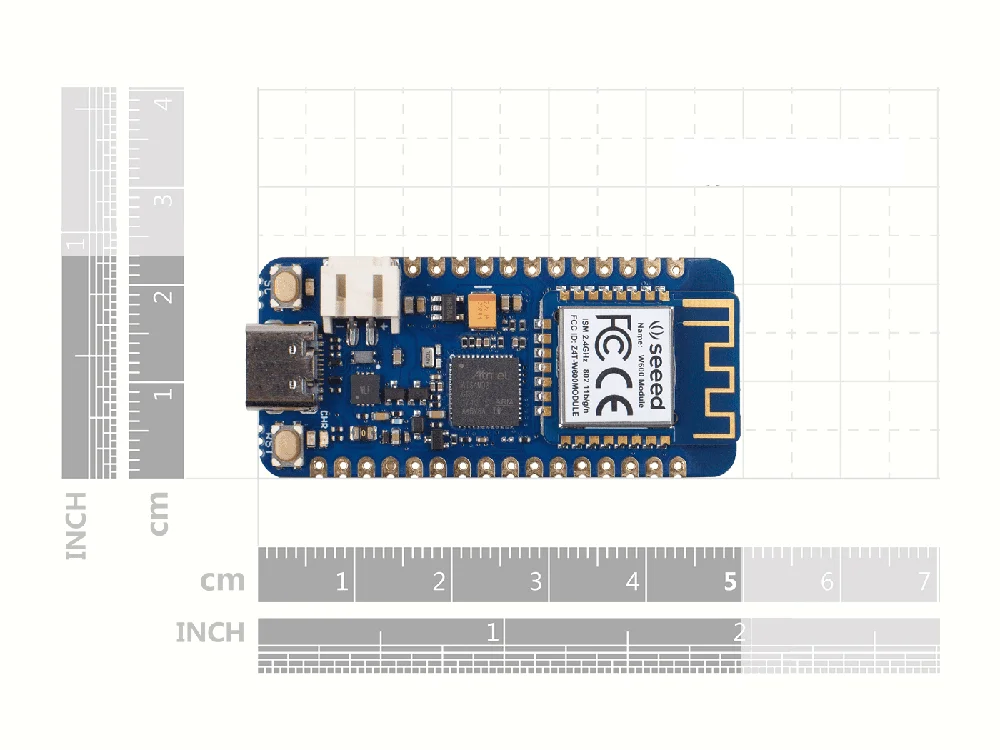
Dimensions (LxW)52.3mm x 23mm
Weight10g

Frequently Asked Questions

How do I program the Wio Lite W600 board?

You can program the board using the Arduino IDE. First, install the Seeed Studio SAMD Boards package via the Boards Manager. Then, select 'Seeed Studio Wio Lite W600' as your target board. Connect the board via USB Type-C, and you can upload sketches just like any standard Arduino. The board is fully compatible with libraries written for the Arduino Zero due to its identical SAM D21 core.

What is the power consumption and sleep current of this board?

The operating current depends on the Wi-Fi module's state. With the W600 active and connected, expect currents in the range of 100-200mA. The SAM D21 microcontroller supports multiple low-power sleep modes, which can reduce the system's current draw to microamps when the Wi-Fi radio is disabled. For precise battery life calculations, consult the W600 and SAM D21 datasheets for specific sleep mode currents.

Can I use this board with 5V sensors or shields?

No, the Wio Lite W600 operates at a 3.3V logic level on all its I/O pins. Applying 5V signals directly to these pins can damage the microcontroller. To interface with 5V components, you must use a logic level converter or voltage divider circuit. Always ensure any connected peripheral is compatible with 3.3V logic or use appropriate bi-directional level shifting hardware for safe operation.

How do I connect a LiPo battery and what is the charging circuit?

Connect a single-cell 3.7V LiPo battery to the onboard JST-PH 2-pin connector. The board includes a charging circuit that manages power input prioritization between USB and battery. When USB is connected, it powers the system and charges the battery. The charging current is typically set to a safe default, but specific charge rate details should be verified in the board's schematic available on Seeed Studio Studio's wiki.

Package Includes

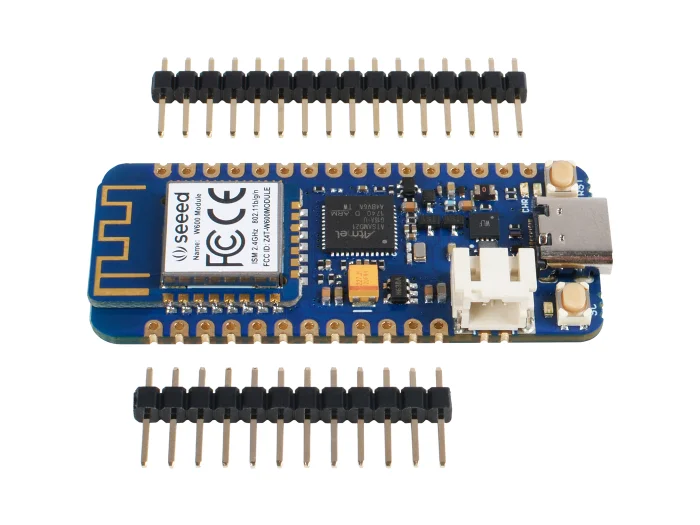
  • 1 x Wio Lite W600 - ATSAMD21 Cortex-M0 Wireless Development Board
  • 1 x Header set (unsoldered)

Additional Information

Weight 0.01 kg
Dimensions 5.23 × 2.3 cm