SKU: IOWC-1835
📋 GST Invoice Available

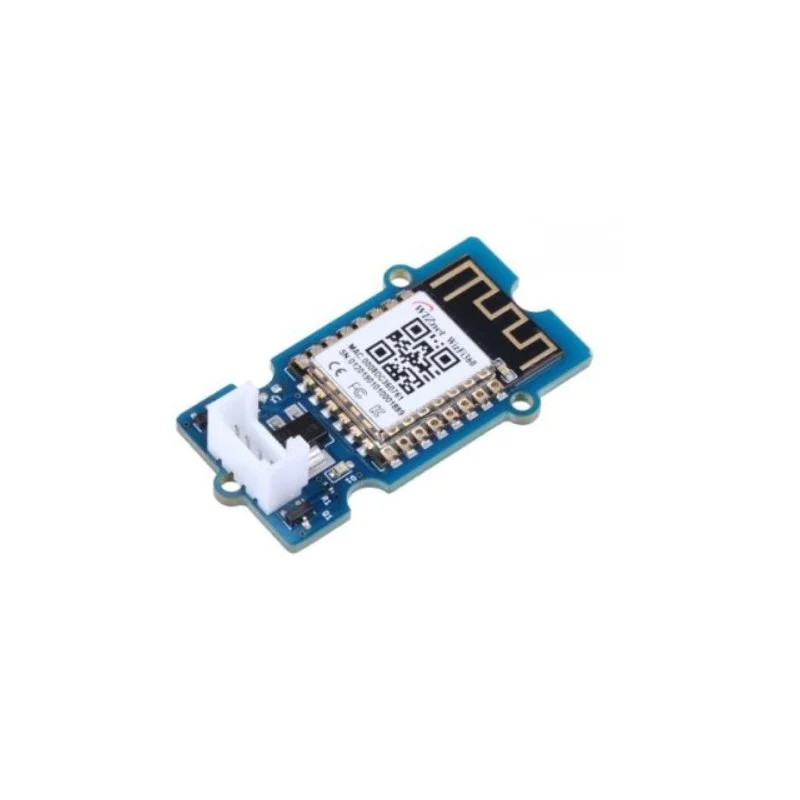
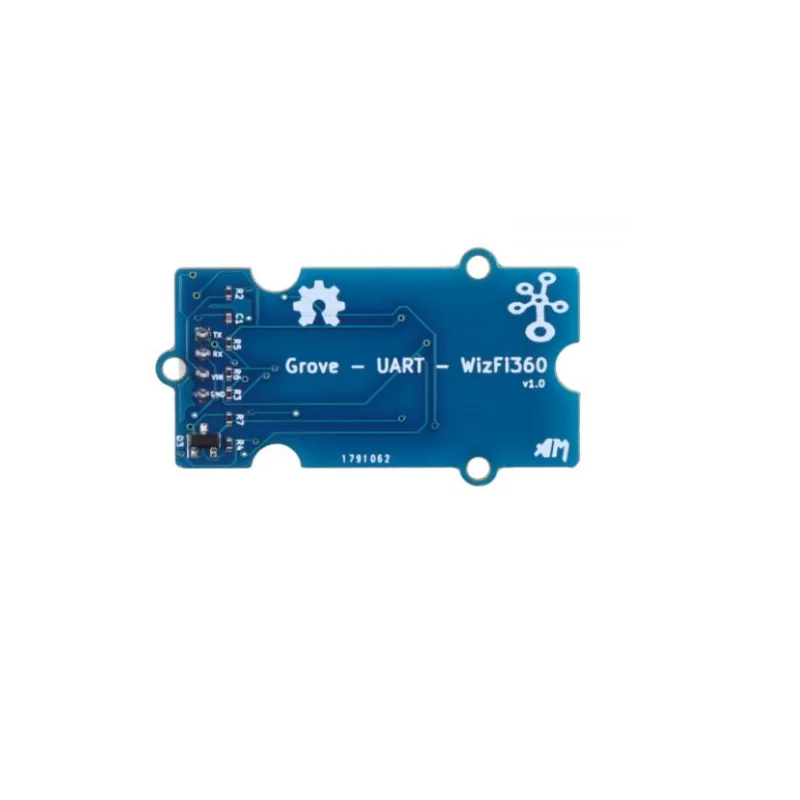
Seeed Studio Studio Grove UART WizFi360 WiFi Module

₹1,179.00 (Inclusive of all taxes)
Out of Stock

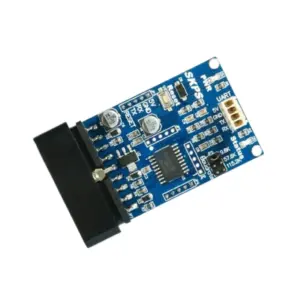
The Seeed Studio Studio Grove UART WizFi360 is a serial-to-Wi-Fi module based on the WizFi360 chipset, enabling easy integration of 2.4GHz 802.11 b/g/n connectivity into microcontroller projects via simple AT commands.

Features

  • Based on the WizFi360 module, providing a cost-effective serial-to-Wi-Fi solution for IoT applications.
  • Supports 2.4GHz IEEE 802.11 b/g/n standards with SoftAP, Station, and SoftAP+Station operating modes.
  • Features pre-installed AT command firmware for simple UART control, enabling quick network setup and TCP/IP communication.
  • Offers a Grove UART interface for plug-and-play connectivity with Seeed Studio Studio’s ecosystem and other microcontroller boards.
  • Provides secure WPA_PSK/WPA2_PSK encryption and supports transparent data transmission for reliable wireless communication.

Out of stock

Description

The Grove UART WizFi360 module serves as a dedicated wireless bridge, converting serial data from a host microcontroller into Wi-Fi packets. It leverages the WizFi360 SoC, which integrates a TCP/IP network stack and RF front-end, handling the complexities of wireless protocols independently. This allows resource-constrained embedded systems to connect to local networks or the internet with minimal firmware overhead.

Operating on a 3.0V to 3.6V supply, the module manages RF power efficiently with configurable output up to 19 dBm for extended range. Its architecture supports various network roles, including acting as a client (Station), an access point (SoftAP), or both simultaneously, providing flexibility for different deployment scenarios like direct device-to-device links or cloud connectivity.

Key Features

  • Serial-to-Wi-Fi transparent transmission bridge for easy microcontroller integration.
  • Pre-loaded AT command firmware simplifies configuration and control via UART.
  • Supports multiple Wi-Fi operating modes: SoftAP, Station, and SoftAP+Station.
  • Compatible with TCP Server, TCP Client, and UDP protocols for diverse networking needs.
  • Features WPA_PSK and WPA2_PSK encryption for secure wireless data communication.
  • Integrated PCB antenna for a compact, solder-free design suitable for Grove ecosystem projects.
  • Wide UART baud rate support from 600 bps to 2 Mbps for flexible serial communication.
  • Keep-alive and ping commands enable real-time network connection monitoring and diagnostics.

Applications

  • Adding Wi-Fi connectivity to Arduino, Raspberry Pi Pico, or other microcontroller projects.
  • Prototyping IoT devices for smart home automation, sensor telemetry, and remote control.
  • Creating wireless serial bridges for industrial equipment monitoring and data logging.
  • Educational tools for learning about wireless networking and IoT system architecture.

Technical Specifications

Wireless ProtocolWi-Fi 802.11 b/g/n
Frequency Range2.4 GHz - 2.5 GHz
RF Transmit PowerUp to 19 dBm
Supply Voltage3.0V - 3.6V
Transmit Current210 mA - 230 mA
Receive Current110 mA
InterfaceUART (Serial)
Antenna ConnectorIntegrated PCB Antenna
Operating Temperature-40°C to +85°C
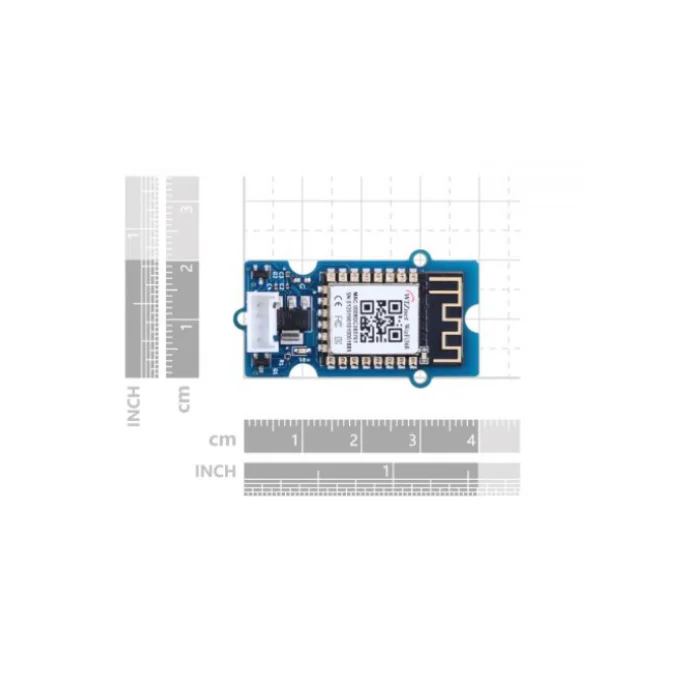
Dimensions (Shipping)14 cm x 9 cm x 1 cm

Frequently Asked Questions

How do I configure the Grove UART WizFi360 module?

The module comes with pre-installed AT command firmware. Connect its TX and RX pins to your microcontroller's UART, set a common baud rate like 115200, and send text commands such as 'AT+CWMODE=1' to set it to Station mode. Refer to the WizFi360 AT command manual for the full list of instructions to join networks, create TCP connections, or configure the module as an access point.

What is the power supply requirement for the WizFi360 module?

The module requires a 3.0V to 3.6V DC power supply. Ensure your power source can provide sufficient current, as the peak transmit current can reach 230mA. For stable operation, use a regulated 3.3V supply and consider adding decoupling capacitors near the module's power pins, especially when powering from a battery or a noisy source in an embedded system.

Can I use this module with Arduino or Raspberry Pi?

Yes, the Grove UART WizFi360 is designed for easy integration. For Arduino, connect the module's serial pins to a hardware UART (like Serial1) or a SoftwareSerial port. For Raspberry Pi, connect to the GPIO UART pins (TX/RX). Use the simple AT command library or send raw serial commands from your code to control Wi-Fi connectivity, making it suitable for IoT projects on both platforms.

Package Includes

  • 1 x Seeed Studio Studio Grove UART WizFi360 Module

Additional Information

Weight 0.004 kg
Dimensions 14 × 9 × 1 cm