SKU: IOWC-1387
📋 GST Invoice Available

ESP32-WROVER-B Development Board w/ PSRAM & RGB LED

₹749.00 (Inclusive of all taxes)
Out of Stock

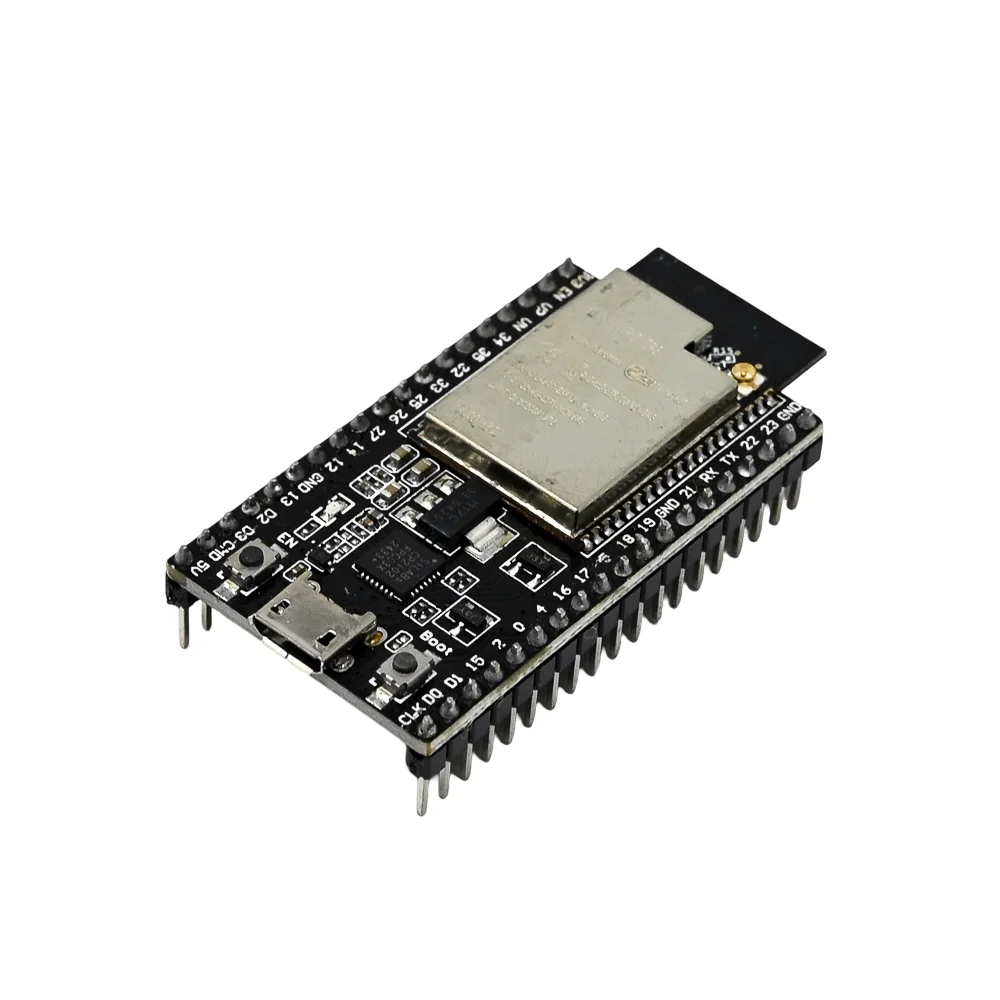
The ESP32-WROVER-B development board integrates the powerful ESP32 dual-core microcontroller with 4MB of PSRAM, providing enhanced memory for data-intensive applications like camera streaming or audio processing, and is fully compatible with Arduino IDE, ESP-IDF, and MicroPython.

Features

  • ESP32-WROVER-B chip with dual-core Xtensa LX6 processor, 4MB SPI flash, and 4MB PSRAM for advanced IoT applications.
  • Integrated Wi-Fi 802.11 b/g/n and Bluetooth 4.2 BR/EDR & BLE for robust wireless connectivity.
  • Onboard USB-to-UART bridge (up to 3 Mbps) and Micro-USB port for easy programming and power.
  • Addressable RGB LED (WS2812) driven by GPIO18 for visual feedback and prototyping.
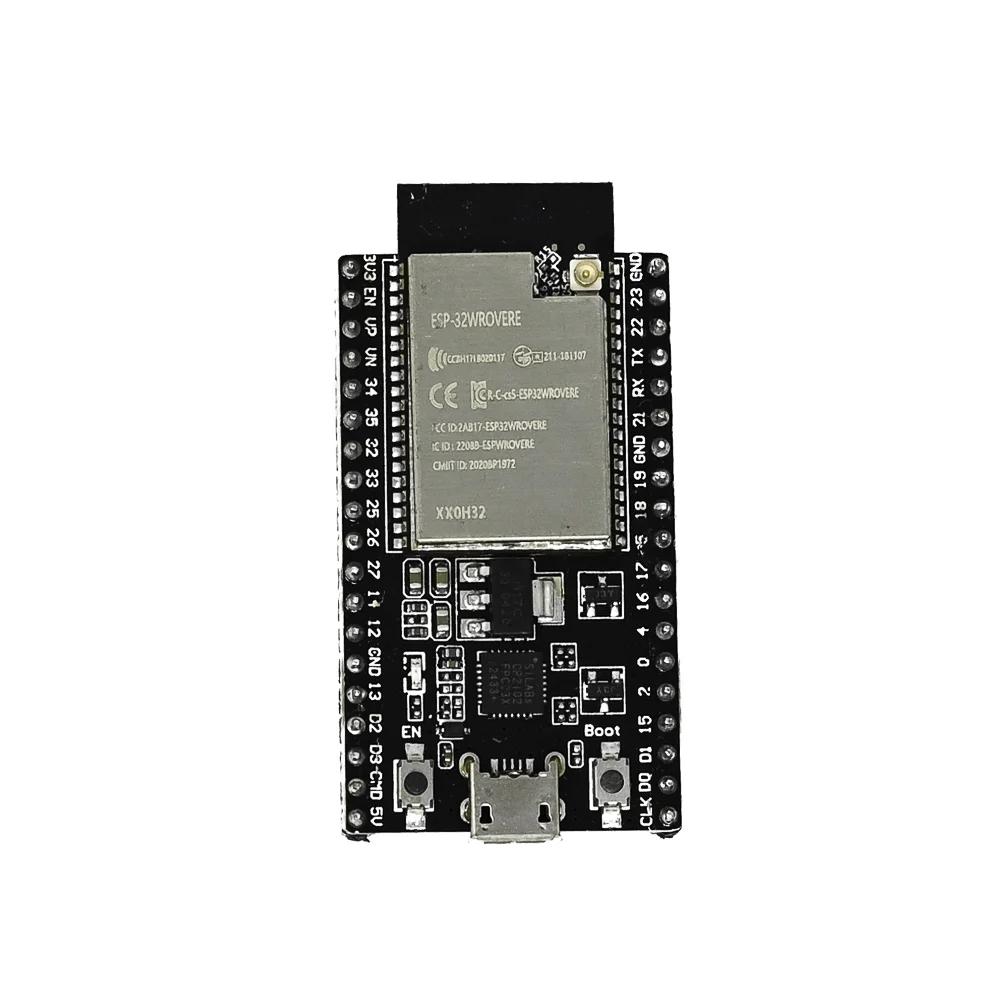
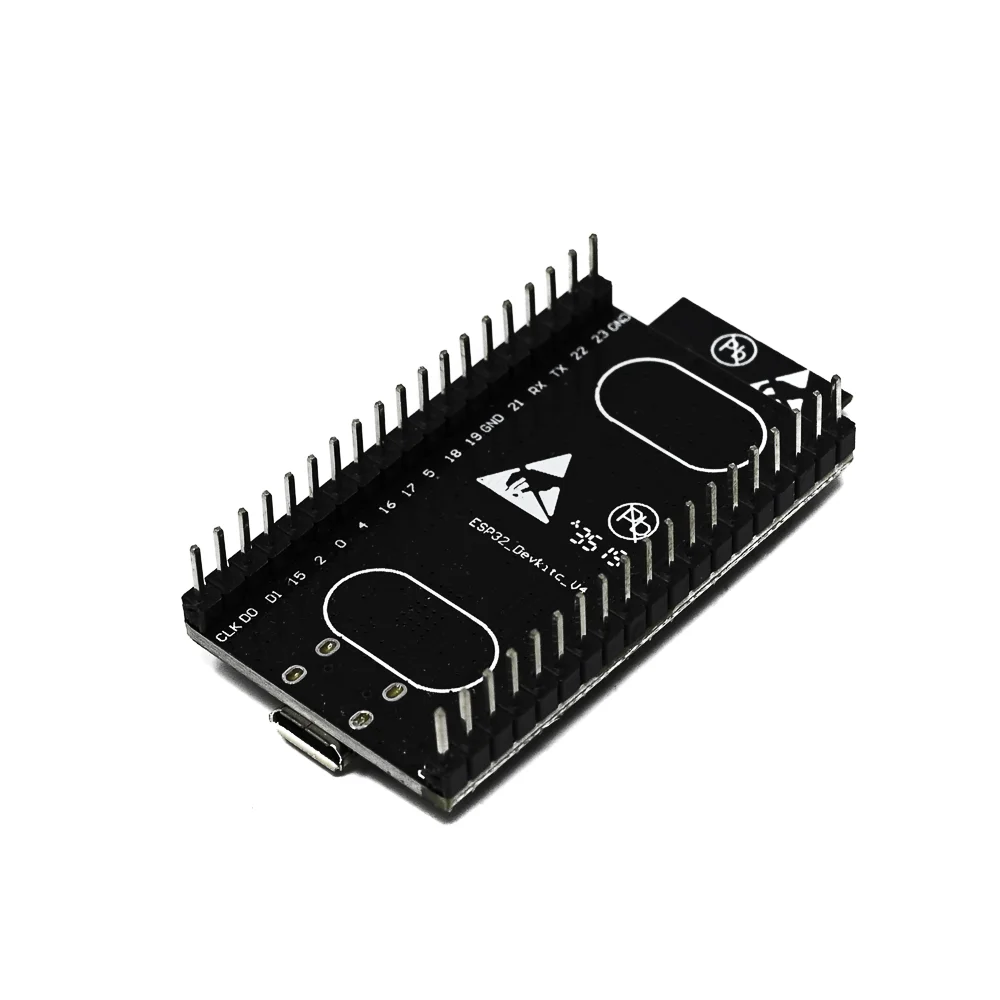
  • All GPIOs broken out to pin headers, supporting SPI, I2C, I2S, UART, ADC, DAC, and touch sensors.

Out of stock

Description

The Espressif ESP32-WROVER-B development board is a feature-rich platform built around the ESP32-WROVER-B module, which combines a dual-core processor with integrated Wi-Fi and Bluetooth. Its standout feature is the inclusion of 4MB PSRAM, significantly expanding the available memory for buffering images, audio frames, or complex data structures, making it ideal for machine vision and voice assistant projects.

The board provides a complete development ecosystem with a USB-UART bridge for seamless serial communication and firmware flashing via the Arduino IDE or ESP-IDF. All critical I/O pins are accessible through the side headers, enabling direct connection to sensors, displays, and actuators. The onboard RGB LED offers a programmable visual indicator, while the reset and boot buttons simplify the entry into download mode for firmware updates.

Key Features

  • High-performance ESP32 dual-core processor with 4MB flash and 4MB PSRAM.
  • Integrated 802.11 b/g/n Wi-Fi and Bluetooth 4.2 with BR/EDR and BLE support.
  • Enhanced memory capacity for data-intensive tasks like image processing and audio buffering.
  • Comprehensive GPIO breakout supporting multiple communication protocols (SPI, I2C, I2S, UART).
  • Onboard USB-to-UART bridge for straightforward programming and serial debugging.
  • User-accessible reset and boot buttons for reliable firmware flashing cycles.
  • Addressable RGB LED (WS2812) connected to GPIO18 for dynamic visual feedback.
  • Stable 3.3V power regulation from the Micro-USB input (5V).

Applications

  • Advanced IoT sensor nodes with data logging and wireless transmission.
  • Smart home automation hubs controlling Wi-Fi and BLE devices.
  • Prototyping for embedded audio processing and voice control applications.
  • Camera and display projects leveraging the extra PSRAM for image buffering.
  • Industrial telemetry gateways aggregating sensor data over Wi-Fi.

Technical Specifications

Microcontroller / SoCESP32-WROVER-B (Dual-core Xtensa LX6)
Wireless ProtocolsWi-Fi 802.11 b/g/n, Bluetooth 4.2 BR/EDR & BLE
Memory4MB SPI Flash, 4MB PSRAM
Supply Voltage5V via Micro-USB, 3.3V regulated onboard
Operating CurrentApprox. 80-260mA (Wi-Fi active, dependent on RF mode)
InterfacesGPIO, SPI, I2C, I2S, UART, ADC, DAC, Touch Sensors
USB InterfaceMicro-USB with integrated CP2102 USB-UART Bridge
Programming SupportArduino IDE, ESP-IDF, MicroPython, PlatformIO
DimensionsApprox. 6cm x 4cm

Frequently Asked Questions

How do I upload my first Arduino sketch to the ESP32-WROVER-B board?

First, install the ESP32 board support via the Arduino IDE Board Manager. Connect the board via Micro-USB, select 'ESP32 Wrover Module' as the target, choose the correct COM port, and press upload. Hold the BOOT button if the sketch fails to upload initially to force the board into download mode. The onboard LED will indicate successful programming.

What is the advantage of the 4MB PSRAM on the ESP32-WROVER-B?

The 4MB PSRAM provides additional volatile memory for storing large data buffers, which is essential for applications like camera image processing, audio streaming, or complex data structures in machine learning. It allows the ESP32 to handle tasks that exceed the limited internal RAM, enabling more advanced projects without external memory chips.

How do I control the onboard RGB LED (WS2812) using Arduino code?

The RGB LED is an addressable WS2812 LED connected to GPIO18. Use the FastLED or NeoPixel library. Include the library, define the data pin as 18 and number of LEDs as 1, then use setPixelColor() and show() functions to set colors. Ensure your power supply is adequate, as the LED can draw significant current at full brightness.

Package Includes

  • 1 x ESP32-WROVER-B Development Board

Additional Information

Weight 0.07 kg
Dimensions 6 × 4 × 2 cm