SKU: IOWC-1797
📋 GST Invoice Available

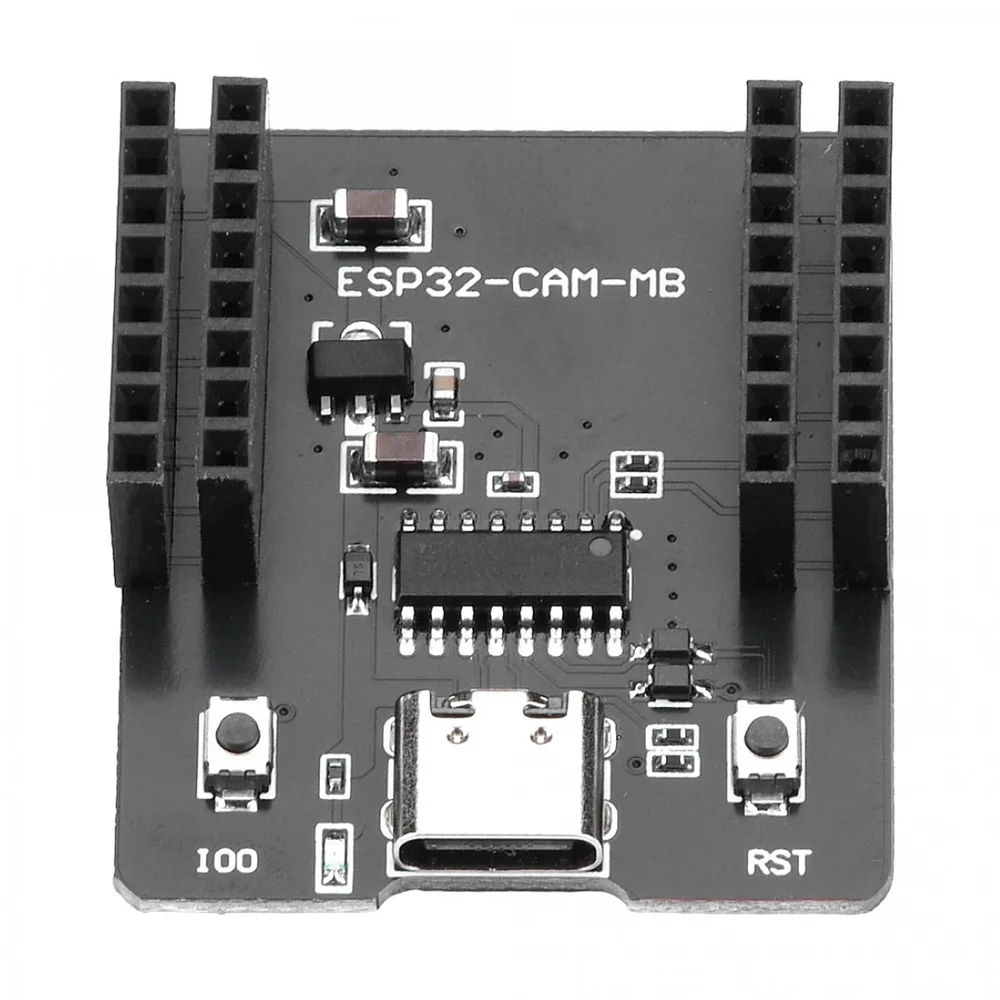
ESP32-CAM Type-C Download Module w/ Female Header

₹167.00 (Inclusive of all taxes)
Out of Stock

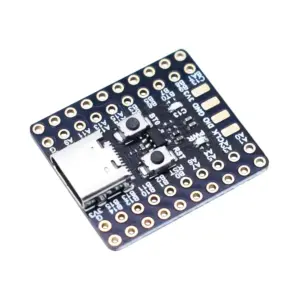
The ESP32-CAM Type-C Download Module provides a dedicated USB-to-serial programming interface for ESP32-CAM boards, featuring a CH340C converter and a modern USB Type-C port for reliable firmware uploads and serial debugging in Arduino IDE or ESP-IDF.

Features

  • Dedicated USB-to-serial programming adapter for ESP32-CAM modules, eliminating the need for complex wiring.
  • Integrated CH340C converter ensures stable UART communication for reliable firmware flashing and serial monitor debugging.
  • Modern USB Type-C interface offers durable, reversible connectivity, compatible with most modern cables.
  • Pre-soldered female headers allow direct plug-in of ESP32-CAM boards for a clean, solderless development setup.
  • Compact PCB design (40x34mm) is portable and driver-supported on Windows, Linux, and macOS.

Out of stock

Description

This ESP32-CAM Download Module is a purpose-built programming adapter designed to streamline firmware development for ESP32-CAM-based computer vision and IoT projects. It bridges the gap between your computer’s USB port and the ESP32-CAM’s serial UART pins, providing a stable and dedicated channel for uploading code and debugging serial output.

At its core is the CH340C USB-to-serial bridge chip, a reliable solution for converting USB data to TTL-level UART signals compatible with the ESP32. The inclusion of a USB Type-C connector modernizes the connection, offering improved durability and user convenience over older Micro-USB designs. The module’s compact form factor and pre-installed female headers create a plug-and-play workstation, significantly reducing setup time and potential wiring errors during iterative development cycles.

Key Features

  • Purpose-built adapter for programming and serial debugging of ESP32-CAM boards.
  • CH340C USB-to-UART bridge chip ensures robust data transfer and compatibility.
  • USB Type-C connector provides a modern, reversible, and durable interface.
  • Direct plug-in design via female headers creates a solderless, secure connection to the ESP32-CAM.
  • Compact and lightweight PCB design is ideal for portable development kits and field programming.
  • Cross-platform driver support for seamless operation on Windows, macOS, and Linux systems.
  • Enables straightforward firmware uploads via Arduino IDE, ESP-IDF, or other compatible tools.
  • Simplifies the development workflow for AI vision, smart surveillance, and wireless camera projects.

Applications

  • Streamlined firmware development and debugging for ESP32-CAM-based smart security cameras.
  • Rapid prototyping and code iteration for IoT projects involving wireless image streaming.
  • Educational and maker projects requiring a reliable programming interface for vision-enabled ESP32 boards.
  • Field programming and updates for deployed ESP32-CAM modules in remote monitoring systems.

Technical Specifications

Product TypeESP32-CAM Download Module
Compatible BoardESP32-CAM
USB to UART ChipCH340C
USB InterfaceUSB Type-C
Header TypeFemale Header
Communication InterfaceUSB to Serial (UART)
Operating System SupportWindows, Linux, macOS
Driver SupportCH340C USB Driver
Dimensions (LxWxH)40 x 34 x 11 mm
Weight6 g

Frequently Asked Questions

How do I connect and use this download module with my ESP32-CAM?

First, install the CH340C driver on your computer. Align the female header on the download module with the male header on your ESP32-CAM board and plug it in firmly. Connect the module to your PC via a USB Type-C cable. In your Arduino IDE or ESP-IDF, select the correct COM port and board type (e.g., AI-Thinker ESP32-CAM) to begin uploading firmware or opening the serial monitor for debugging.

What is the purpose of the CH340C chip on this module?

The CH340C is a USB-to-serial UART bridge chip. It converts data from your computer's USB port into TTL-level serial signals that the ESP32-CAM's UART pins can understand. This enables two-way communication for tasks like firmware flashing via bootloader mode and sending/receiving serial data for debugging purposes, providing a stable and reliable connection compared to software-simulated serial ports.

My computer doesn't recognize the device. What should I do?

Ensure you have installed the correct USB driver for the CH340C chip. Download the latest CH340 driver from a reputable source like the manufacturer's website or the Arduino.cc forum. After installation, reconnect the module. Check your system's Device Manager (Windows) or `ls /dev/tty*` command (Linux/macOS) for a new COM or tty port. If issues persist, try a different USB cable and port, as some cables are charge-only.

Package Includes

  • 1 x ESP32-CAM Type-C Download Module With Female Header

Additional Information

Weight 0.006 kg
Dimensions 4 × 3.4 × 1.1 cm