SKU: SENS-2957
📋 GST Invoice Available

DFRobot Gravity Digital Push Button Green - 3.3V/5V Digital Interface

₹209.00 (Inclusive of all taxes)
Out of Stock

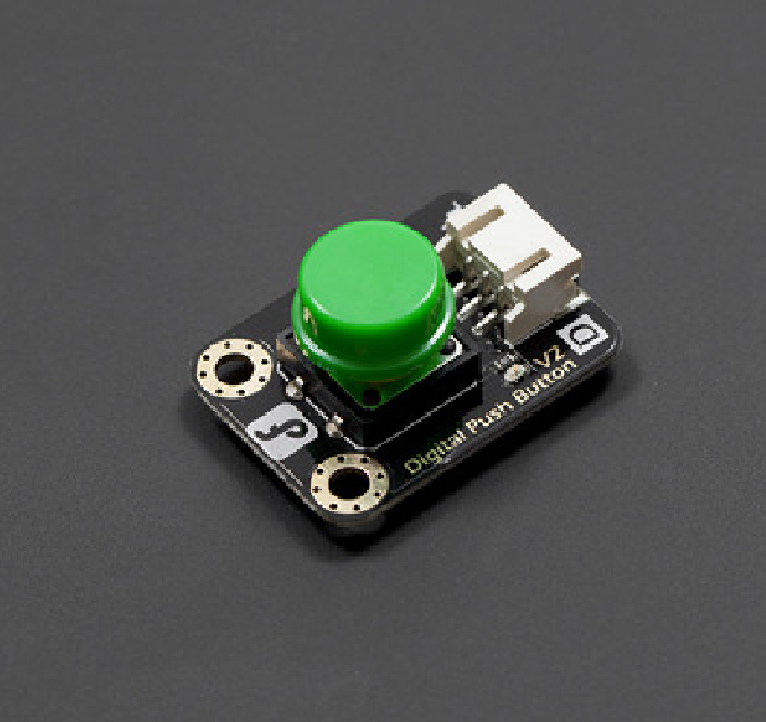
The DFRobot Gravity Digital Push Button is a plug-and-play digital input module designed for 3.3V/5V microcontroller systems like Arduino, Raspberry Pi, and ESP32. It features a large, colored tactile button with a built-in indicator LED for user feedback and interaction.

Features

  • 3.3V to 5V wide operating voltage range for broad microcontroller compatibility.
  • Digital output signal for simple, noise-immune interfacing with GPIO pins.
  • Built-in indicator LED provides immediate visual feedback on button state.
  • Standard Gravity 3-pin interface (D) for quick, foolproof connection.
  • Durable mechanical design with a long-life tactile switch and bright colored button cap.

Out of stock

Description

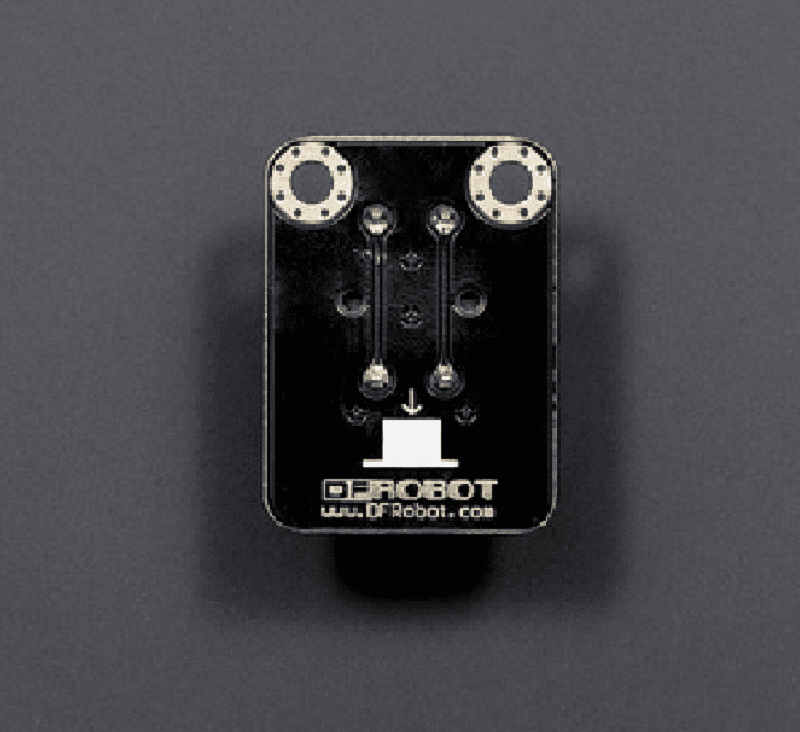
The DFRobot Gravity Digital Push Button is engineered as a robust digital input device for prototyping and interactive projects. It utilizes a high-quality tactile switch rated for millions of presses, providing a reliable digital HIGH/LOW signal to your controller. The module’s immersion gold PCB surface ensures excellent corrosion resistance and long-term electrical connectivity.

Designed for seamless integration, it follows the DFRobot Gravity interface standard, marked with a ‘D’ for digital. This allows for immediate plug-and-play functionality with compatible shields and cables. The large, brightly colored button cap and onboard LED make it ideal for user interfaces, control panels, and educational demonstrations where clear visual and tactile feedback is required.

Key Features

  • Wide Voltage Compatibility: Operates from 3.3V to 5V DC, compatible with Arduino, Raspberry Pi, ESP32, and other common development boards.
  • Digital Signal Output: Provides a clean digital signal, simplifying code and eliminating the need for analog threshold calibration.
  • Integrated Status LED: An onboard LED illuminates when the button is pressed, offering instant visual confirmation.
  • Durable Construction: Features a long-life tactile switch and a robust PCB with immersion gold plating for enhanced durability and reliable contacts.
  • Standardized Mounting: Includes two 3mm mounting holes with a 5mm pitch for easy and secure installation in enclosures or panels.
  • Gravity Interface: Uses the 3-pin Gravity digital connector (signal, VCC, GND), ensuring quick, error-proof wiring.
  • High-Visibility Design: Equipped with a large, brightly colored button cap for easy identification and a pleasant tactile feel.

Applications

  • Prototyping user input interfaces for Arduino and Raspberry Pi projects.
  • Creating interactive control panels for DIY smart home devices.
  • Implementing start/stop or mode selection buttons in robotics and mechatronics.
  • Educational tools for teaching digital input concepts and basic circuit design.
  • Building simple game controllers or input devices for interactive installations.

Technical Specifications

BrandDFRobot
Product TypeDigital Push Button Module
Operating Voltage3.3V to 5V DC
Output SignalDigital (HIGH/LOW)
InterfaceGravity 3-pin (Digital - D)
IndicatorIntegrated LED
PCB FinishImmersion Gold
Mounting Holes2 x 3mm diameter, 5mm pitch
Module Dimensions (LxW)30mm x 22mm
Shipping Weight0.015 kg

Frequently Asked Questions

What is the operating voltage range for this digital push button?

The DFRobot Gravity Digital Push Button is designed to operate across a wide voltage range of 3.3V to 5V DC. This makes it directly compatible with most common microcontroller platforms like 5V Arduino boards and 3.3V systems such as Raspberry Pi GPIO or ESP32 development boards without requiring level shifting.

How do I connect this button to my Arduino or other microcontroller?

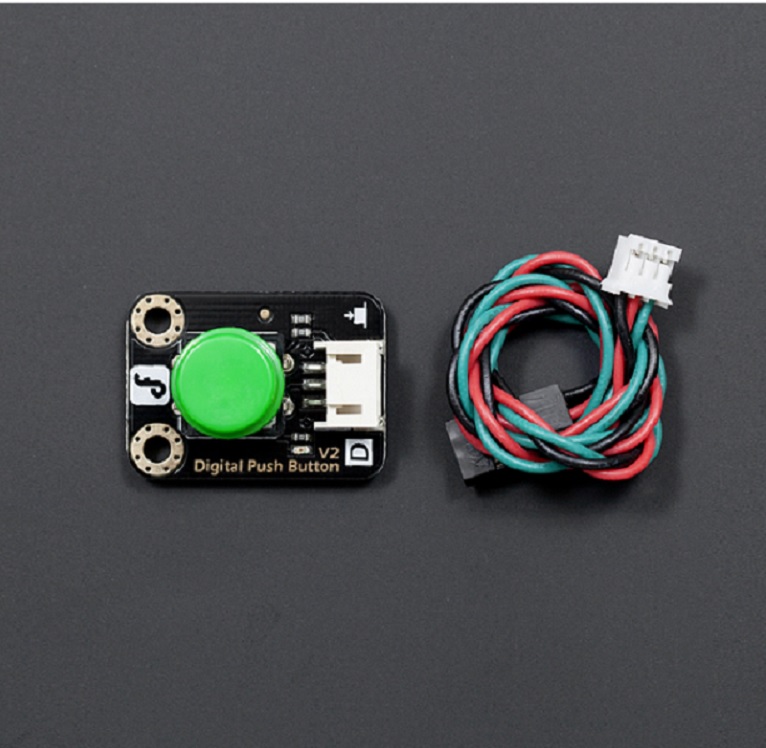
Connection is simple using the included Gravity 3-pin cable. Connect the cable from the module's 'D' (Digital) port to any digital input pin on your microcontroller. The cable's pins are color-coded or labeled: yellow (signal) to your chosen GPIO, red (VCC) to 3.3V or 5V, and black (GND) to ground. No additional components are required.

Does the button have any debouncing, and how do I read its state in code?

This module provides a raw digital signal from the tactile switch. For reliable reading, implement software debouncing in your code. In Arduino IDE, you can read the button's state by using `digitalRead()` on the connected pin. The signal is LOW when the button is pressed and HIGH when released, which is the standard active-low configuration for such input modules.

Can the LED indicator be controlled independently of the button press?

No, the integrated LED on this module is directly tied to the button's switch circuit. It lights up automatically when the button is pressed and turns off when released. For independent control of an LED, you would need a separate output module or a different button design that separates the switch and indicator circuits.

Package Includes

  • 1 x DFRobot Gravity Digital Push Button Module (Green)
  • 1 x Gravity Digital 3-pin Cable

Additional Information

Weight 0.015 kg
Dimensions 3 × 2.2 cm