SKU: DRFC-3460
📋 GST Invoice Available

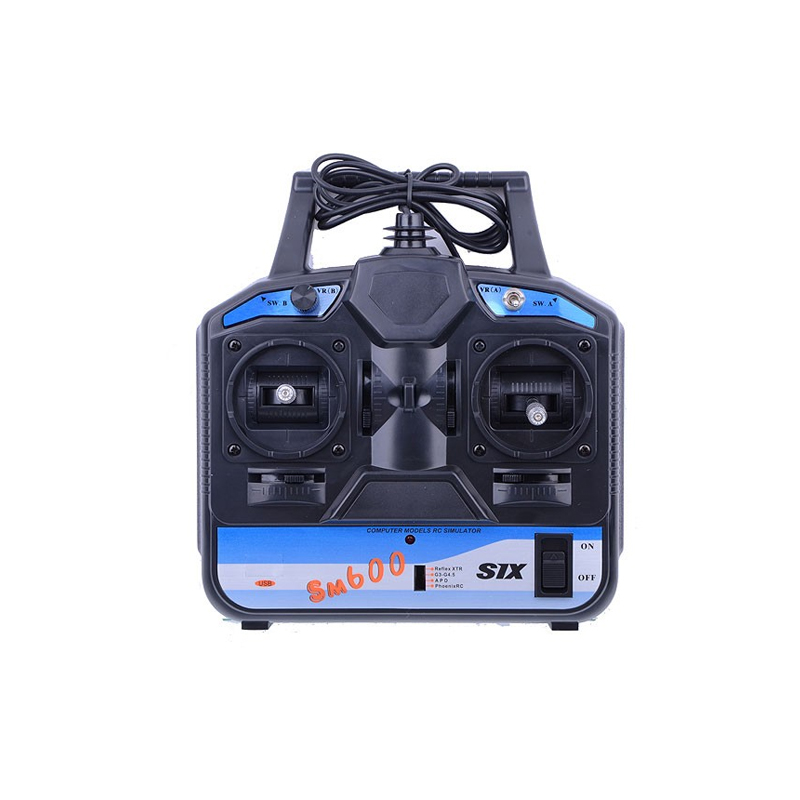
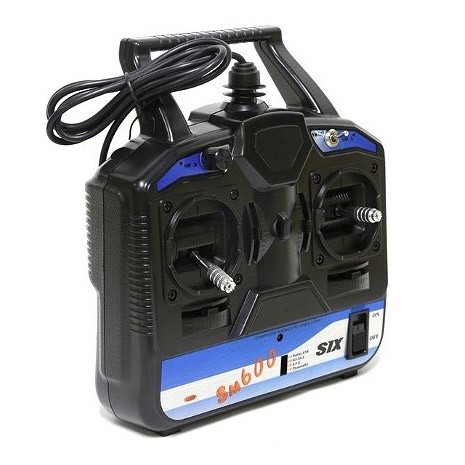
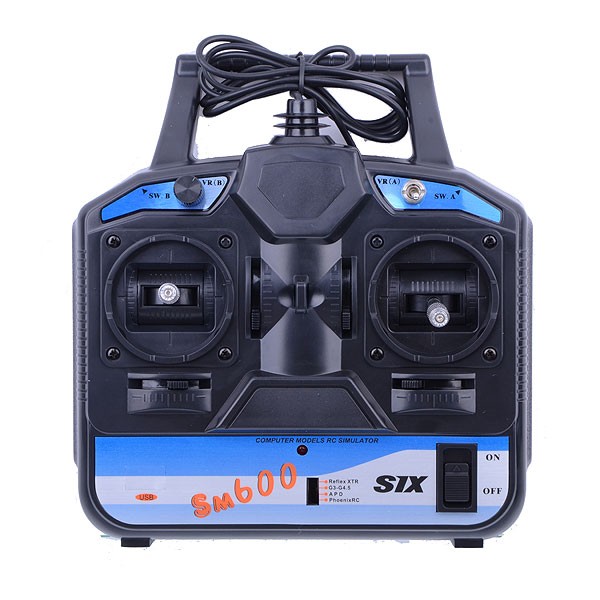
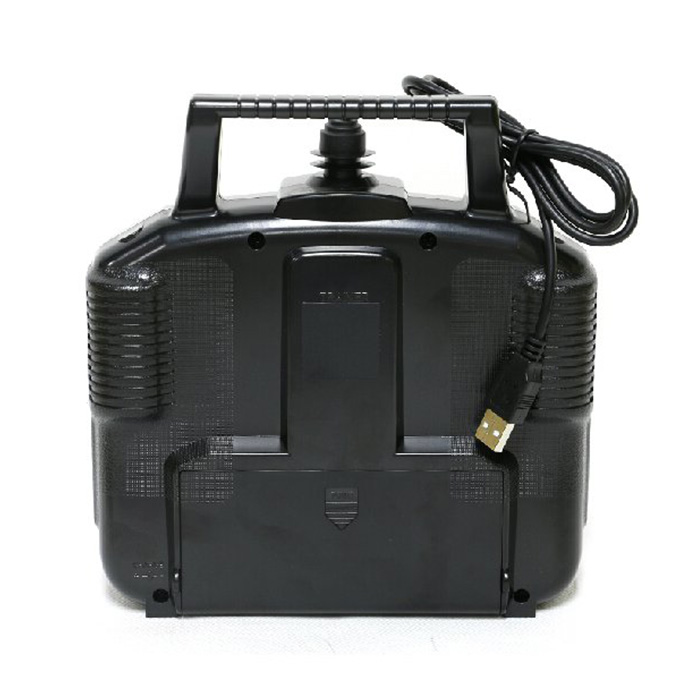
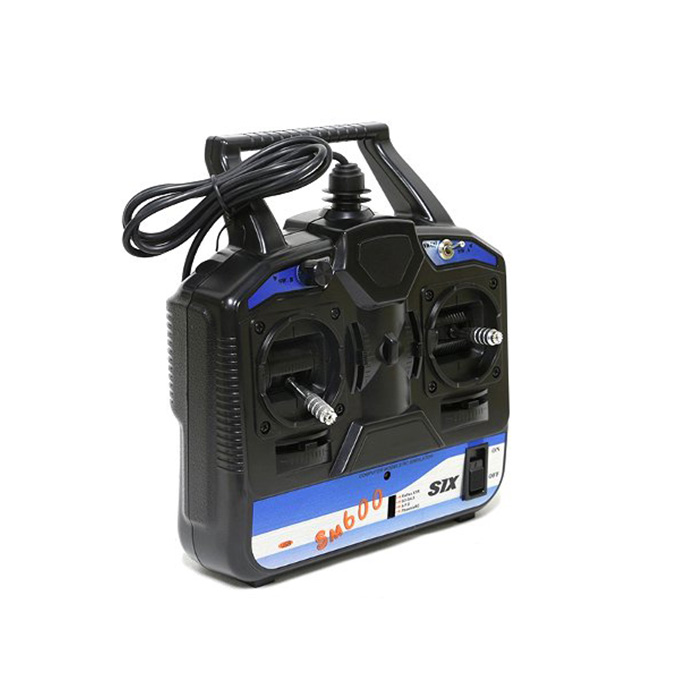
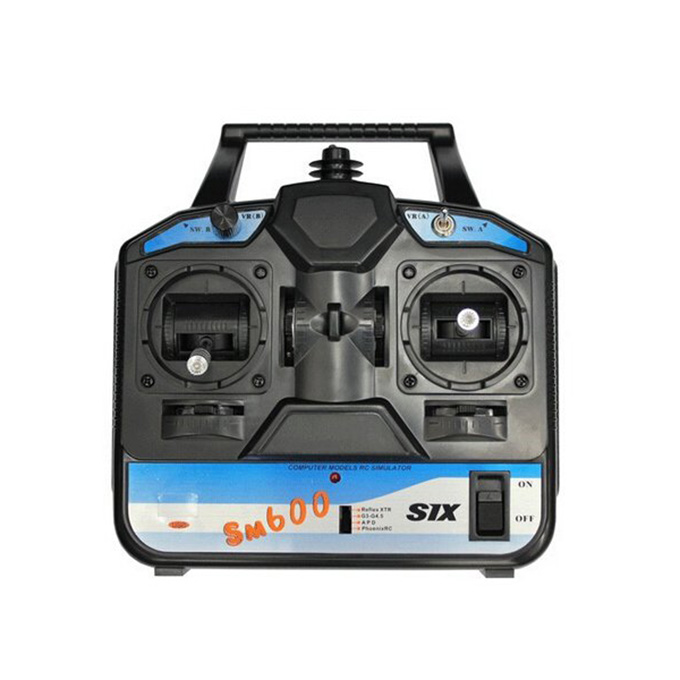
FlySky FS-SM600 6CH USB Powered Controller with SuperSimX Simulator (Mode 2)

₹2,699.00 (Inclusive of all taxes)
Out of Stock

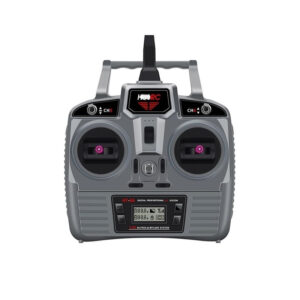
The FlySky FS-SM600 is a 6-channel USB-powered RC transmitter designed for flight simulation, featuring a Mode 2 (left-hand throttle) configuration and including the SuperSimX software for realistic training on Windows PCs.

Features

  • 6-channel USB-powered RC transmitter for flight simulation training.
  • Includes SuperSimX simulator software compatible with Reflex XTR, RealFlight G3-G4.5, PhoenixRC, and AeroFly.
  • Plug-and-play operation with integrated 1-meter USB cable; no external batteries required.
  • Mode 2 configuration (left-hand throttle) ideal for multirotor and fixed-wing pilot training.
  • Supports Windows 10, 8, 7, Vista, and XP (32-bit and 64-bit) operating systems.

Out of stock

Description

The FlySky FS-SM600 USB Controller is engineered as a dedicated training tool for RC pilots, providing a direct interface between a realistic radio transmitter and popular flight simulator software. Its integrated USB power eliminates the need for external batteries, offering a streamlined setup process for immediate use on compatible Windows systems.

This unit delivers precise digital control across six channels, enabling accurate simulation of helicopter, glider, and airplane models with authentic physics. The built-in cable and pre-configured driver support ensure reliable connectivity, making it an effective platform for skill development and muscle memory training for FPV and LOS flying.

Key Features

  • Integrated USB power supply for convenient, cable-powered operation.
  • High-quality gimbals and switches provide realistic transmitter feel and response.
  • Comprehensive simulator compatibility includes Reflex XTR, RealFlight G3 through G4.5, PhoenixRC, and AeroFly.
  • Durable construction with a compact form factor for desktop and training use.
  • Pre-calibrated Mode 2 (left-hand throttle) setup aligns with standard multirotor and fixed-wing configurations.
  • Includes dedicated simulator selection switch for quick compatibility mode changes.

Applications

  • Primary flight training tool for beginner FPV drone and RC airplane pilots.
  • Skill refinement and practice platform for experienced pilots in a risk-free simulated environment.
  • RC flight school and educational program training aid.
  • Winter or indoor practice solution for maintaining piloting proficiency.

Technical Specifications

Manufacturer Part NumberFS-SM600
BrandFlySky
TypeUSB-Powered RC Simulator Controller
Channels6
Default ModeMode 2 (Left-Hand Throttle)
Power SourceUSB Bus Power
Integrated Cable Length1 meter
Compatible SimulatorsSuperSimX, Reflex XTR, RealFlight G3-G4.5, PhoenixRC, AeroFly
Supported OSWindows 10, 8, 7, Vista, XP (32/64-bit)
ColorBlack
Antenna Length26 mm
DSC PortNo
Dimensions (L x W x H)180 x 220 x 70 mm
Weight527 g

Frequently Asked Questions

What flight simulator software is compatible with the FlySky FS-SM600 controller?

The FS-SM600 includes SuperSimX software and is directly compatible with Reflex XTR, RealFlight versions G3 through G4.5, PhoenixRC, and AeroFly. A physical switch on the controller allows you to select the correct mode for your chosen simulator. It is designed for Windows operating systems from XP through Windows 10.

Does the FS-SM600 require batteries or an external power source?

No, the FS-SM600 is powered entirely via its integrated USB cable. It draws power directly from your computer's USB port, eliminating the need for AA cells or a separate battery pack. Simply connect the built-in cable to a USB port on your Windows PC and switch the transmitter on.

What is the difference between Mode 1 and Mode 2, and which does this transmitter use?

Mode 1 and Mode 2 refer to the stick configuration on an RC transmitter. Mode 2, which the FS-SM600 uses, places the throttle and yaw (rudder) controls on the left stick, and pitch and roll on the right stick. This is the standard configuration for multirotor drones and most fixed-wing aircraft in North America and is ideal for FPV pilot training.

How do I set up and calibrate the FS-SM600 controller on my computer?

First, set the mode switch on the controller to match your simulator (e.g., Reflex XTR). Connect the USB cable to your PC and turn the transmitter on. Windows should detect it automatically. Then, within your simulator software, navigate to controller settings, select 'Choose new controller,' and follow the calibration prompts. It is recommended to set a small dead zone (around 1.5%) during calibration for optimal stick centering.

Package Includes

  • 1 x FlySky FS-SM600 6CH USB Powered Controller
  • 1 x Integrated USB Cable (1 meter)
  • SuperSimX Simulator Software

Additional Information

Weight 0.527 kg
Dimensions 18 × 22 × 7 cm