SKU: IOWC-1795
📋 GST Invoice Available

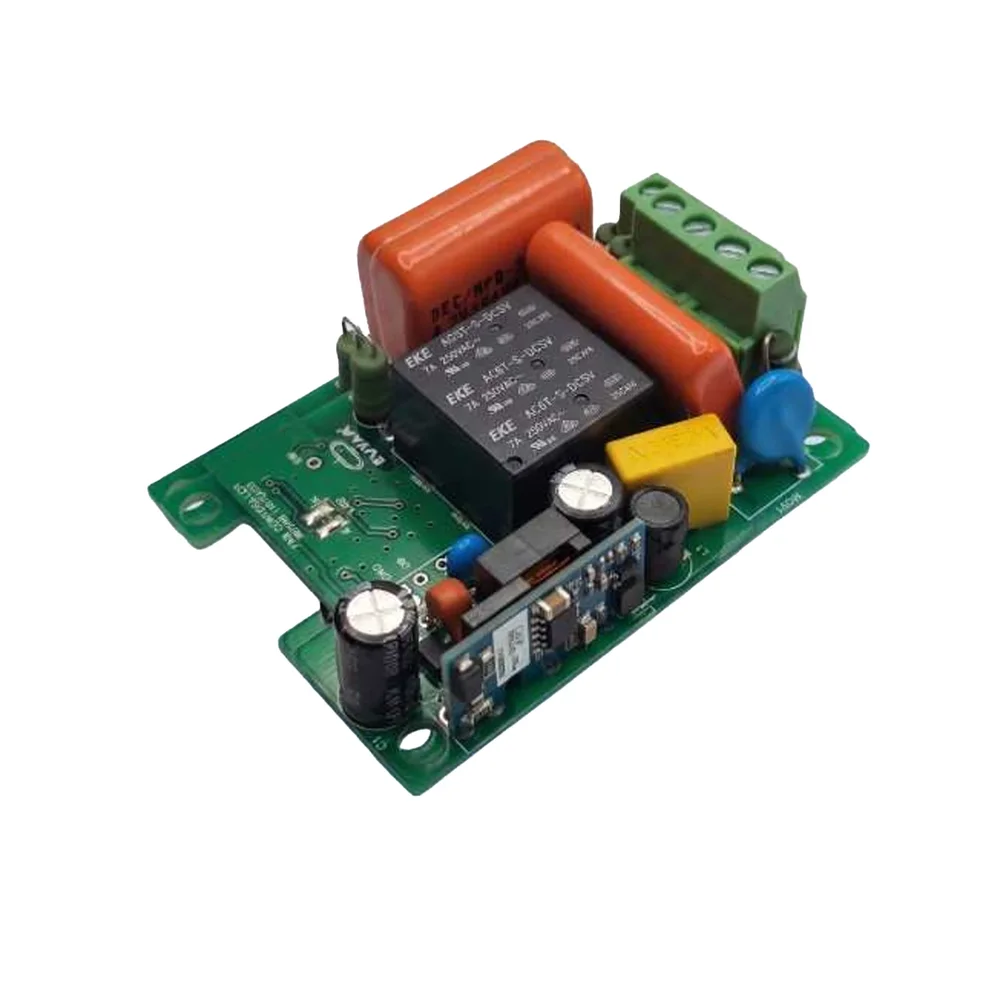
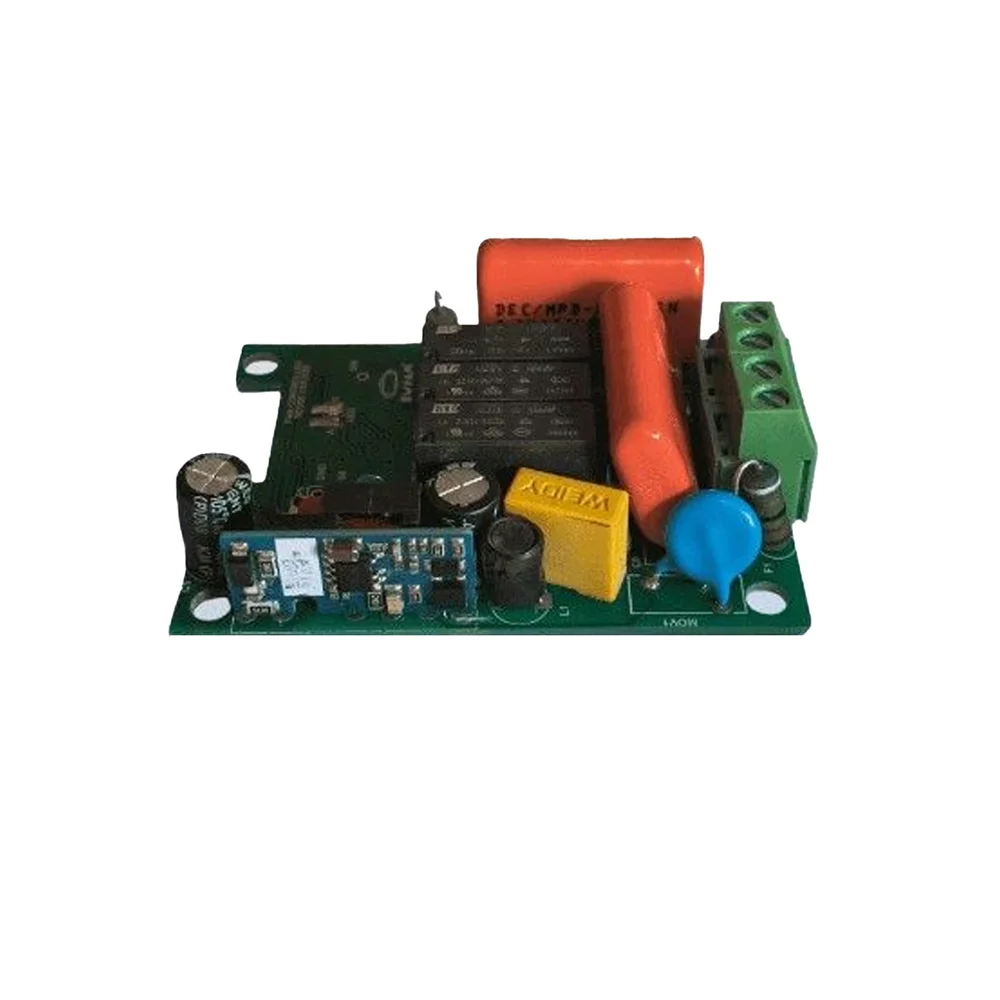
SWYAM ESP8266 WiFi Fan Speed Controller PCB for Home Assistant

₹899.00 (Inclusive of all taxes)
Out of Stock

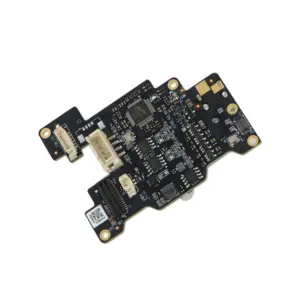
The SWYAM ESP8266 WiFi Fan Speed Controller PCB is a DIY automation board that integrates with Home Assistant to enable local, hub-free smart control of ceiling fans via 2.4GHz WiFi, supporting both physical switch and app-based operation.

Features

  • ESP8266-based WiFi connectivity for reliable 2.4GHz wireless control and integration with Home Assistant for local automation.
  • Enables two-way fan control, supporting both traditional wall switch operation and remote smart control via mobile apps.
  • No hub required—connects directly to your WiFi network for simplified setup and reduced system complexity.
  • Compact PCB design allows for easy, discreet installation inside standard electrical switchboards or fan canopies.
  • Voice assistant compatibility via Home Assistant integration, enabling hands-free control with Alexa and Google Assistant.

Out of stock

Description

This smart fan controller PCB utilizes the proven ESP8266 SoC to provide a robust, WiFi-enabled interface for upgrading standard ceiling fans. It operates on the 2.4GHz band, connecting directly to your home network to facilitate secure, local communication with Home Assistant, eliminating cloud dependency and the need for a proprietary hub. The board is designed for low-power operation suitable for continuous use in home automation environments.

The compact form factor and through-hole or terminal block connections (inferred from typical designs) allow for straightforward integration into existing electrical setups. It supports fan speed modulation and on/off toggling, providing a complete retrofit solution for DIY enthusiasts and smart home integrators seeking reliable, local control over HVAC peripherals.

Key Features

  • Home Assistant Compatible: Enables secure, local automation and control without relying on external cloud services.
  • Dual Control Interface: Supports simultaneous operation via physical wall switches and wireless smart commands for flexible user interaction.
  • Hub-Free Architecture: Connects directly to a 2.4GHz WiFi network, simplifying the smart home ecosystem and reducing cost.
  • Voice Control Integration: Works with Alexa and Google Assistant through Home Assistant for convenient hands-free operation.
  • Compact & DIY-Friendly: PCB layout is optimized for fitting inside standard electrical boxes, ideal for custom installations.
  • Remote Management: Allows fan speed adjustment and scheduling from compatible mobile applications over a local network.

Applications

  • Retrofitting conventional ceiling fans with smart, WiFi-based speed and on/off control.
  • DIY smart home automation projects requiring local, hub-free control of AC motor devices.
  • Home Assistant-based automation systems for integrated climate and comfort management.
  • Embedded systems projects for learning IoT device integration and ESP8266 programming.

Technical Specifications

MicrocontrollerESP8266
Wireless ProtocolWiFi 2.4GHz
Control TypeFan Speed Control
Automation PlatformHome Assistant
Hub RequiredNo
Local ControlYes
Voice Assistant SupportAlexa & Google Assistant (via Home Assistant)
Form FactorCompact PCB
Installation TypeDIY Embedded

Frequently Asked Questions

How do I flash firmware onto this ESP8266 fan controller PCB?

You typically connect the board's serial TX/RX pins to a USB-to-Serial adapter. Enter flash mode by pulling GPIO0 low during reset, then use the Arduino IDE or ESPtool to upload custom firmware like ESPHome or Tasmota. Ensure you select the correct board model (e.g., Generic ESP8266 Module) and configure your WiFi credentials in the code before flashing. The process requires a 3.3V power supply during programming.

What is the power supply requirement for this WiFi fan controller?

The ESP8266 chip requires a stable 3.3V DC power supply. In a typical installation, this is derived from a compatible AC-to-DC power supply module or the fan's own low-voltage circuit. Ensure your power source can provide sufficient current (approx. 300mA peak during WiFi transmission) for stable operation. Incorrect voltage will damage the microcontroller. Always verify your wiring against the PCB's terminal labels.

How do I integrate this controller with Home Assistant for local control?

After flashing with ESPHome or Tasmota firmware, the device will appear as a new WiFi access point. Connect to it, configure your home network SSID and password via its web interface. In Home Assistant, add the device using its local IP address via the ESPHome integration or MQTT discovery if using Tasmota. This creates local entities for fan speed and switch control without external cloud services, ensuring fast and private automation.

Package Includes

  • 1 x SWYAM ESP8266 WiFi Fan Speed Controller PCB

Additional Information

Weight 0.106 kg
Dimensions 12 × 11 × 6 cm