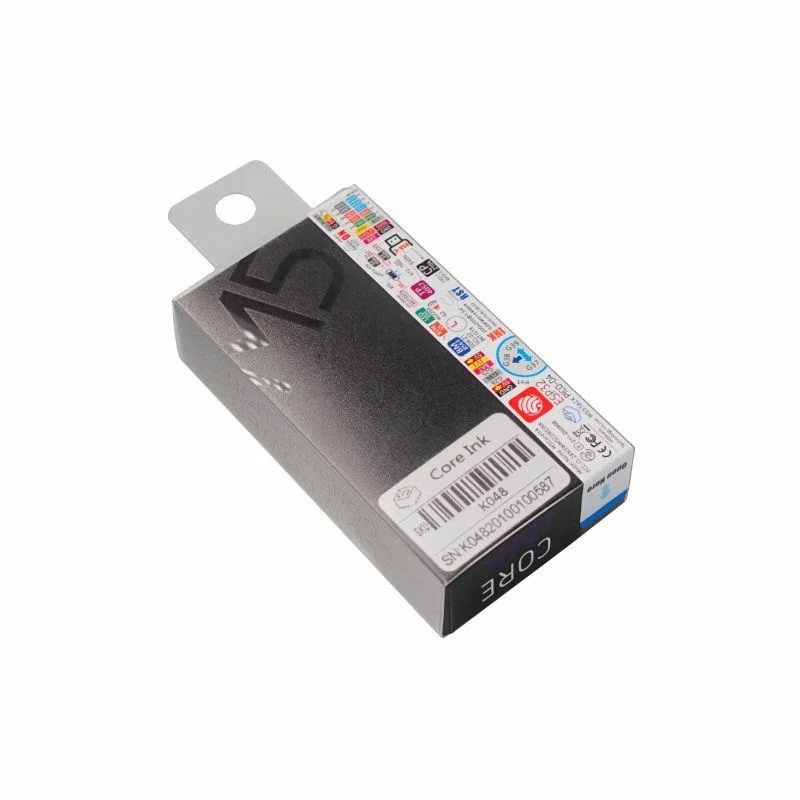
SKU: IOWC-1425
📋 GST Invoice Available

M5Stack ESP32 Core Ink Development Kit w/ 1.54-Inch e-Paper Display

₹3,879.00 (Inclusive of all taxes)
Out of Stock

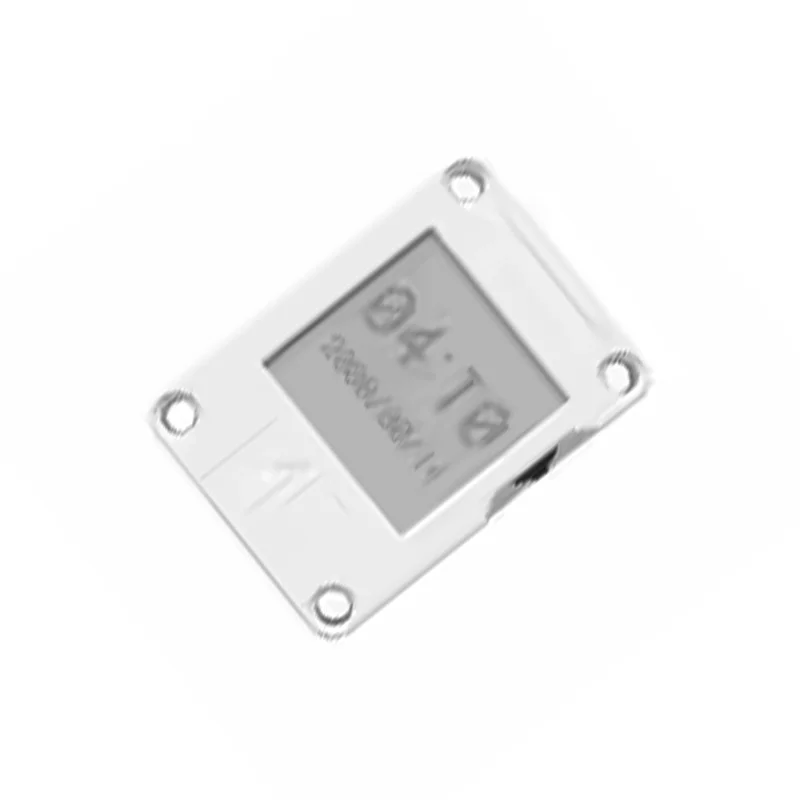
The M5Stack Core Ink is an ESP32-PICO-D4-based development kit featuring a 200×200 1.54-inch black-and-white e-paper display, designed for ultra-low-power IoT terminal applications with Wi-Fi/Bluetooth connectivity and programmable via Arduino IDE or ESP-IDF.

Features

  • ESP32-PICO-D4 SoC with integrated Wi-Fi & Bluetooth for wireless IoT connectivity
  • 1.54-inch 200×200 e-paper display for crisp, persistent visuals with minimal power draw
  • Integrated 390mAh LiPo battery, RTC (BM8563), and deep sleep support for long-term deployments
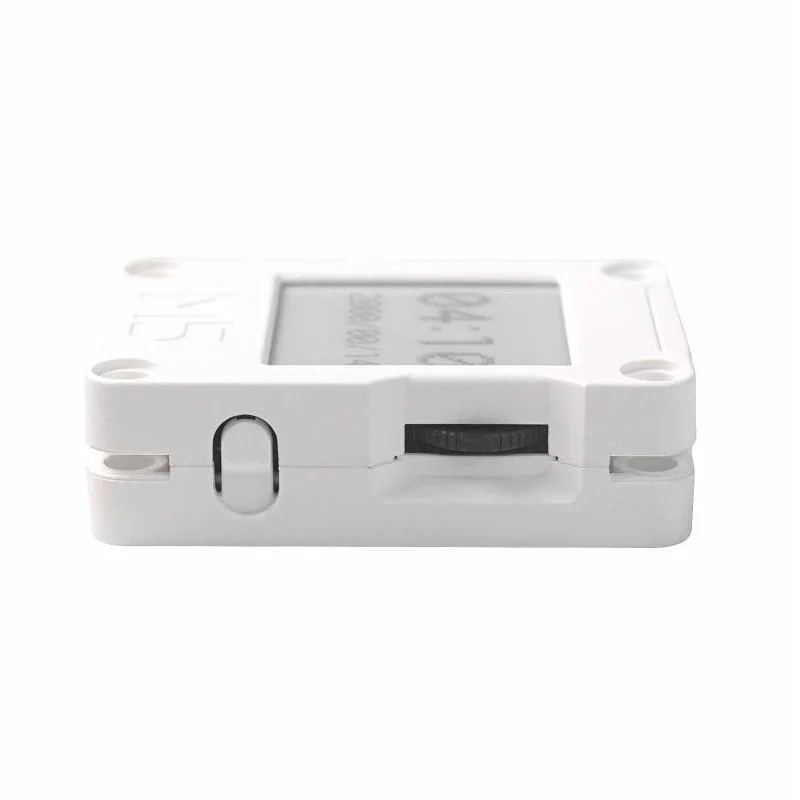
  • Multi-function button, physical power button, status LED, and buzzer for user interaction
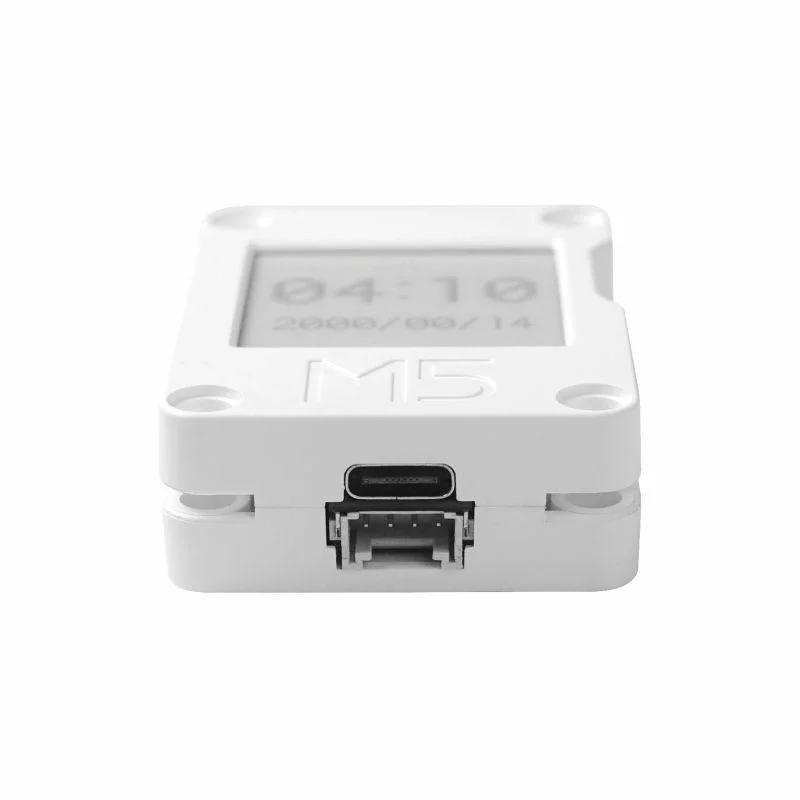
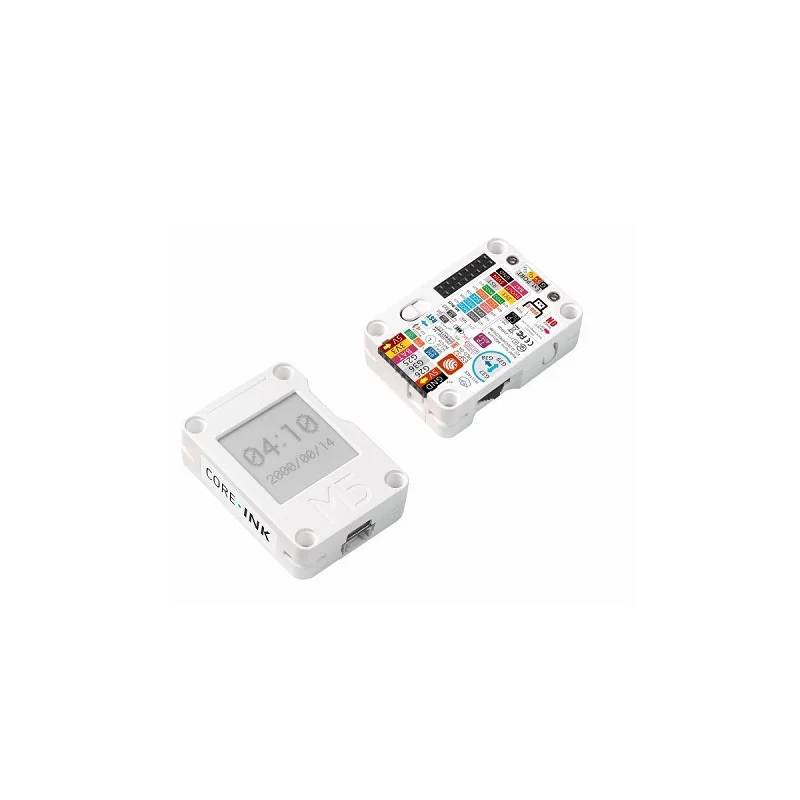
  • HY2.0-4P, M-BUS, and Hat expansion ports for attaching external sensors and peripherals

Out of stock

Description

The M5Stack Core Ink Development Kit integrates an ESP32-PICO-D4 microcontroller with a 1.54-inch e-paper display, creating a platform optimized for battery-powered, always-on IoT applications. The e-ink screen provides a sharp, wide-viewing-angle interface that retains imagery without power, drastically reducing energy consumption compared to traditional LCDs.

Built around a 390mAh LiPo battery and a BM8563 real-time clock, the device supports precise timing and deep sleep modes, enabling deployments lasting weeks or months on a single charge. The onboard expansion ports, including HY2.0-4P and M-BUS connectors, allow for seamless integration of environmental sensors, actuators, or custom add-on boards, extending its functionality for smart agriculture, industrial control panels, or electronic shelf labels.

Key Features

  • ESP32-PICO-D4 SoC delivers dual-core 240MHz processing with integrated 4MB flash memory
  • Ultra-low-power 1.54-inch e-paper display maintains static image without continuous power
  • Integrated 390mAh LiPo battery with dedicated charging circuit via USB Type-C
  • Precise BM8563 real-time clock enables accurate timekeeping and wake-from-sleep triggers
  • Multi-function button, power button, status LED, and buzzer provide rich user feedback
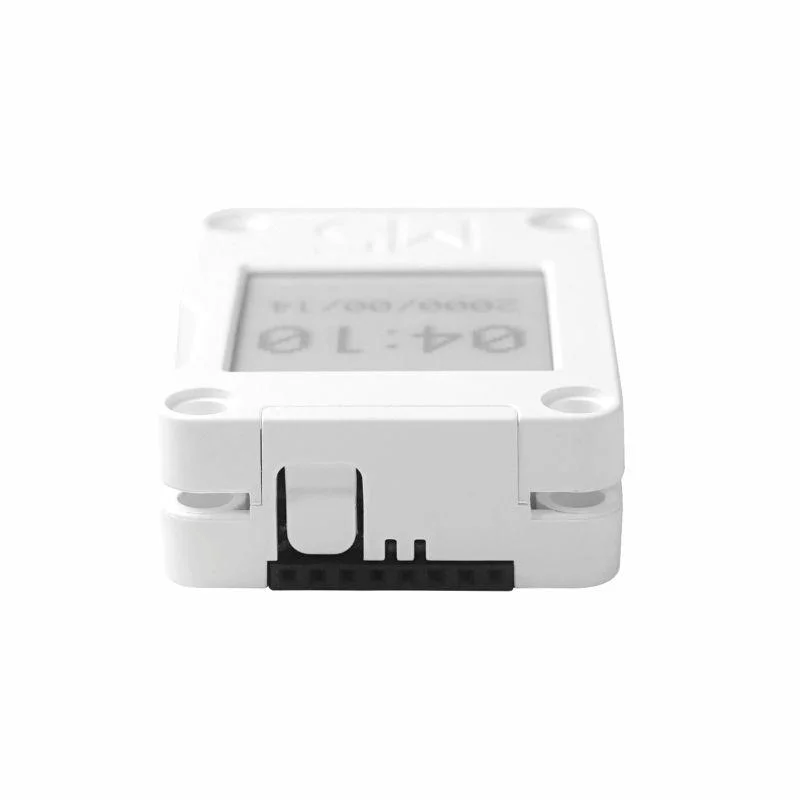
  • HY2.0-4P, M-BUS female connector, and pin array (G25, G26, G36, etc.) for hardware expansion
  • Built-in magnet for secure mounting on metallic surfaces in retail or industrial settings
  • Plastic enclosure with dimensions optimized for handheld or wall-mounted applications

Applications

  • IoT Terminal: Low-power remote monitoring dashboards with persistent status displays
  • E-Book Reader: Portable, eye-friendly text display for educational or recreational use
  • Industrial Control Panel: Status panel for machine monitoring in factory environments
  • Electronic Shelf Label (ESL): Dynamic pricing tags in retail with wireless updates
  • Smart Agriculture: Field-deployed sensor nodes displaying soil moisture or temperature data

Technical Specifications

Microcontroller/SoCESP32-PICO-D4
Wireless ProtocolsWi-Fi 2.4GHz, Bluetooth
Display Type1.54-inch Black & White E-Paper (200x200 pixels)
Flash Memory4MB
Supply Voltage5V (USB Type-C)
BatteryIntegrated 3.7V 390mAh LiPo
Max Operating Current500mA
InterfacesUSB Type-C, HY2.0-4P, M-BUS Female Connector, Hat Expansion Pins
GPIO PinsG25, G26, G36, G23, G34, G18, G21, G22, G14, G13
Operating Temperature0°C to 40°C
Dimensions (L x W)56mm x 40mm
Weight45g

Frequently Asked Questions

How do I power on the M5Stack Core Ink for the first time?

To power on the Core Ink, press and hold the physical PWR button on the side for approximately 2 seconds. The device will boot from its integrated 390mAh LiPo battery or from USB Type-C power if connected. For a complete shutdown, you must use the provided software API to enter deep sleep or press the reset button located on the back of the unit, as the PWR button only controls power-on.

What is the recommended refresh rate for the e-paper display to ensure longevity?

To prevent irreversible damage to the e-ink screen, avoid high-frequency refreshes. The manufacturer recommends a minimum refresh interval of 15 seconds per update. Also, protect the display from prolonged exposure to direct ultraviolet light, which can degrade the electrophoretic ink. For static content like sensor readings or labels, update only when data changes to maximize battery life and screen lifespan.

How do I program the Core Ink and which development frameworks are supported?

Program the Core Ink using the Arduino IDE with the ESP32 board package installed or via Espressif's ESP-IDF framework. Connect the board via the provided USB Type-C cable. In Arduino, select 'M5Stack-CoreInk' from the board manager. The onboard GPIO pins (G25, G26, G36, etc.) are accessible for sensors, and libraries for the e-paper display, RTC, and buttons are available through the M5Unified or M5CoreInk libraries to simplify development.

Can I attach external sensors to the Core Ink, and what connectors are available?

Yes, the Core Ink provides multiple expansion ports for external sensors. It features an HY2.0-4P connector, an M-BUS female connector, and a standard pin header array exposing GPIOs like G25 and G26. These interfaces support a wide range of M5Stack's modular units (Units) for environmental sensing, as well as custom I2C or analog sensors. Ensure external peripherals operate within the 3.3V logic level of the ESP32.

Package Includes

  • 1x CoreInk Development Board
  • 1x Type-C USB Cable (20cm)

Additional Information

Weight 0.045 kg
Dimensions 5.6 × 4 cm