SKU: IOWC-1360
📋 GST Invoice Available

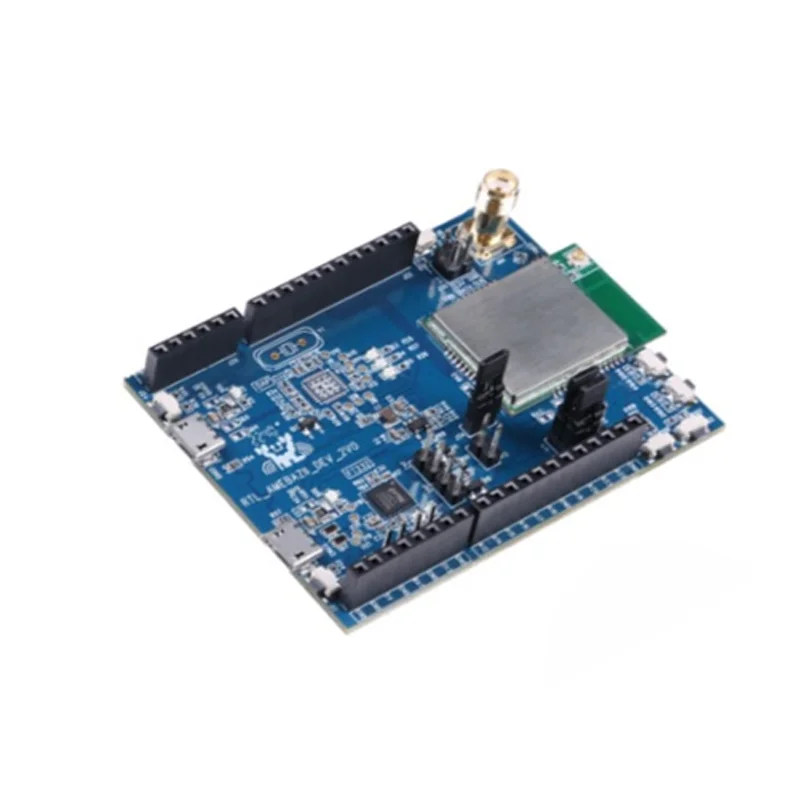
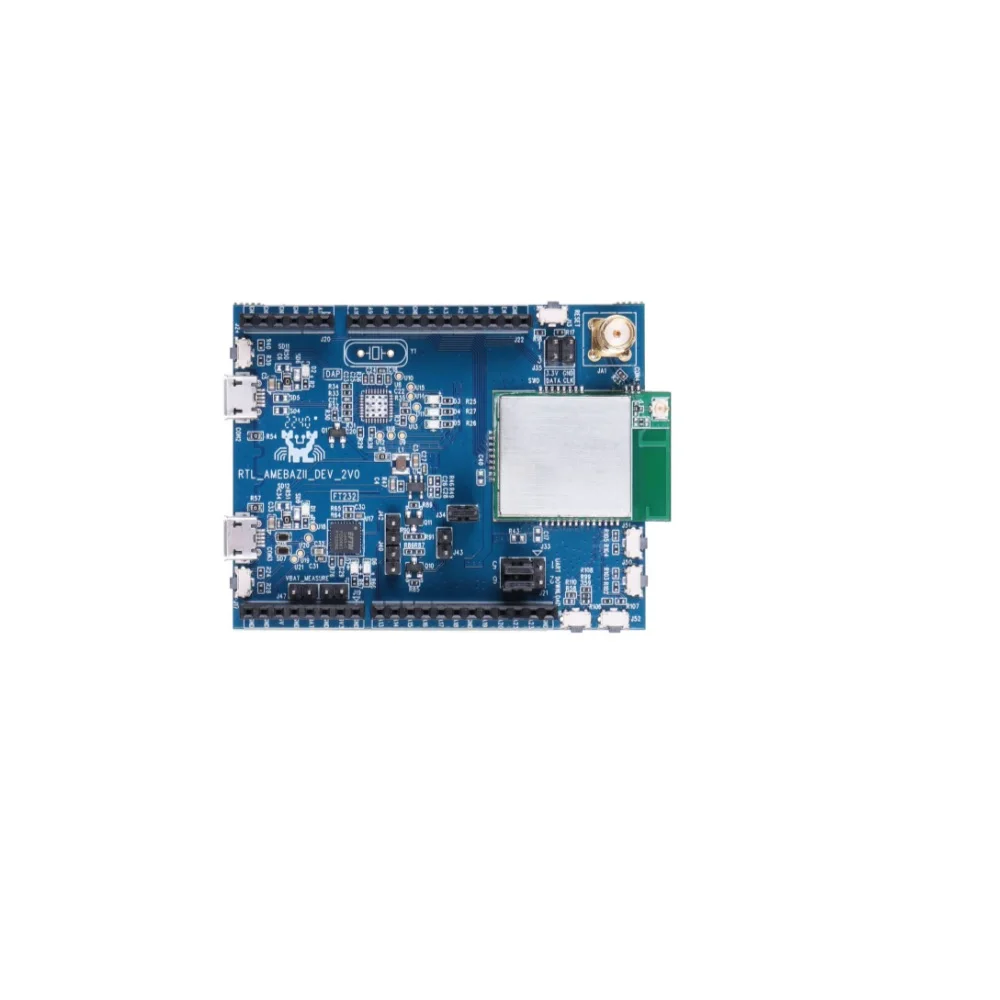
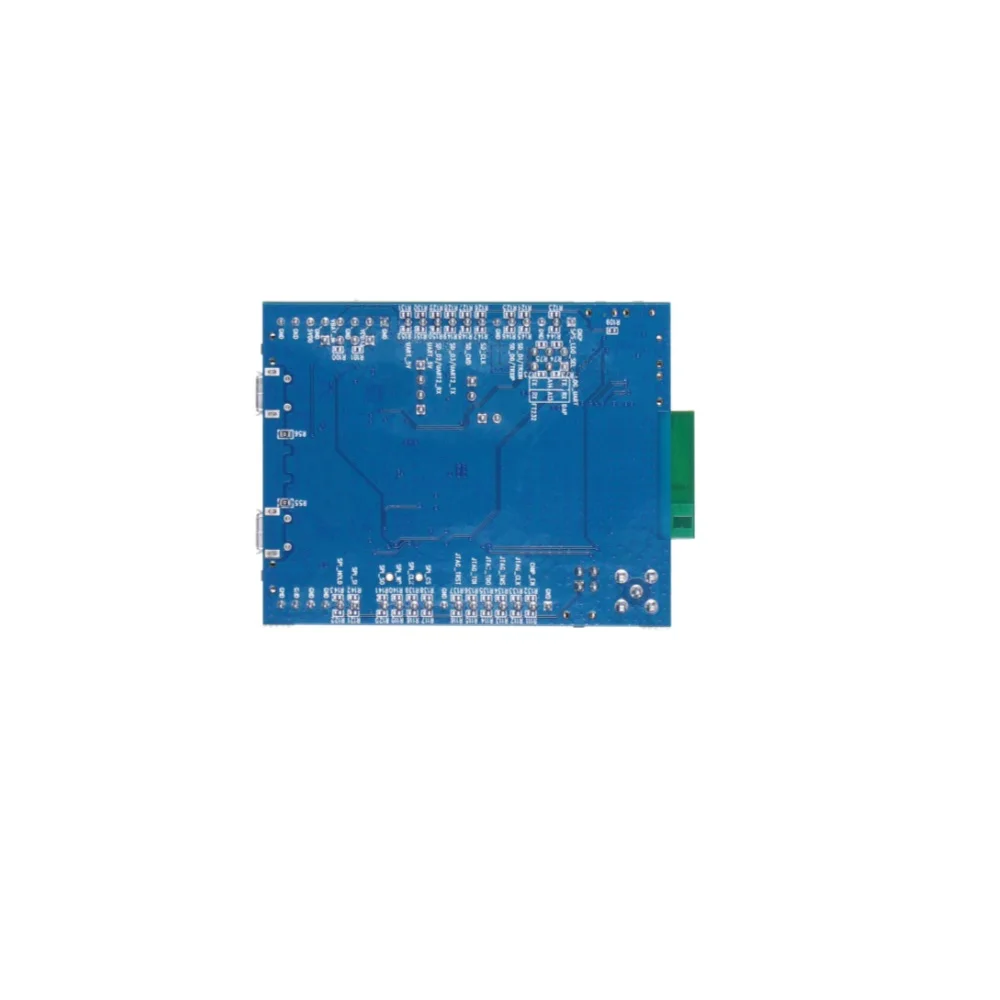
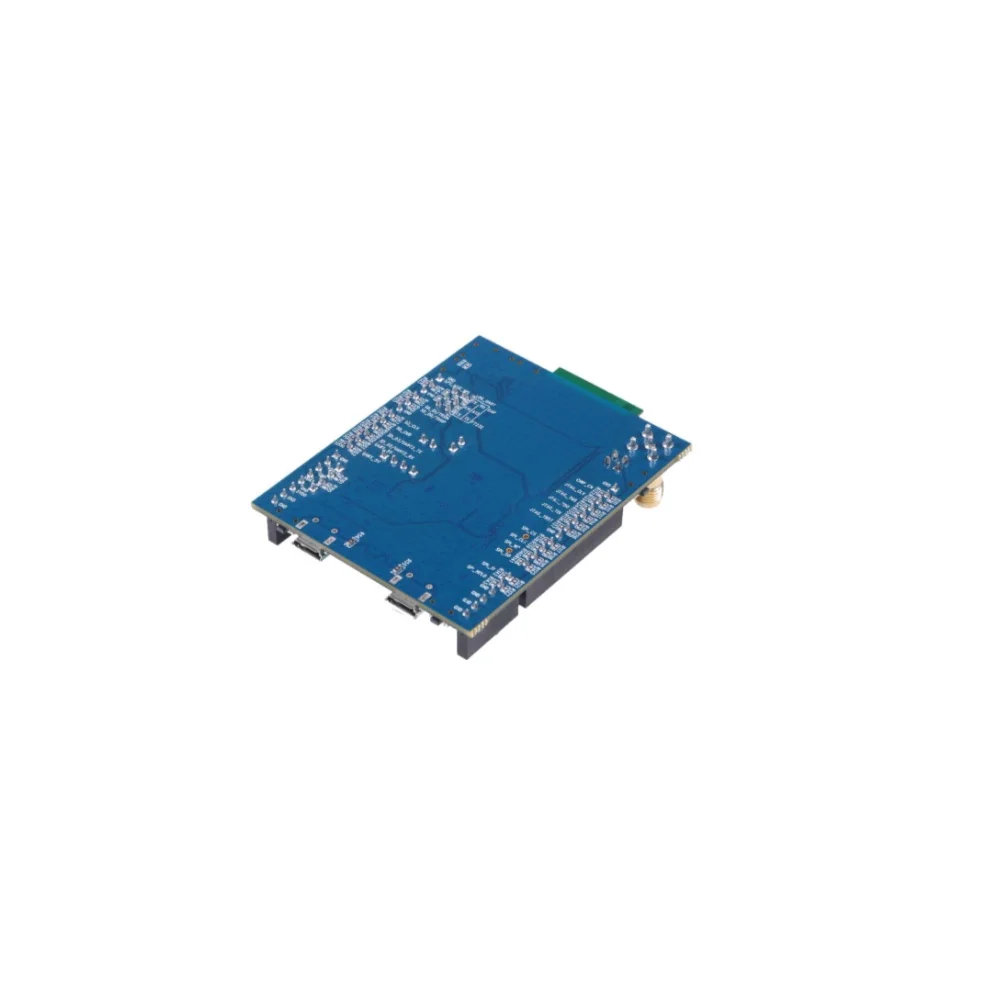
Realtek RTL8720CM Ameba Z2 AWS IoT ExpressLink DevKit

₹3,569.00 (Inclusive of all taxes)
Out of Stock

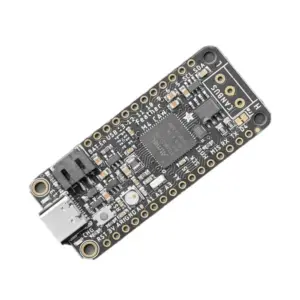
The Ameba Z2 AWS IoT ExpressLink DevKit is a Wi-Fi & Bluetooth 4.2 development board based on the Realtek RTL8720CM SoC, featuring pre-integrated AWS IoT ExpressLink firmware for secure, direct cloud connectivity to AWS IoT Core and over 200 AWS services via a simple UART/AT command interface.

Features

  • AWS IoT ExpressLink Pre-Installed: Features pre-loaded firmware for direct, secure serial connection to AWS IoT Core, abstracting complex networking and encryption layers for rapid IoT deployment.
  • Dual-Band Wi-Fi & BLE 4.2: Powered by the Realtek RTL8720CM SoC with ARM Cortex-M4 CPU, supporting 802.11 b/g/n Wi-Fi and Bluetooth Low Energy 4.2 with SIG Mesh capability.
  • Rich Peripheral Set for IoT: Provides extensive I/O including 3x UART, SPI, I2C, SDIO 2.0, 8x PWM channels, and up to 16 configurable GPIOs for sensor integration and device control.
  • Secure OTA Firmware Updates: Enables secure over-the-air firmware upgrades directly from the AWS cloud, ensuring devices can be maintained and enhanced remotely.
  • Optimized for Low-Power Edge Applications: Combines integrated security features (secure boot, cryptographic operations) with flexible power management for battery-operated IoT nodes and smart home controllers.

Out of stock

Description

The Ameba Z2 AWS IoT ExpressLink DevKit is a purpose-built hardware platform designed to drastically accelerate the development of cloud-connected IoT devices. Centered on the Realtek RTL8720CM dual-core SoC (ARM Cortex-M4 at 100MHz), it integrates 802.11n Wi-Fi and Bluetooth 4.2 radios alongside pre-provisioned AWS IoT ExpressLink firmware. This combination allows embedded developers to bypass the intricate setup of TLS certificates, MQTT brokers, and network stacks, instead communicating with AWS cloud services through a streamlined serial AT command API.

Architected for industrial-grade IoT edge nodes, the board provides a comprehensive suite of physical interfaces—including high-speed UARTs, SPI, I2C, and multiple PWM outputs—enabling direct connection to sensors, actuators, and displays. Its built-in security framework supports secure boot and hardware-accelerated cryptographic operations, meeting AWS’s stringent security requirements for device identity and data protection. The integrated 2MB external flash and 4.2MB internal RAM facilitate the execution of complex application logic and Over-the-Air (OTA) update routines directly from the AWS cloud.

Key Features

  • AWS IoT ExpressLink Integration: Pre-flashed firmware provides a certified, secure serial bridge to AWS IoT Core, abstracting TLS, MQTT, and HTTP complexities for rapid prototyping and production.
  • Realtek RTL8720CM AIoT SoC: Features an ARM Cortex-M4 core, 802.11 b/g/n 1x1 Wi-Fi with WPA2 security, and Bluetooth 4.2 with support for SIG Mesh networking.
  • Comprehensive Development Interface: Exposes 3x UART (2 high-speed), SPI (Master/Slave), I2C (Master/Slave), SDIO 2.0, 8x PWM channels, and 16x configurable GPIOs for maximum hardware flexibility.
  • Enterprise-Grade Security & OTA: Implements secure boot, hardware crypto acceleration, and cloud-managed OTA firmware updates to maintain device integrity and functionality remotely.
  • Optimized RF Performance: Includes an IPEX antenna connector for optimal 2.4GHz Wi-Fi and BLE range, with support for external antenna upgrades.
  • Streamlined Cloud Data Pipeline: Enables seamless collection, storage, and analysis of sensor data across over 200 AWS services like Lambda, DynamoDB, and S3 via simple AT commands.

Applications

  • Smart Home & Building Automation: Rapid development of cloud-connected smart switches, environmental sensors, and appliance controllers with secure AWS backend.
  • Industrial IoT (IIoT) Telemetry: Gateway or edge node for collecting and transmitting equipment sensor data (via SPI/I2C/UART) directly to AWS for predictive maintenance analytics.
  • Asset Tracking & Fleet Management: Battery-powered trackers utilizing BLE for proximity sensing and Wi-Fi for location updates and data uploads to AWS IoT Core.
  • Prototyping & MVP Development: Accelerated proof-of-concept creation for IoT products requiring certified, production-ready AWS cloud connectivity.

Technical Specifications

Microcontroller / SoCRealtek RTL8720CM (ARM Cortex-M4, 100MHz)
Wireless Protocols802.11 b/g/n Wi-Fi (20/40MHz), Bluetooth 4.2 BLE (SIG Mesh)
Memory4.2MB Internal RAM, 2MB External Flash
Security FeaturesCryptographic Operations, Secure Boot (Optional), WEP/WPA/WPA2/WPS
Interfaces3x UART (2x HS), 1x SPI (Master/Slave), 1x I2C (Master/Slave), 1x SDIO 2.0, 8x PWM, Up to 16x GPIO
Cloud FrameworkPre-installed AWS IoT ExpressLink
Programming / ConnectivityUART AT Command API for AWS Services, OTA Updates
Antenna ConnectorIPEX (Internal antenna included)
Dimensions (Shipping)12 x 10 x 7 cm
Weight (Shipping)0.2 kg

Frequently Asked Questions

How do I connect the Ameba Z2 DevKit to AWS IoT Core?

The board comes pre-flashed with AWS IoT ExpressLink firmware. Connect it to your host microcontroller or PC via a USB-to-UART adapter using the main UART pins (check pinout). Power the board with 3.3V. Use the documented AT command set over this serial connection to provision the device with your AWS credentials (thing name, certificates). The ExpressLink module handles TLS, MQTT connection, and authentication with AWS IoT Core automatically. You can then send and receive data using simple AT+ commands.

What is the default baud rate for the UART interface and how do I configure the AT commands?

The AWS IoT ExpressLink firmware on the Ameba Z2 typically operates at a standard baud rate of 115200 bps (8-N-1). Confirm this in the official Realtek or AWS-provided documentation for the specific firmware version. To configure it, open a serial terminal (like PuTTY or Arduino IDE Serial Monitor) set to 115200 baud. Send the basic AT command to check connectivity. You will then use AT commands like AT+CONF to set Wi-Fi SSID/password, AT+CONNECT to establish the cloud link, and AT+SEND to publish data. Always ensure you are using the correct UART TX/RX GPIO pins on the board.

Can I program the RTL8720CM SoC directly, or is it only for AT commands?

While the primary use case is as an AWS ExpressLink co-processor via AT commands, the Realtek RTL8720CM SoC is a fully programmable ARM Cortex-M4 microcontroller. Realtek provides the Ameba SDK/development environment for writing and flashing custom firmware directly onto the chip, allowing you to use its Wi-Fi/BLE stack, GPIOs, and peripherals natively. However, doing so will overwrite the pre-installed AWS ExpressLink firmware. For most users, the recommended flow is to use a separate host MCU to send AT commands to the Ameba Z2, treating it as a secure, certified wireless cloud modem.

What power supply is required and what is the typical operating current?

The Ameba Z2 DevKit operates at a standard 3.3V DC supply. The typical operating current varies significantly based on mode: during deep sleep with radios off, it can draw microamps; during active Wi-Fi transmission at maximum power, it can draw several hundred milliamps. For reliable operation, especially during RF transmission peaks, use a regulated 3.3V power source capable of delivering at least 500mA. Ensure your power supply wiring has minimal voltage drop. The board's power management unit supports various low-power sleep modes accessible via AT commands to optimize battery life in field deployments.

Package Includes

  • 1 x Ameba Z2 RTL8720CM Development Board
  • 1 x IPEX Antenna

Additional Information

Weight 0.2 kg
Dimensions 10 × 12 × 7 cm