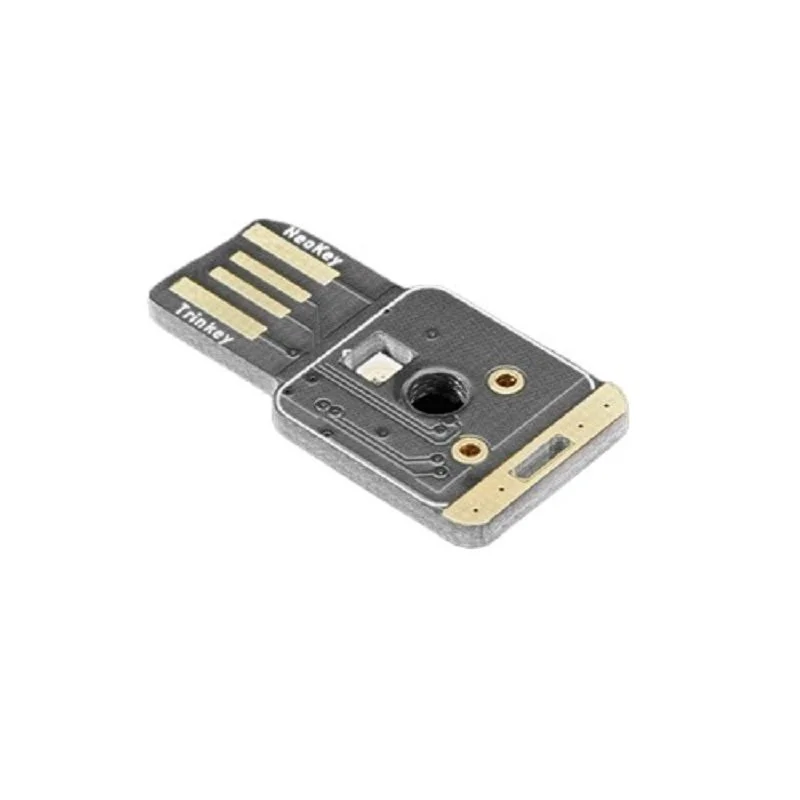
SKU: IOWC-1102
📋 GST Invoice Available

Adafruit NeoKey Trinkey - USB NeoPixel Mechanical Key Switch

₹1,059.00 (Inclusive of all taxes)
Out of Stock

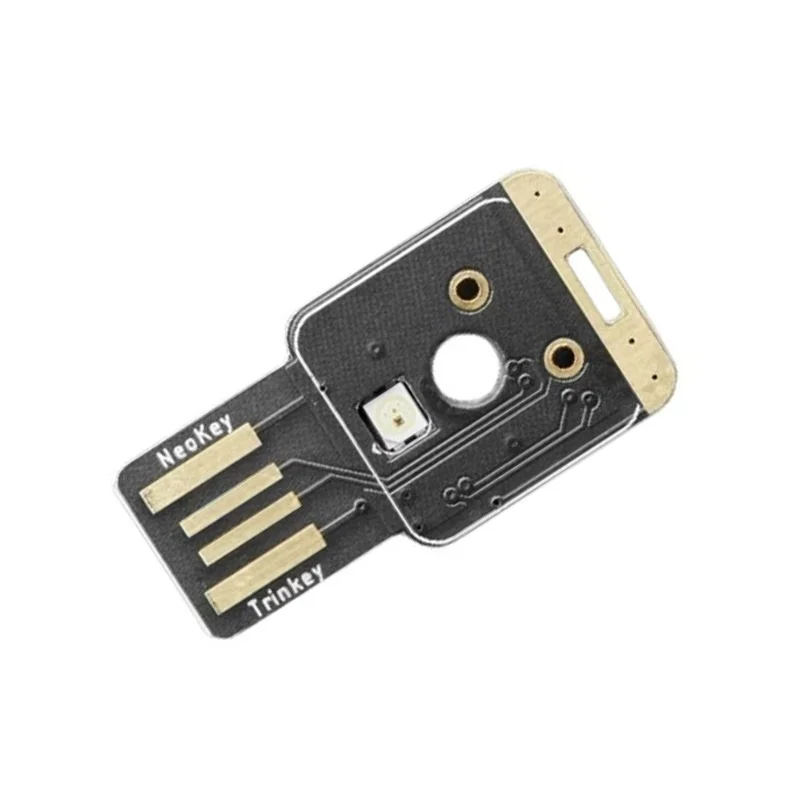
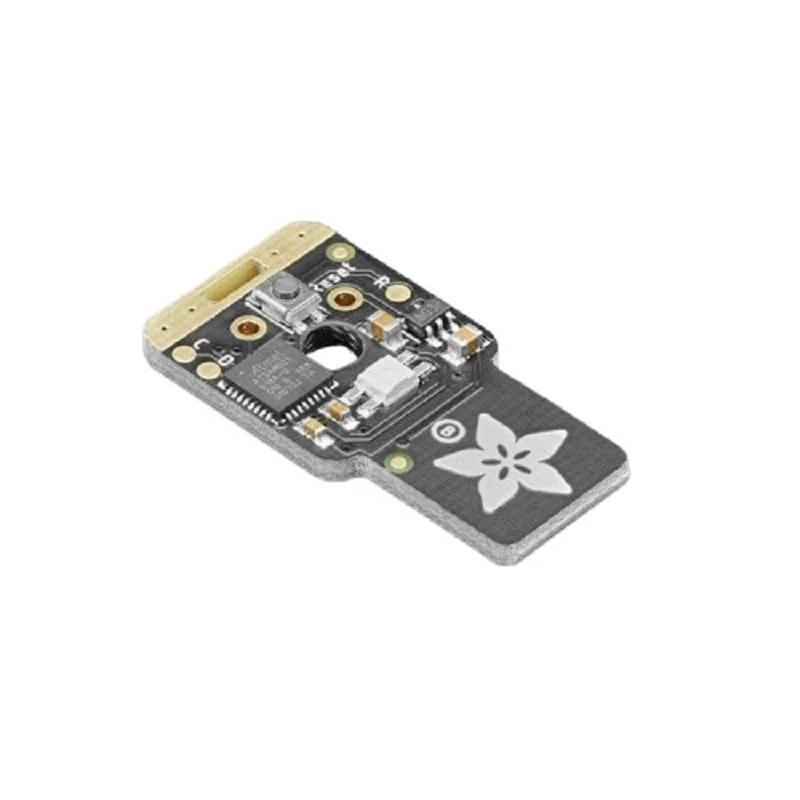
The Adafruit NeoKey Trinkey is a programmable USB key development board featuring an ATSAMD21E18 Cortex M0+ microcontroller, a Cherry MX-compatible mechanical switch socket, a NeoPixel RGB LED, and a capacitive touch pad. It supports CircuitPython and Arduino for creating custom HID, serial, or MIDI devices.

Features

  • ATSAMD21E18 Cortex M0+ processor running at 48 MHz with 256KB Flash and 32KB SRAM for robust embedded applications.
  • Native USB support enables operation as a serial console, MIDI interface, HID keyboard/mouse, or CircuitPython disk drive.
  • Cherry MX-compatible mechanical switch socket allows installation of your preferred tactile, clicky, or linear switch.
  • Integrated reverse-mount RGB NeoPixel LED provides customizable status lighting and visual feedback.
  • Capacitive touch input pad enables touch-sensitive controls without mechanical buttons.

Out of stock

Description

The Adafruit NeoKey Trinkey merges the convenience of a USB dongle with the programmability of a microcontroller development board, centered around a mechanical key switch. At its core is the ATSAMD21E18, a 32-bit ARM Cortex M0+ chip offering native USB connectivity, allowing the board to emulate various USB device classes directly. This eliminates the need for external USB-to-serial converters and simplifies project integration.

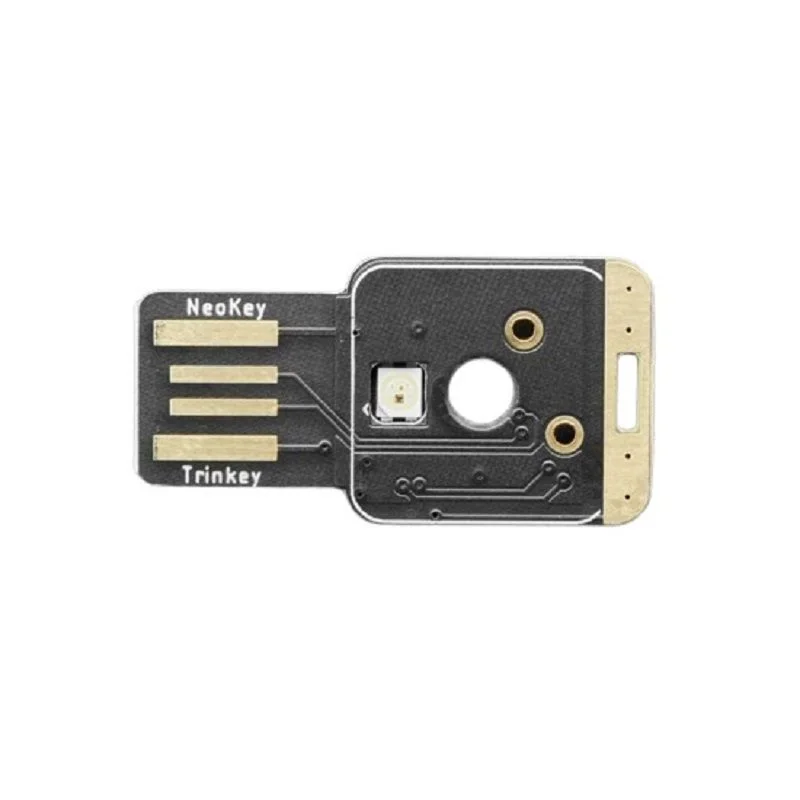
The board’s design prioritizes maker-friendly features, including a footprint for a standard Cherry MX mechanical switch (switch not included) and a single WS2812B NeoPixel LED. A dedicated capacitive touch pad provides an alternative input method. Its compact, keychain-ready form factor makes it ideal for portable macro controllers, secure password entry devices, or custom single-key applications, programmable via the Arduino IDE or CircuitPython.

Key Features

  • Powered by the ATSAMD21E18 32-bit Cortex M0+ microcontroller for efficient processing and native USB support.
  • Fully programmable with Arduino IDE or CircuitPython, offering a flexible development environment for all skill levels.
  • Cherry MX-compatible socket lets you choose and solder your preferred mechanical key switch for personalized tactile feedback.
  • Integrated WS2812B NeoPixel RGB LED enables dynamic color indication for status, notifications, or aesthetic effects.
  • Capacitive touch pad input allows for touch-activated projects without physical button presses.
  • Native USB port functions as serial, MIDI, HID (Keyboard/Mouse), or mass storage for CircuitPython code.py files.
  • Includes a reset button for easy rebooting and entering the bootloader mode for firmware updates.
  • Ultra-compact and durable design with a keychain hole, perfect for portable and always-connected applications.

Applications

  • Custom macro key or single-button controller for PC applications and gaming.
  • Secure hardware token for two-factor authentication or password entry.
  • USB MIDI controller button for music production software.
  • Interactive educational tool for learning USB HID, CircuitPython, or embedded systems.
  • Portable status indicator or notification device with customizable NeoPixel feedback.

Technical Specifications

MicrocontrollerATSAMD21E18 32-bit Cortex M0+
Clock Speed48 MHz
Flash Memory256 KB
SRAM32 KB
USB SupportNative USB (Serial, MIDI, HID, Mass Storage)
ProgrammabilityArduino IDE, CircuitPython
Key SwitchCherry MX Compatible Socket (Switch Not Included)
RGB LED1x WS2812B NeoPixel
User Input1x Capacitive Touch Pad, 1x Reset Button
Dimensions32 mm (L) x 16.4 mm (W)

Frequently Asked Questions

How do I program the NeoKey Trinkey with CircuitPython?

First, download the latest CircuitPython UF2 file from the Adafruit website. Hold the board's reset button, connect it via USB to enter bootloader mode, then drag and drop the UF2 file onto the TRINKEYBOOT drive. The board will reboot, and you can edit the code.py file on the CIRCUITPY drive using any text editor to program your application.

What type of mechanical switch can I use with this board?

The board supports nearly any Cherry MX-compatible mechanical switch (tactile, linear, or clicky). The center mounting nub fits the hole, but you must clip off the two plastic side nubs on the switch housing before soldering it onto the PCB for a proper fit and electrical connection.

Can I use the NeoKey Trinkey as a keyboard key or mouse button?

Yes, when programmed using the HID (Human Interface Device) libraries in Arduino or CircuitPython, the Trinkey can emulate a single keyboard keypress, a mouse click, or a combination of modifier keys (like Ctrl+Alt+Del). This makes it ideal for creating custom macro pads or secure password entry tools.

How do I control the NeoPixel RGB LED on the board?

The NeoPixel is connected to a dedicated GPIO pin. In your Arduino or CircuitPython code, use the Adafruit NeoPixel library to initialize the LED strip (with a count of 1) and then set its color and brightness using the setPixelColor and show functions. You can use it for status codes, notifications, or simple lighting effects.

Package Includes

  • 1 x Adafruit NeoKey Trinkey Board

Additional Information

Weight 0.0021 kg
Dimensions 3.2 × 1.64 cm