SKU: IOWC-1020
📋 GST Invoice Available

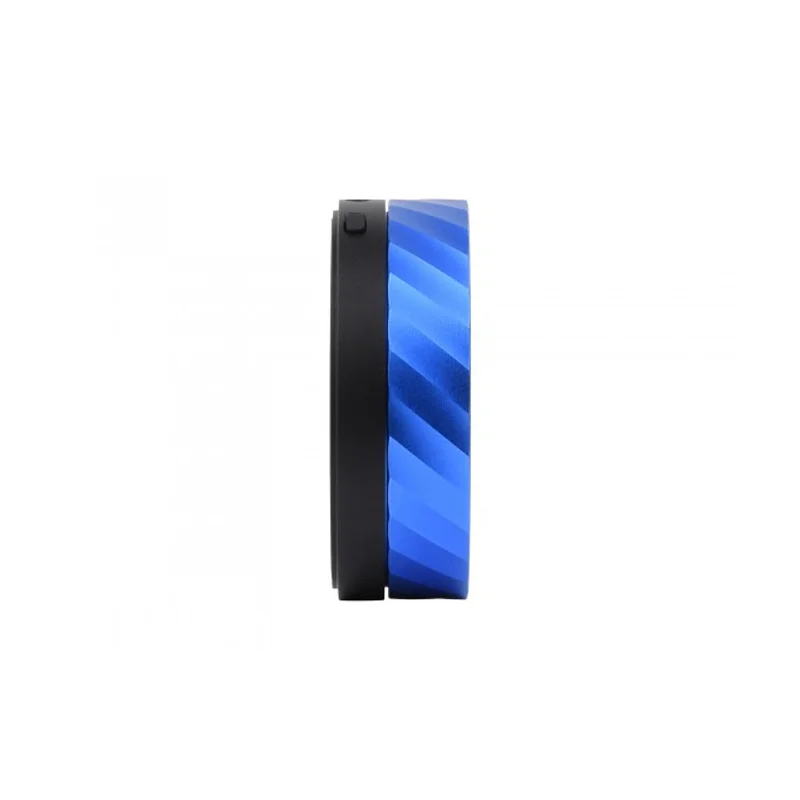
Waveshare ESP32-S3 1.8-Inch Knob Display Development Board

₹6,299.00 (Inclusive of all taxes)
Out of Stock

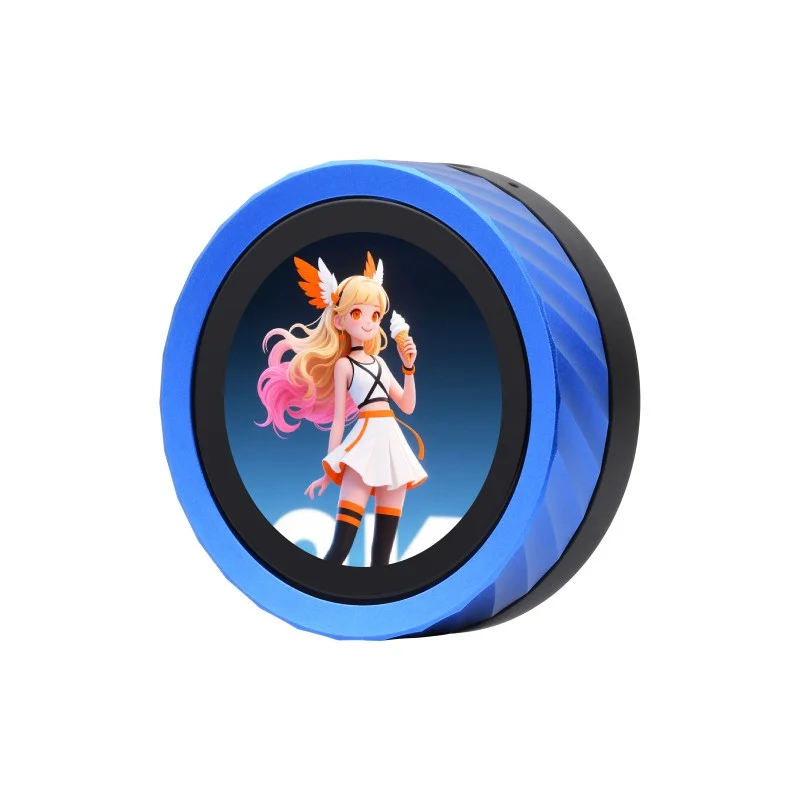
The Waveshare ESP32-S3 1.8-Inch Knob Display Development Board integrates dual-core ESP32-S3 and ESP32 MCUs with a 360×360 IPS touchscreen, Wi-Fi/Bluetooth 5, and onboard audio for interactive IoT applications. It supports development with Arduino IDE, ESP-IDF, and MicroPython via its USB-UART interface.

Features

  • Dual-Core AIoT Processing: Combines an ESP32-S3R8 (dual-core 240MHz) and an ESP32-U4WDH for main application and peripheral management, enabling complex interactive projects.
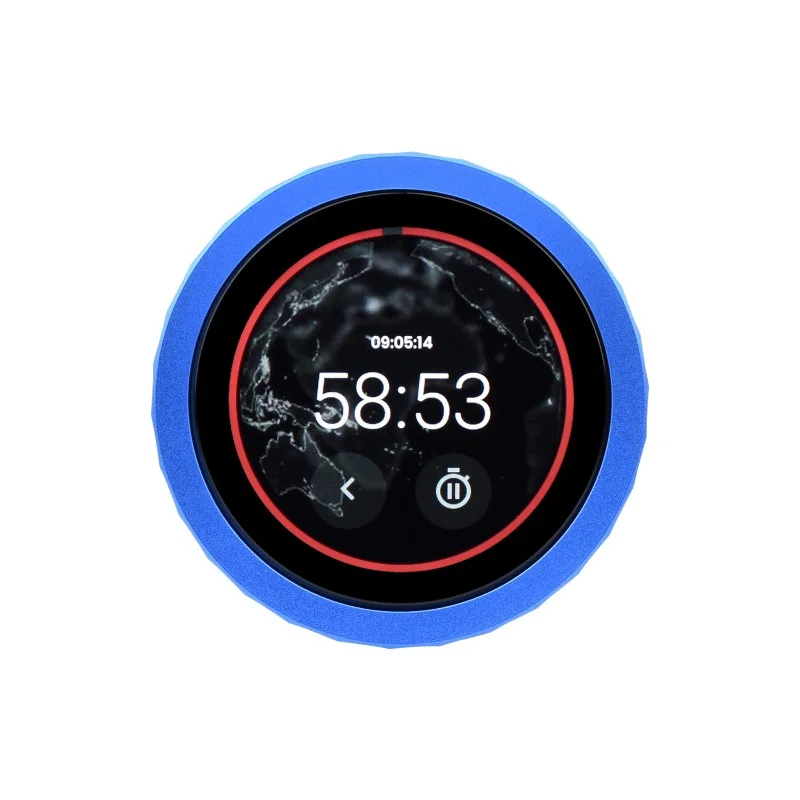
  • High-Res Touch Interface: Features a 1.8-inch 360×360 IPS capacitive touch display with I2C interface for responsive GUI development and control.
  • Dual-Band Wireless Connectivity: Provides 2.4GHz Wi-Fi 802.11 b/g/n and Bluetooth 5.0 (LE & Classic) for IoT device networking and peripheral communication.
  • Integrated Audio & Control: Includes onboard audio decoder, microphone, 3.5mm jack, and a rotary encoder knob for building media players, voice interfaces, and tactile menus.
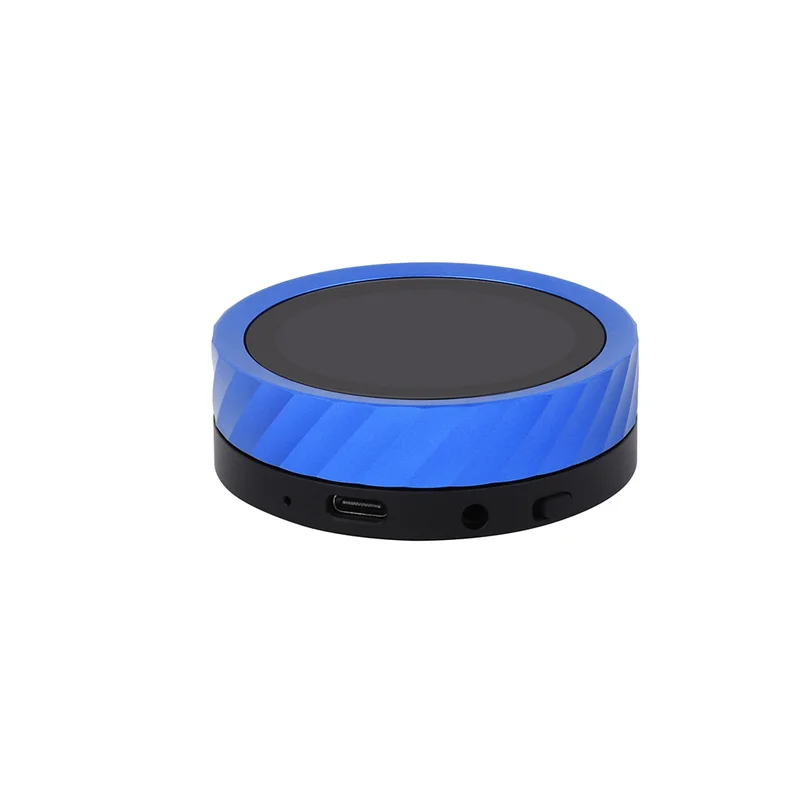
  • Robust Industrial Design: Housed in a precision CNC aluminum case with 16MB Flash and 8MB PSRAM for durable, portable edge AI and smart device prototypes.

Out of stock

Description

This Waveshare development board is engineered for advanced IoT and embedded AI applications requiring a rich user interface and local processing. The primary ESP32-S3R8 microcontroller handles the main application logic and wireless stack, while the secondary ESP32-U4WDH manages the display, touch controller, and audio subsystem, distributing workload for smooth performance. The high-resolution IPS display offers wide viewing angles and vibrant color reproduction suitable for dashboards, media controls, and diagnostic readouts.

Power management is optimized for portable use, with the board typically powered via the USB-C port. The integrated audio codec supports line-in, microphone input, and headphone output, enabling voice command processing and audio playback. The inclusion of a TF card slot expands storage for multimedia files or data logging. The rotary encoder provides precise input control without relying solely on touch, making it ideal for environments where tactile feedback is preferred.

Key Features

  • Dual-MCU Architecture: ESP32-S3 handles application/Wi-Fi/Bluetooth; ESP32 manages display, touch, and audio for dedicated processing.
  • Capacitive Touch Display: 1.8-inch IPS screen with 360x360 resolution and I2C touch interface with interrupt support.
  • Comprehensive Wireless Suite: 2.4GHz Wi-Fi (802.11 b/g/n) and dual-mode Bluetooth 5.0 for IoT connectivity and device pairing.
  • Onboard Audio System: Integrated audio decoder, electret microphone, and 3.5mm audio jack for voice and sound applications.
  • Expandable Storage & Control: MicroSD (TF) card slot for data/media storage and a rotary encoder knob for menu navigation.
  • Robust Enclosure: Precision-machined CNC aluminum case provides EMI shielding, heat dissipation, and portable durability.
  • Developer-Friendly Interfaces: USB-C port for power, programming, and UART communication; all GPIOs accessible for expansion.
  • Ample Memory: 16MB SPI Flash and 8MB PSRAM support complex graphics, voice buffers, and Over-the-Air (OTA) updates.

Applications

  • Smart Home Control Panels: Central touch interface for lighting, climate, and security systems with Wi-Fi/Bluetooth connectivity.
  • Portable Media Players & Audio Visualizers: Build handheld devices for music playback, podcast recording, or real-time audio spectrum display.
  • Industrial IoT HMI: Durable, compact human-machine interface for equipment monitoring, parameter adjustment, and diagnostic readouts.
  • Interactive Prototyping & Education: Ideal for learning embedded GUI development, IoT sensor dashboards, and AI voice assistant projects.
  • Wearable & Portable Gadgets: Create custom timers, fitness trackers, or portable gaming consoles with tactile knob control.

Technical Specifications

Microcontroller / SoCDual-core ESP32-S3R8 (240MHz) + ESP32-U4WDH
Wireless ProtocolsWi-Fi 802.11 b/g/n (2.4GHz), Bluetooth 5.0 (BLE & Classic)
Display1.8-inch IPS Capacitive Touch, 360x360 resolution
Memory16MB Flash, 8MB PSRAM
AudioOnboard decoder, Electret MIC, 3.5mm Audio Jack
Storage ExpansionMicroSD (TF) Card Slot
Control InterfaceRotary Encoder Knob, I2C Touch
Supply Voltage5V via USB-C
Programming InterfaceUSB to UART (USB-C)
Operating TemperatureIndustrial range (typical for ESP32-S3)
Dimensions65.0mm x 65.0mm (Board within case)
Weight145g

Frequently Asked Questions

How do I program this Waveshare ESP32-S3 display board?

Connect the board via the provided USB-C cable to your computer. Use the Arduino IDE with the ESP32 board package, ESP-IDF, or MicroPython. Select the correct COM port and the 'ESP32-S3 Dev Module' as the target. The USB interface provides both power and a UART serial connection for uploading code and serial debugging. The secondary ESP32 MCU for the display is pre-programmed and managed via I2C by the main S3 core.

What is the purpose of the dual MCU (ESP32-S3 + ESP32) setup?

The architecture offloads specific tasks for smoother performance. The primary ESP32-S3 (dual-core 240MHz) runs your main application, handles Wi-Fi/Bluetooth connectivity, and processes complex logic. The secondary ESP32 single-core MCU is dedicated to driving the IPS display, managing the capacitive touch controller, and processing audio from the onboard decoder. This separation prevents GUI refresh or touch latency from interfering with network operations or sensor data processing.

Can I use the onboard microphone and audio jack for voice projects?

Yes. The electret microphone and audio codec are accessible via the I2S bus. You can capture audio for voice command recognition using TensorFlow Lite Micro or similar AI frameworks on the ESP32-S3. The 3.5mm jack supports audio output for playback. Example libraries in ESP-IDF or Arduino handle I2S streaming. Ensure your power supply is stable via USB for clean audio signal acquisition and processing.

How do I interface with the rotary encoder and touch screen?

The rotary encoder is connected to GPIO pins and can be read using a library like ESP32Encoder, providing detent and button press events. The capacitive touch screen uses an I2C interface (with a dedicated interrupt pin) and a touch controller IC. Use the FT6236 or similar library for touch coordinates. Waveshare typically provides example code demonstrating how to read both inputs simultaneously for menu navigation and GUI interaction.

Package Includes

  • 1 x Waveshare ESP32-S3 1.8-Inch Knob Display Development Board

Additional Information

Weight 0.145 kg
Dimensions 6.5 × 6.5 cm