SKU: IOWC-0173
📋 GST Invoice Available

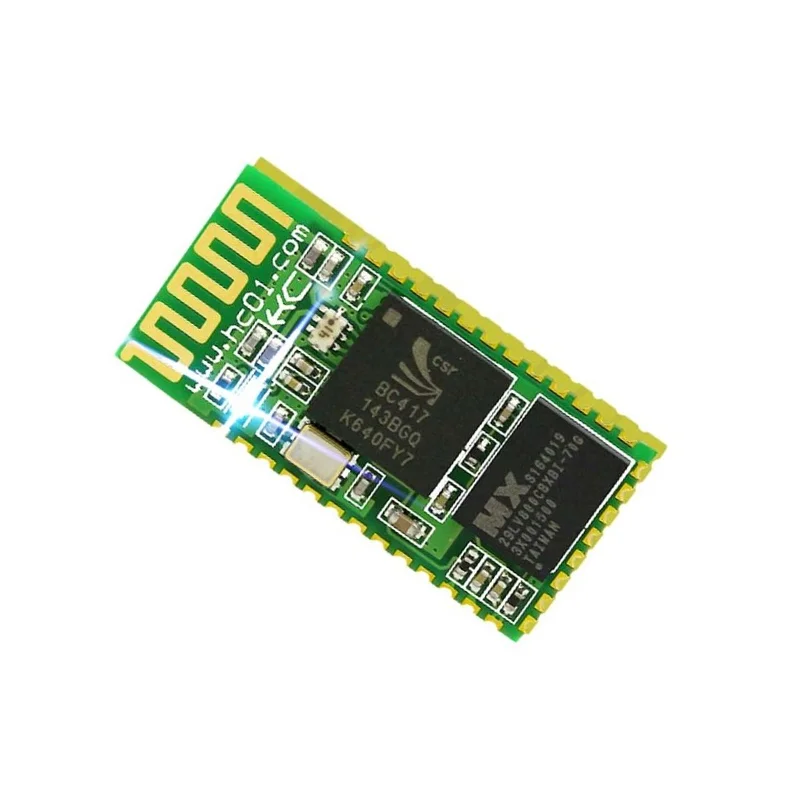
HC-06 Bluetooth 2.0 Serial Module w/ UART Interface

₹1,429.00 (Inclusive of all taxes)
Out of Stock

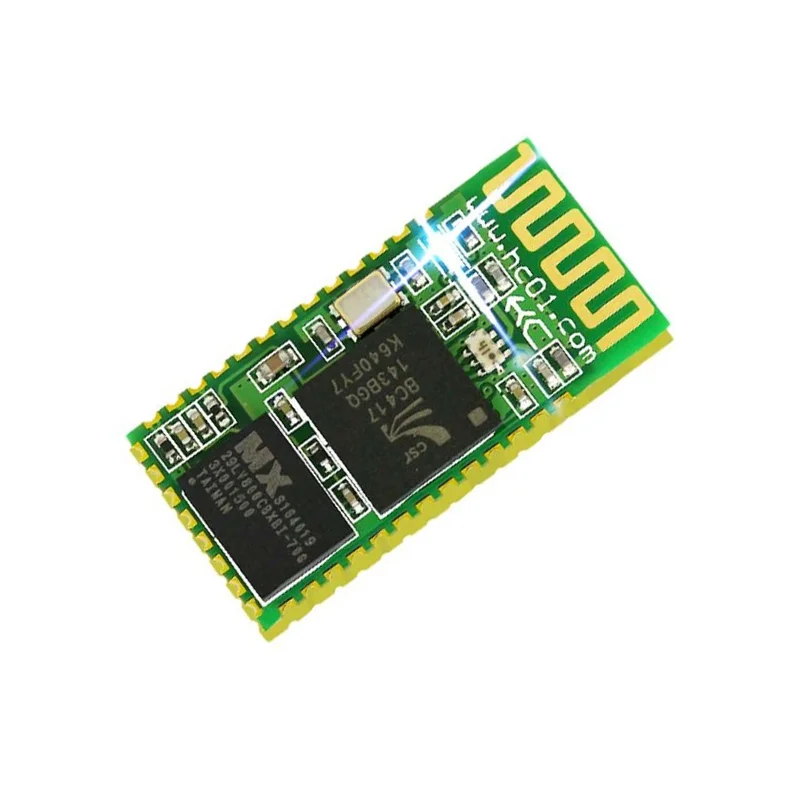
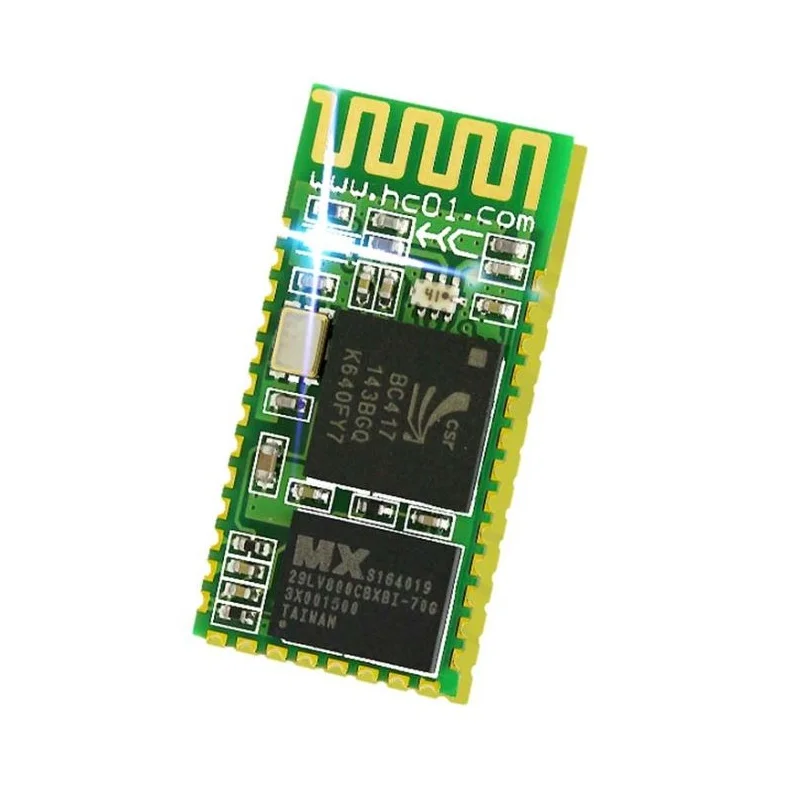
The HC-06 is a classic Bluetooth 2.0+EDR serial port profile (SPP) module, providing a simple UART-to-wireless bridge for short-range data transfer in embedded systems, robotics, and DIY electronics projects.

Features

  • Bluetooth 2.0+EDR SPP Module: Enables straightforward serial communication over Bluetooth, ideal for wireless control, data logging, and device configuration.
  • UART TTL Interface: Simple 3.3V logic-level serial connection (TXD, RXD) for direct integration with microcontrollers like Arduino, STM32, or ESP8266.
  • Low Power & Compact Design: Operates at 3.3V with a 40mA peak current, suitable for battery-powered mobile systems and compact enclosures.
  • Integrated Antenna & 30ft Range: Features a built-in PCB antenna for reliable communication up to approximately 10 meters in open spaces.
  • Default 9600 Baud Configuration: Plug-and-play compatibility out of the box using standard 8N1 serial settings for rapid prototyping.

Out of stock

Description

The HC-06 Wireless Bluetooth Module is a foundational component for integrating Bluetooth Classic connectivity into embedded designs. It incorporates a CSR BlueCore chipset implementing the Bluetooth 2.0 standard with Enhanced Data Rate (EDR), supporting data rates up to 3 Mbps. The module operates on the 2.4GHz ISM band (2.402–2.480 GHz) and employs Frequency-Hopping Spread Spectrum (FHSS) to mitigate interference, ensuring robust, full-duplex serial data transmission.

Designed for developer and maker convenience, the HC-06 communicates via a simple UART interface, requiring only power, ground, transmit, and receive connections. Its 3.3V operating voltage and moderate current draw make it suitable for a wide range of portable and mains-powered applications. The integrated antenna simplifies hardware design, eliminating the need for external RF matching components.

Key Features

  • Implements Bluetooth V2.0+EDR Serial Port Profile (SPP) for transparent serial communication.
  • Based on the CSR BlueCore 04-External single-chip Bluetooth solution with CMOS technology.
  • Utilizes Frequency-Hopping Spread Spectrum (FHSS) for improved interference resistance and link stability.
  • Simple integration via 3.3V TTL UART interface (TXD, RXD, VCC, GND).
  • Compact form factor with a built-in PCB antenna, ready for embedding into final products.
  • Low power consumption profile suitable for battery-operated systems.
  • Widely supported by Arduino libraries and common microcontroller platforms for rapid development.

Applications

  • Wireless serial communication for Arduino and microcontroller projects.
  • Robotics and remote-controlled vehicle telemetry and control links.
  • DIY smart home sensors and actuators with Bluetooth phone control.
  • Battery-powered data loggers for wireless configuration and data retrieval.
  • Educational platforms for learning embedded wireless communication.

Technical Specifications

Bluetooth StandardVersion 2.0 + EDR (Enhanced Data Rate)
Wireless ProtocolSerial Port Profile (SPP)
Frequency Range2.402 GHz – 2.480 GHz
Data RateUp to 3 Mbps (Modulation)
Supply Voltage3.3V DC
Operating Current≤ 40 mA (Max)
Communication InterfaceUART TTL (TXD, RXD)
Default Baud Rate9600, 8N1
AntennaIntegrated PCB Antenna
Typical RangeUp to 10 meters (30 feet)
Operating Temperature-20°C to +55°C
Dimensions (LxW)27 mm x 13.2 mm

Frequently Asked Questions

How do I connect and power the HC-06 module to an Arduino Uno?

Connect the HC-06's VCC pin to the Arduino's 3.3V output, GND to GND, TXD to Arduino RX (pin 0), and RXD to Arduino TX (pin 1). Use a voltage divider or logic level converter if your Arduino only outputs 5V logic, as the HC-06's RXD pin is 3.3V tolerant. Ensure you avoid connecting the HC-06's VCC to 5V, as it will damage the module. For initial testing, use the SoftwareSerial library on other digital pins to avoid conflicts with the hardware serial port used for programming.

Can I change the HC-06's default baud rate or Bluetooth device name?

Yes, you can configure the HC-06 using AT commands sent via its UART interface. Enter AT command mode by connecting the module's KEY pin to VCC before power-on or by sending "AT" once connected. Common commands include AT+NAME to change the visible Bluetooth name, AT+BAUD to set a new baud rate (1 for 1200, 4 for 9600, 8 for 115200, etc.), and AT+PIN to modify the pairing PIN. Remember to update your host device's serial communication speed to match the new baud rate after changing it.

What is the difference between the HC-05 and HC-06 Bluetooth modules?

The HC-05 can operate as both a master and slave device, allowing it to initiate connections to other Bluetooth devices. The HC-06 operates only in slave mode, meaning it can only accept incoming connection requests. The HC-05 typically has a command interface for more advanced configuration, while the HC-06 is often simpler and more limited. For most projects where a microcontroller needs to connect to a phone or computer, the slave-only HC-06 is sufficient and often more cost-effective. Pinouts and voltage requirements are generally similar between the two modules.

Package Includes

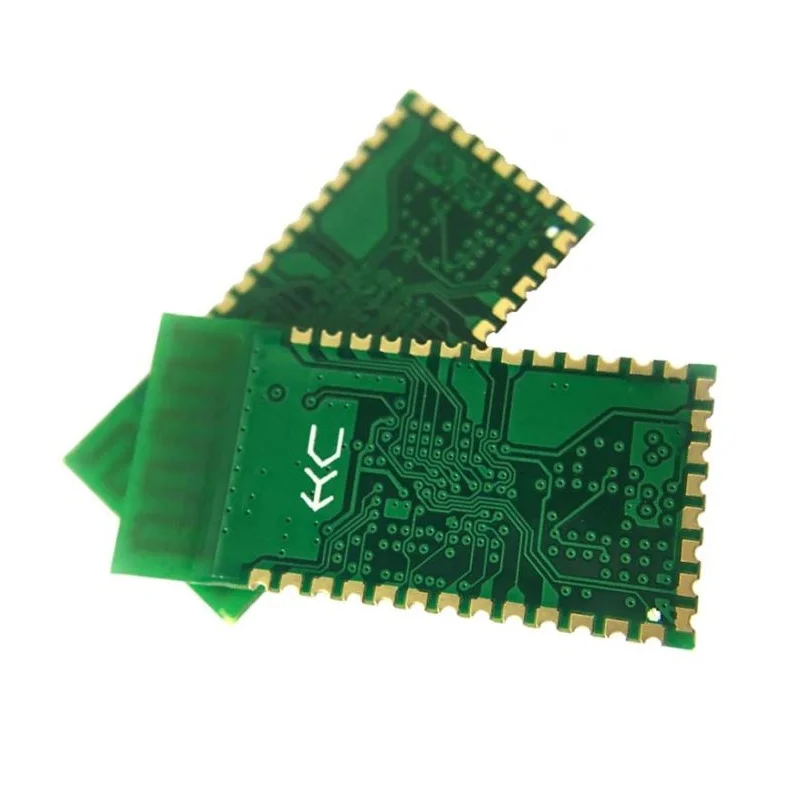
  • 1 x HC-06 Wireless Bluetooth Module (without baseplate)

Additional Information

Weight 0.005 kg
Dimensions 2.7 × 1.32 cm