SKU: IOWC-0311
📋 GST Invoice Available

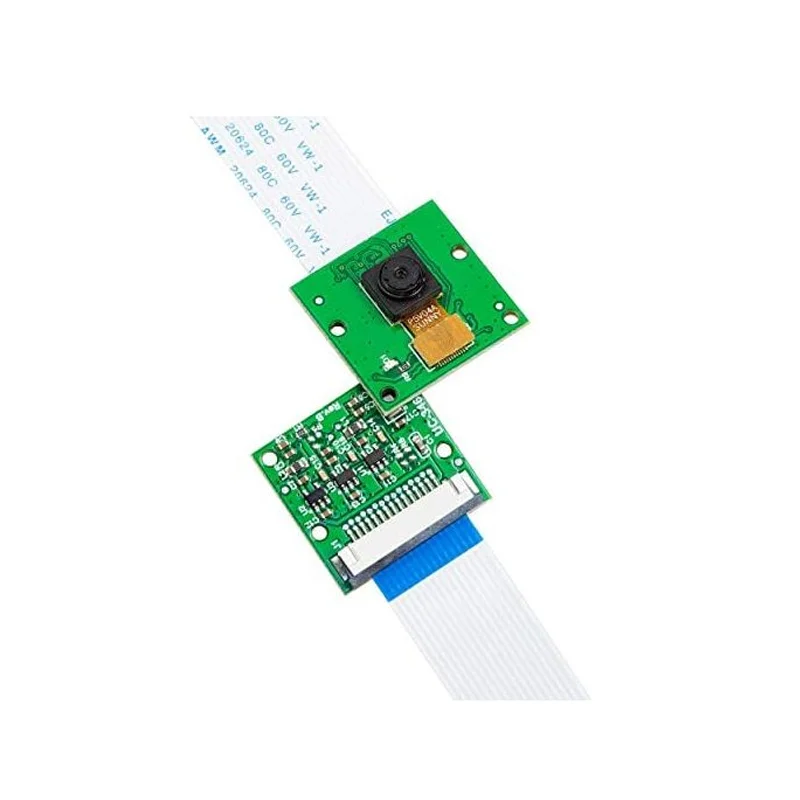
Arducam B0033R 5MP OV5647 Camera Module w/ 100cm Ribbon Cable for Raspberry Pi

₹489.00 (Inclusive of all taxes)
Out of Stock

The Arducam B0033R is a 5MP OV5647 camera module designed for Raspberry Pi A/B/Zero boards, featuring a 100cm flex ribbon cable for flexible mounting. It delivers 1080p30 video and is plug-and-play with Raspbian’s libcamera and Python scripts for 3D printer monitoring, surveillance, and computer vision projects.

Features

  • 5MP OV5647 sensor captures sharp 2592×1944 stills and 1080p30 HD video.
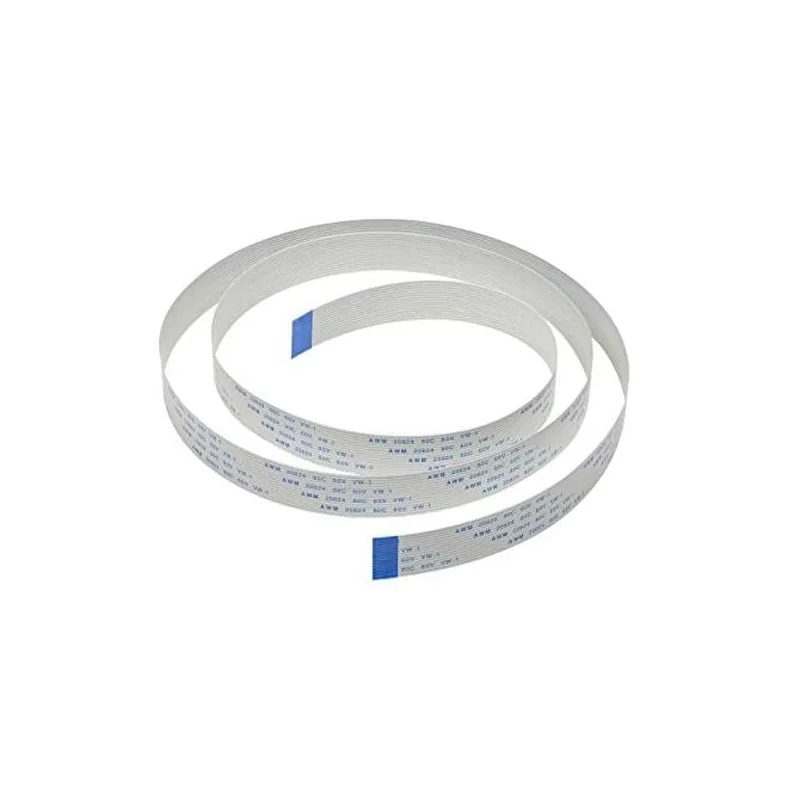
  • Includes a long 100cm (3.28ft) flex ribbon cable for versatile mounting in enclosures or 3D printer setups.
  • Plug-and-play compatibility with Raspberry Pi A, B, and Zero models using libcamera and Python.
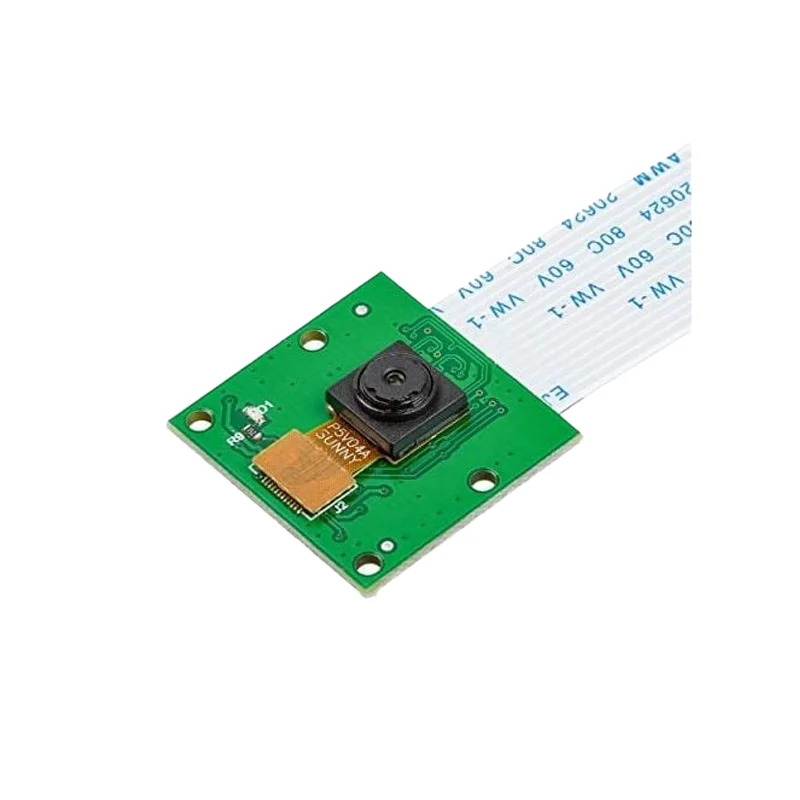
  • Compact 25x24mm board with fixed-focus lens (54° H FOV) for projects with space constraints.
  • Ideal for real-time monitoring, DIY surveillance systems, and multimedia applications.

Out of stock

Description

The Arducam B0033R camera module integrates a 5-megapixel OV5647 CMOS sensor onto a compact 25x24mm PCB, providing a reliable vision input for Raspberry Pi-based IoT and monitoring projects. Its fixed-focus lens offers a 54-degree horizontal field of view with a focus range from 1 meter to infinity, making it suitable for both close-up inspection and general scene observation. The included 100cm-long flex ribbon cable significantly extends mounting possibilities, allowing the camera to be positioned away from the host Pi board inside 3D printer enclosures, security housings, or other DIY setups.

Engineered for seamless software integration, the module is fully supported by the standard Raspberry Pi OS camera stack, including the libcamera software library and Picamera2 Python API. This ensures developers and makers can quickly capture still images, stream video, or implement computer vision algorithms without complex driver configuration. The module’s low-power design, with a peak current draw of 300mA, makes it suitable for always-on monitoring applications powered via the Raspberry Pi’s dedicated camera connector.

Key Features

  • High-resolution 5MP OV5647 sensor for detailed image capture and 1080p30 HD video streaming.
  • Extended 100cm flex cable provides exceptional mounting flexibility for remote camera placement.
  • Native Raspberry Pi compatibility via the 15/22-pin CSI connector, supported by libcamera and Python.
  • Fixed-focus lens with a 54° horizontal FOV ensures consistent focus from 1m to infinity.
  • Ultra-compact form factor (25x24mm) allows integration into space-constrained projects and enclosures.
  • Ideal for continuous monitoring applications like 3D print observation, security, and time-lapse photography.
  • Includes a short 15cm ribbon cable adapter specifically for Raspberry Pi Zero models.

Applications

  • 3D Printer Monitoring: Live video feed for remote print observation and failure detection.
  • DIY Surveillance & Security: Building low-cost, Raspberry Pi-powered security camera systems.
  • Computer Vision Projects: Object detection, facial recognition, and motion tracking with Python/OpenCV.
  • Multimedia & Streaming: Creating time-lapse videos, video blogs, or simple streaming setups.
  • IoT and Smart Home: Integrating vision sensing into home automation for presence detection or pet monitoring.

Technical Specifications

Sensor ModelOV5647
Resolution5MP (2592 x 1944)
Video Output1080p at 30 fps
Lens FocusFixed Focus
Horizontal Field of View54°
Focus Distance1 m to Infinity
Sensor Size1/4 inch
Peak Operating Current300 mA
Board Dimensions25 mm x 24 mm
Interface15/22-pin Raspberry Pi CSI
Included Cable100 cm Flex Ribbon Cable

Frequently Asked Questions

How do I connect and enable this Arducam module on my Raspberry Pi?

Connect the ribbon cable from the camera's CSI port to the Raspberry Pi's CSI connector, ensuring the cable's blue side faces the Ethernet/USB ports. Enable the camera interface via 'sudo raspi-config' under 'Interface Options'. Reboot, then test using 'libcamera-hello' or Python's Picamera2 library to capture images and video streams.

What software and libraries are required to use this camera with Python?

Use Raspberry Pi OS (Bullseye or later) which includes libcamera. For Python, install the Picamera2 library via 'sudo apt install python3-picamera2'. This provides a modern API for camera control. Legacy 'picamera' library is not supported. Example scripts are available in the official Raspberry Pi documentation for capturing stills and video.

Can I use the shorter included cable with a Raspberry Pi Zero?

Yes, the package includes a 15cm ribbon cable specifically for the Raspberry Pi Zero's smaller CSI connector. The longer 100cm cable is for standard Pi models (A, B) and for extending the camera's reach. Ensure the connector is fully seated and the cable is not twisted or sharply bent to maintain a reliable signal connection.

What is the power consumption and how is the camera powered?

The camera module draws power directly from the Raspberry Pi's CSI connector, with a peak current of approximately 300mA during active sensor operation. No external power supply is needed. For always-on monitoring, consider the Pi's total power budget. The camera enters a low-power state when not actively streaming, managed by the libcamera software stack.

Package Includes

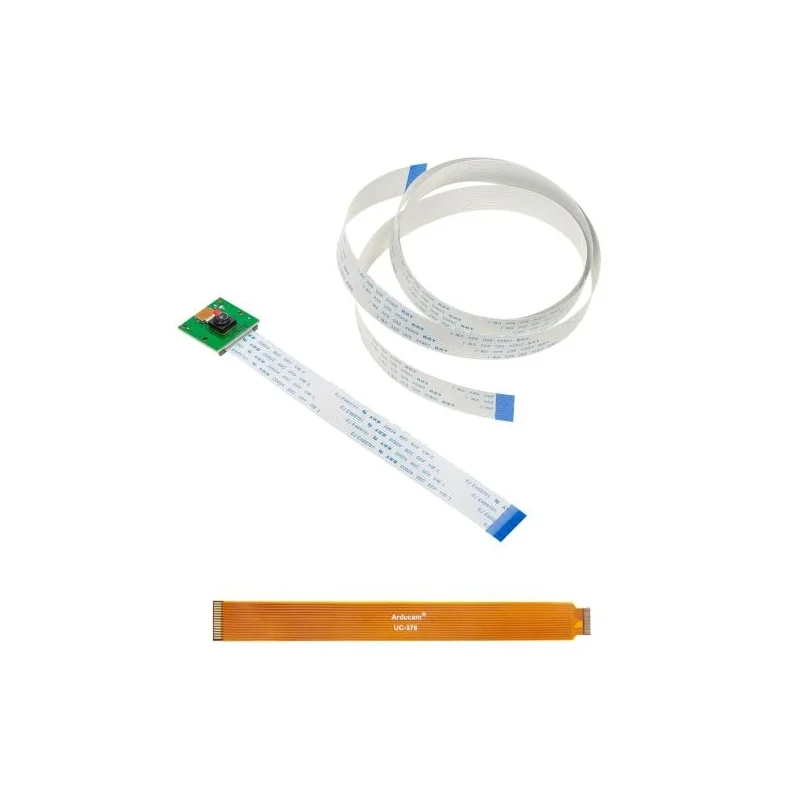
  • 1 x Arducam B0033R 5MP OV5647 Camera Module
  • 1 x 100cm (3.28ft) Long Flex Ribbon Cable
  • 1 x 15cm Ribbon Cable (for Raspberry Pi Zero)

Additional Information

Weight 0.1 kg
Dimensions 2.4 × 2.5 cm