
SKU: IOWC-1168
📋 GST Invoice Available

Waveshare ESP32-S3 1.85-Inch Round Display Dev Board w/ Touch

₹4,619.00 (Inclusive of all taxes)
Out of Stock

The Waveshare ESP32-S3 1.85-Inch Round Display Development Board integrates a dual-core LX7 processor with Wi-Fi/Bluetooth 5 connectivity and a high-resolution circular LCD, ideal for creating compact, interactive IoT HMIs and wearables using Arduino IDE or ESP-IDF.

Features

  • ESP32-S3 dual-core LX7 processor clocked up to 240 MHz for responsive GUI and sensor processing.
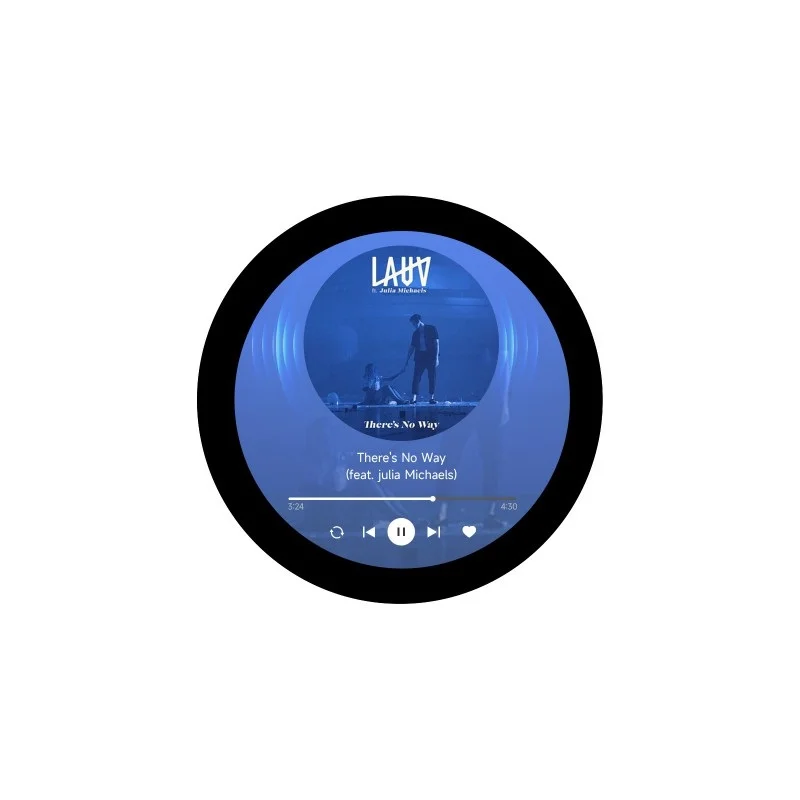
  • Integrated 1.85-inch round LCD with 360×360 resolution and optional capacitive touch for sleek UI designs.
  • Onboard Wi-Fi (2.4GHz) and Bluetooth 5 (BLE) enable wireless control and data transmission.
  • Includes 6-axis IMU sensor, microphone, audio decoder, and 8MB PSRAM for advanced sensing and multimedia applications.
  • Comprehensive power management with lithium battery charging support for portable, battery-powered projects.

Out of stock

Description

This Waveshare development board combines the computational power of the ESP32-S3 with a vibrant, round display, creating a complete platform for embedded graphical interfaces. The dual-core Xtensa LX7 CPU handles complex rendering and wireless stack management simultaneously, while the integrated 8MB PSRAM ensures smooth graphics performance.

Built for portable applications, the board features a QMI8658 6-axis IMU for motion sensing, a digital microphone for audio input, and a hardware audio decoder. Its power system includes a dedicated battery charge controller and RTC backup, supporting deep sleep modes to minimize current draw in always-on wearable or remote monitoring scenarios.

Key Features

  • High-resolution 1.85-inch round LCD with 262K colors delivers crisp, circular graphical interfaces.
  • Optional capacitive touchscreen (I2C-controlled) enables intuitive, gesture-based user interaction.
  • Integrated 2.4GHz Wi-Fi and Bluetooth 5 (BLE) stack supports IoT protocols like MQTT and HTTP/S for cloud connectivity.
  • Onboard 6-axis IMU (accelerometer & gyroscope), microphone, and audio codec facilitate sensor fusion and voice control applications.
  • Ample memory with 16MB Flash and 8MB PSRAM supports complex firmware, graphics assets, and audio buffers.
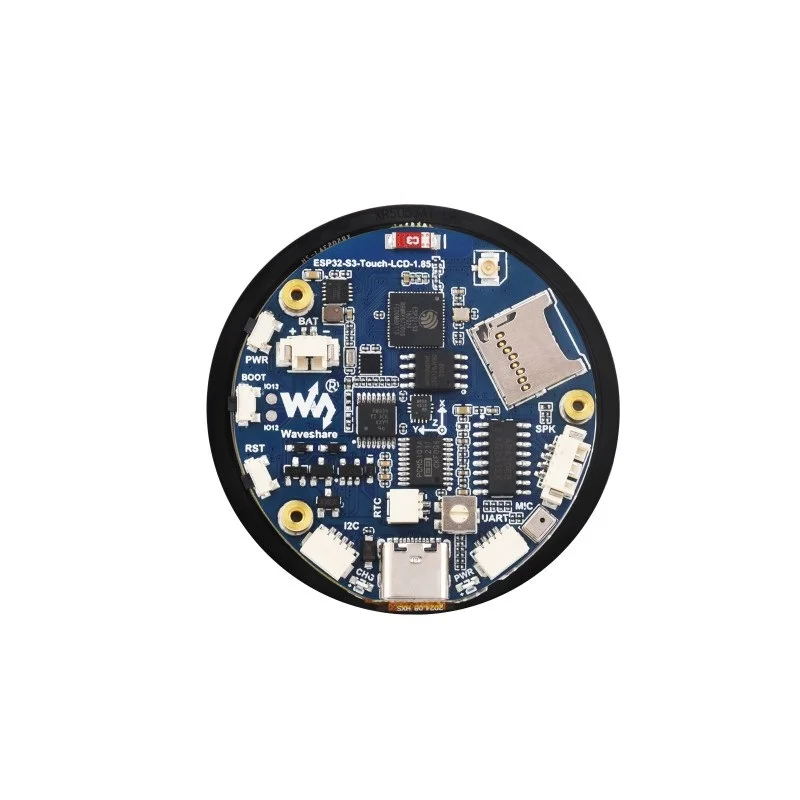
  • Expansion interfaces include TF card slot, I2C, and UART for connecting external sensors, storage, or serial devices.
  • Comprehensive power management unit supports single-cell Li-ion/Li-Po batteries with onboard charging and regulation.
  • Compact form factor with a pre-mounted speaker is designed for space-constrained wearable and portable enclosures.

Applications

  • Interactive Human-Machine Interfaces (HMIs) for embedded control panels and smart home dashboards.
  • Wearable technology and fitness trackers with graphical displays and motion sensing.
  • Portable IoT sensor nodes requiring local data visualization and wireless telemetry.
  • Prototyping compact audio-visual devices with voice control and wireless streaming capabilities.
  • Educational tools for learning embedded GUI development, sensor integration, and wireless IoT systems.

Technical Specifications

Microcontroller/SoCESP32-S3 dual-core Xtensa LX7
Wireless ProtocolsWi-Fi 2.4GHz, Bluetooth 5.0 (BLE)
Display1.85-inch round LCD, 360x360 resolution, 262K colors
Touch InterfaceOptional capacitive touch (I2C)
Memory16MB Flash, 8MB PSRAM, 512KB SRAM, 384KB ROM
Onboard SensorsQMI8658 6-axis IMU, digital microphone
AudioHardware audio decoder, 2W speaker
Expansion InterfacesGPIO, I2C, UART, TF card slot
Power Supply3.3V via USB or Li-ion/Li-Po battery (onboard charging)
DimensionsApprox. 12 x 7 x 4 cm (board with display)

Frequently Asked Questions

How do I enable the capacitive touch function on this Waveshare board?

The touch function is only available on the specific 'ESP32-S3-Touch-LCD-1.85' variant. If your board has it, connect via the dedicated I2C pins. Use the provided Arduino or ESP-IDF library from Waveshare's wiki, which includes examples for touch calibration and reading X/Y coordinates. Ensure your firmware configures the correct I2C address and interrupt pin for responsive touch detection in your UI application.

What is the procedure for programming this board with the Arduino IDE?

First, install the ESP32 board support via the Boards Manager using the Espressif repository URL. Select 'ESP32S3 Dev Module' as your target. Configure the board settings: set 'PSRAM' to 'OPI PSRAM', 'Partition Scheme' to 'Huge APP', and 'CPU Frequency' to 240MHz. Connect via USB-C, upload your sketch, and use the serial monitor for debugging. The onboard buttons (Boot/Reset) facilitate entering download mode for firmware updates.

How do I power the board using a lithium battery and what is the sleep current?

Connect a 3.7V Li-ion/Li-Po battery to the dedicated 'BAT' terminals. The onboard charge controller manages charging via USB. For lowest power, utilize the ESP32-S3's deep sleep modes via firmware. Configure GPIOs as outputs low, disable peripherals, and call esp_deep_sleep_start(). Expected sleep current is in the microamp range, but precise measurement requires disabling the display backlight and peripherals via their enable pins.

Package Includes

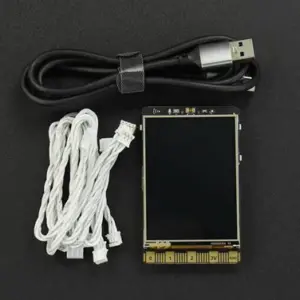
  • 1 x ESP32-S3-LCD-1.85 Development Board
  • 1 x 2030 8Ω 2W Speaker
  • 2 x SH1.0 4PIN Cable (~100mm)

Additional Information

Weight 0.057 kg
Dimensions 7 × 12 × 4 cm